PIANO / ENSEMBLE Voice Sections 35
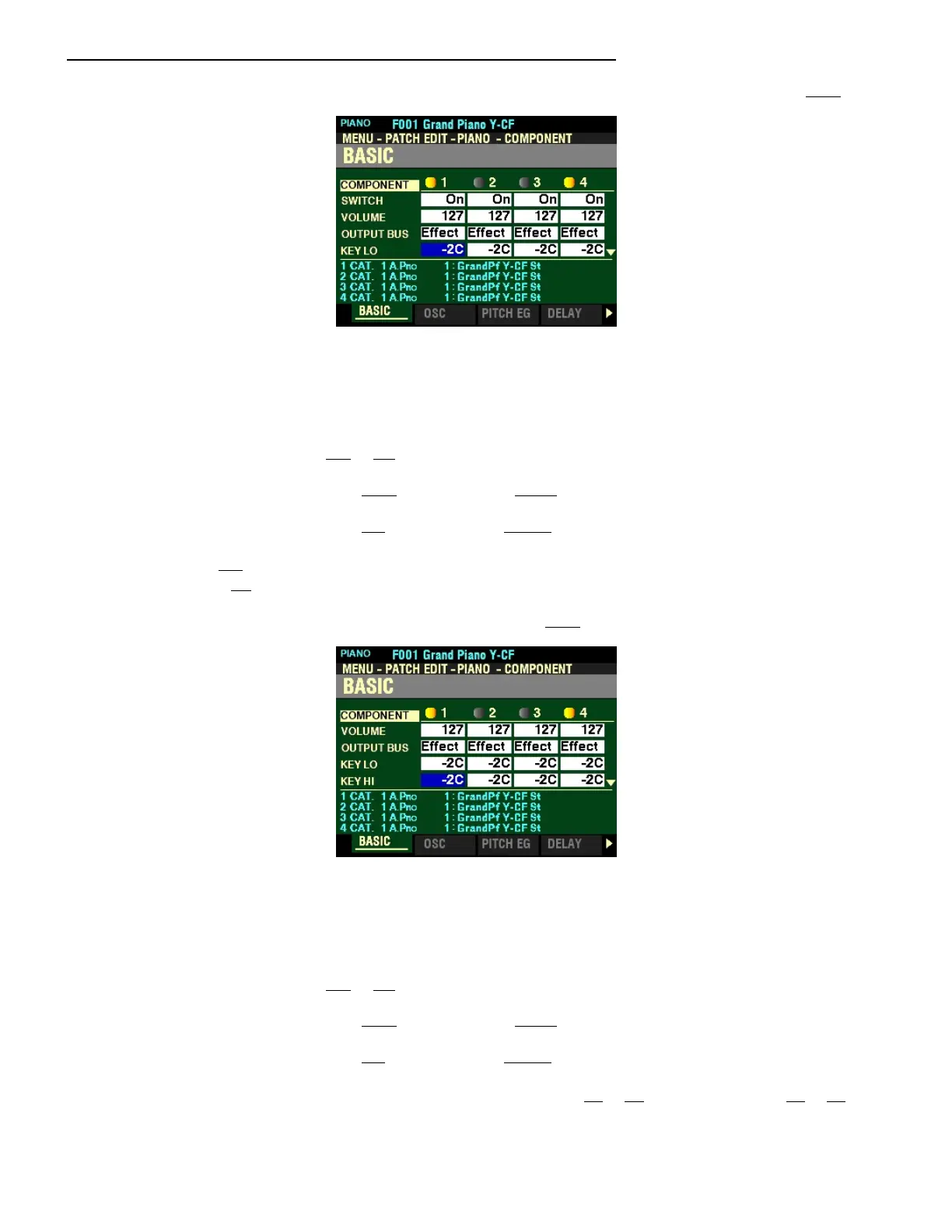
From the screen shown at the bottom of the previous page, press the DIRECTION “q” button once.
The box to the right of “KEY LO” should be highlighted.
KEY RANGE LOW
This Parameter allows you to adjust the lower sounding range of the selected Component by note
number. You can select from -2C to 8G.
Turn the VALUE knob to the right to set the range lower.
Turn the VALUE knob to the left to set the range higher.
NOTE: -2C is a note two octaves and a sixth below the lowest note on a standard 88-note piano
keyboard. 8G is two octaves and a fifth above the highest note.
From the above screen, press the DIRECTION “q” button once.
The box to the right of “KEY HI” should be highlighted.
KEY RANGE HIGH
This Parameter allows you to adjust the upper sounding range of the selected Component by note
number. You can select from -2C to 8G.
Turn the VALUE knob to the right to set the range lower.
Turn the VALUE knob to the left to set the range higher.
NOTE: The note ranges on the keyboards of the SK PRO are C1 to C6 for the SK PRO and E0 to E6 for
the SK PRO-73.



 To Next Page