PIANO / ENSEMBLE Voice Sections 41
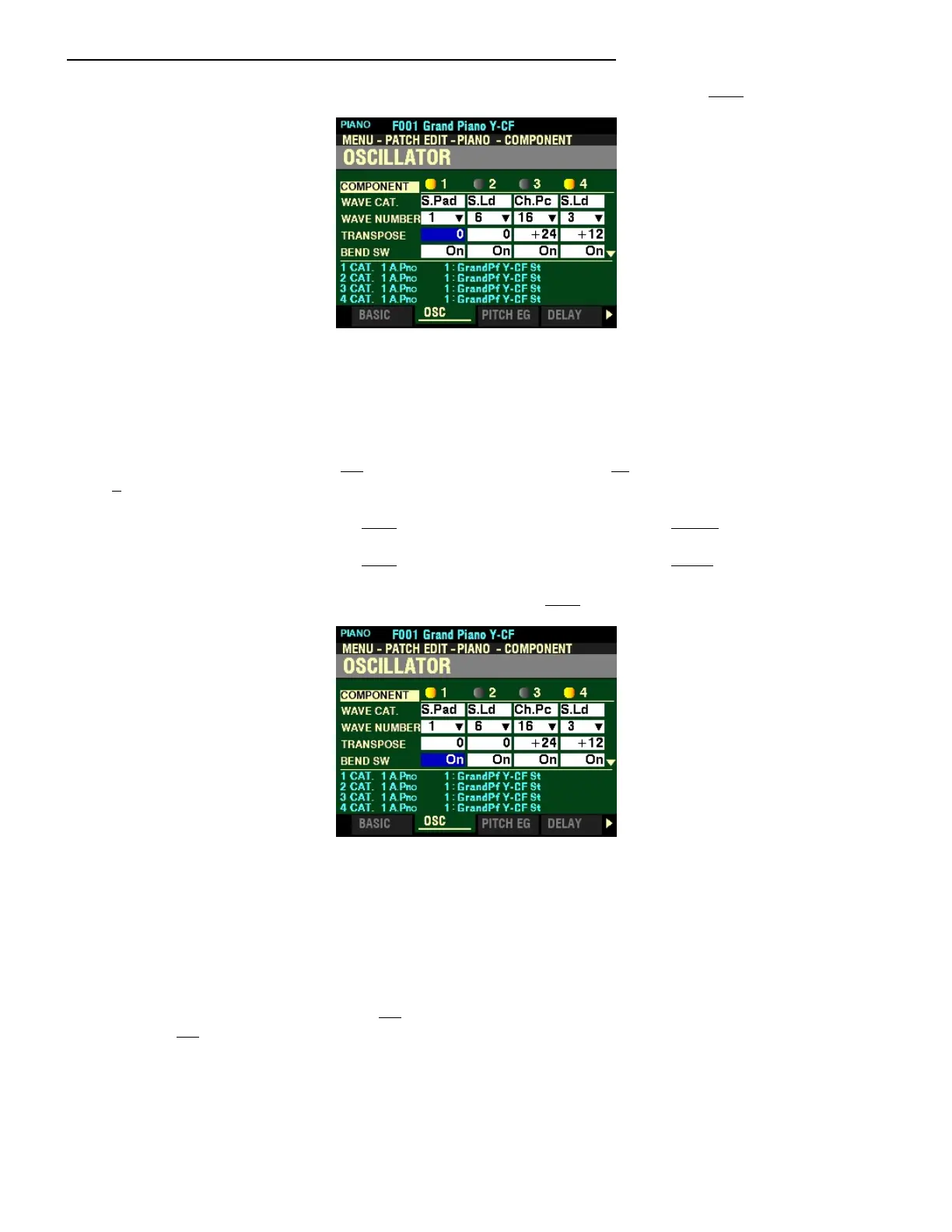
From the screen shown on the previous page, press the DIRECTION “q” button once.
The box to the right of “TRANSPOSE” should be highlighted.
TRANSPOSE
This Parameter allows you to adjust the sounding pitch of the selected Component by half-steps or
semitones. You can select from -63 (down five octaves and a third) to 63 (up five octaves and a third). At
0 there is no transposition.
Turn the VALUE knob to the right to transpose the selected Component higher.
Turn the VALUE knob to the right to transpose the selected Component lower.
From the above screen, press the DIRECTION “q” button once.
The box to the right of “BEND SW” should be highlighted.
PITCH BEND SWITCH
This Parameter allows you to select whether the Pitch Bend Wheel will bend the pitch of the selected
Component.
Turn the VALUE knob to select Off (the Pitch Bend Wheel will not affect the selected Component)
or On (the Pitch Bend Wheel will bend the pitch of the selected Component).



 To Next Page