USER MANUAL For MULTISCAN plus
Chapter 2 - 14
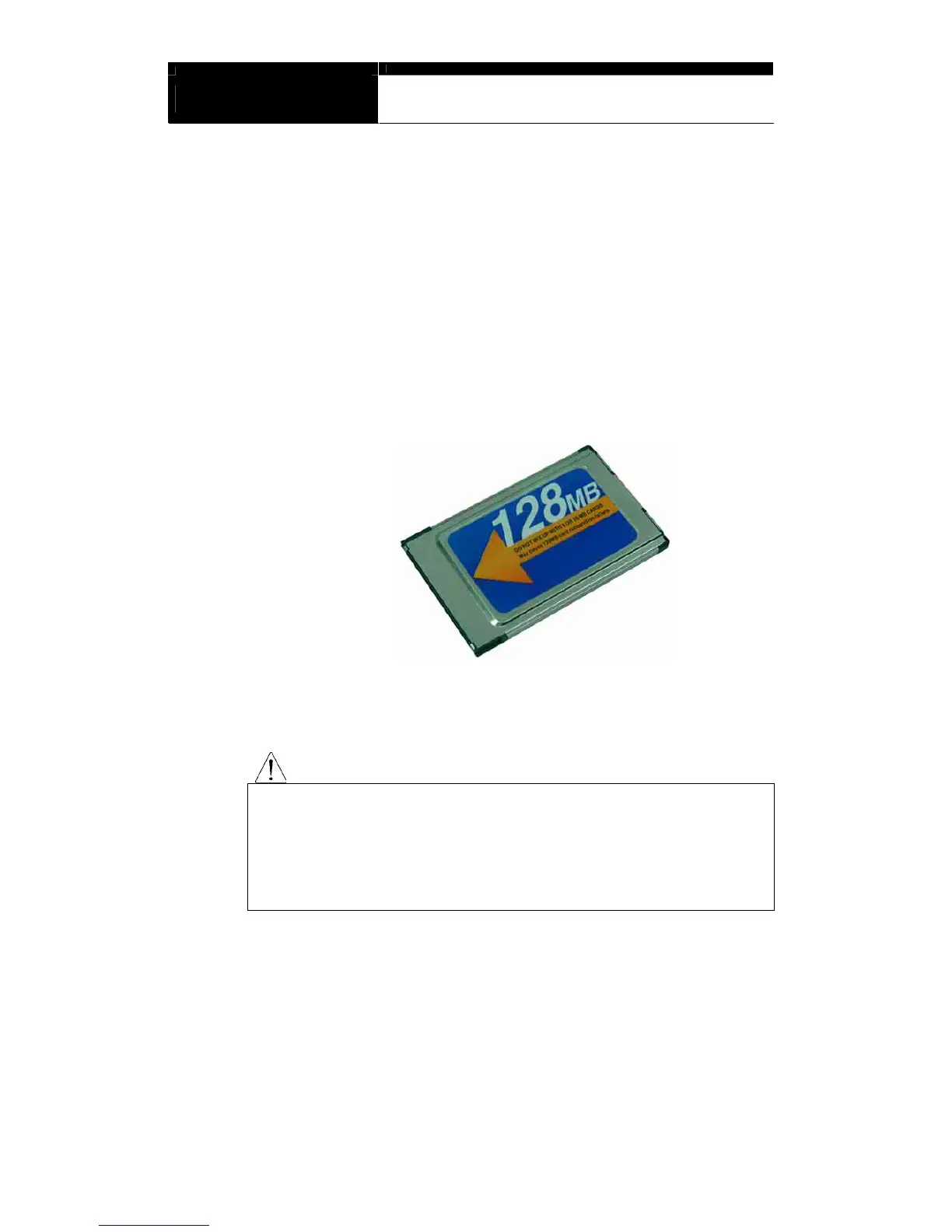
C. Software Cartridge
- Contains vehicle information and operating software for MULTISCAN
plus scanners.
- The appearance and measurements for MULTISCAN plus cartridges
complies with standard PCMCIA, however, inner circuits are of
Hanatech’s own design. Therefore, you can neither use it with the
other equipment nor copy its contents to the other standard PCMCIA.
WARNING
MAKE SURE TO TURN POWER OFF BEFORE REMOVING OR INSERTING
A CARTRIDGE. It is extremely dangerous to insert or remove a PCMCIA card
while the head unit is turned on. Both PCMCIA card and head unit can be
critically damaged and break down. Always turn power off by pressing the
[POWER] key or removing power supply cable from the head unit before
inserting or removing a PCMCIA card..


 To Next Page