Hanatech Co., Ltd.
Chapter 4
Chapter 4 - 17
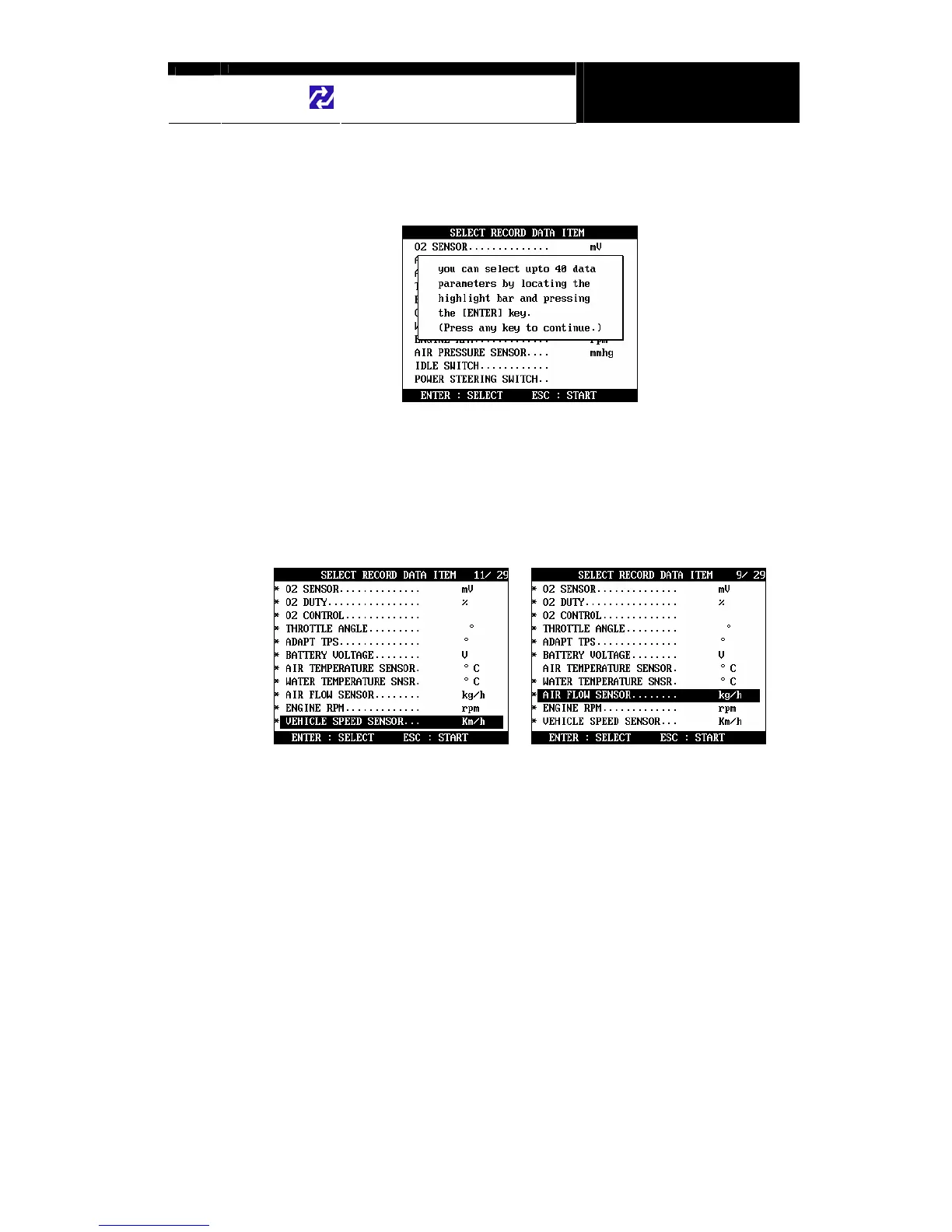
C. PID(Live data parameter) selection
a You are required to select the parameters to record.
b MULTISCAN plus will show you the whole live data parameters available
in the control system you selected. Locate the highlight bar on the
desired parameter and press the [ENTER] key.
Selected parameter will be marked star(*).
You can also deselect the parameter by repeating the procedure.
c You can select up to 40 PIDs to record. Press the [ESC] key when the
selection is completed, then MULTISCAN plus will start recording data.


 To Next Page