DG3 Controller – Installation and Operation
Manual
540846-3 page 4 of 64 25/09/2015
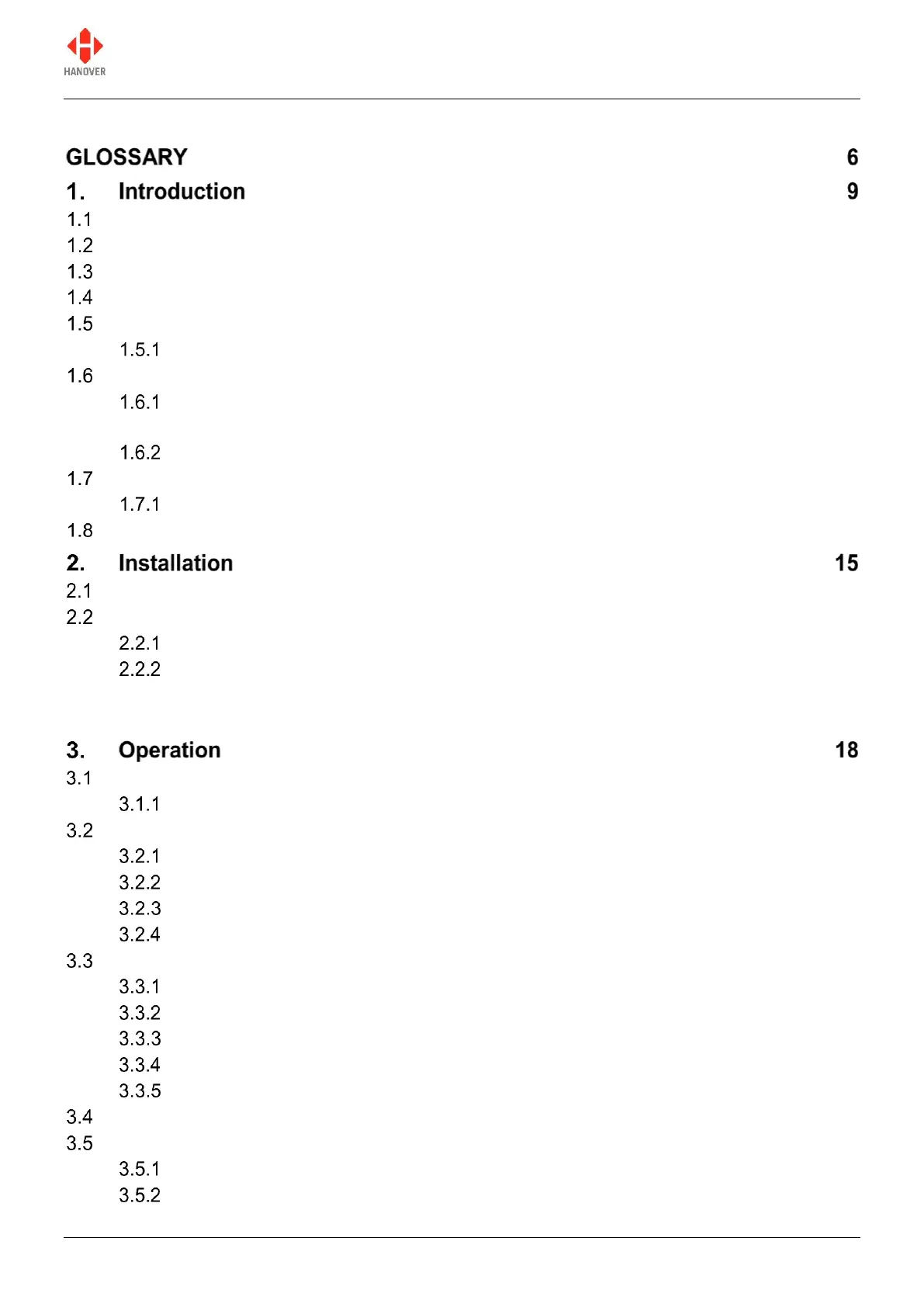
CONTENTS
General 9
Scope of this manual 9
Brief history of Hanover controllers 10
System overview 10
Identification 11
Model variants 12
Controller overview 13
Front view 13
1.6.1.1 Example of an organic LED display 14
Rear view 14
Technical information 14
Specification 14
System supply voltages 14
Fitting the controller 15
System wiring 15
Power and communication 15
Adaptor cable 16
2.2.2.1 CX330K – For replacing a DERIC+ controller 16
2.2.2.2 CX330X OR CX330N – For replacing an ERIC++ controller 16
Getting started 18
Boot screens on power-up 18
Loading a database into the DG3 from Helen 18
Formatting the USB stick 18
Configuring the USB stick for loading 20
Transferring the database to the USB stick using Helen 21
Transferring the database from the USB stick to the DG3 22
Selecting the information to be shown on the signs 23
Destination code 23
Route code 24
Information code 24
Advert code 25
Lock code 25
Other configurations 25
Accessing other functions of the DG3 25
Status options 26
Running the signs test 28


 To Next Page
 Loading...