HT2018B(C) Battery System Tester 5
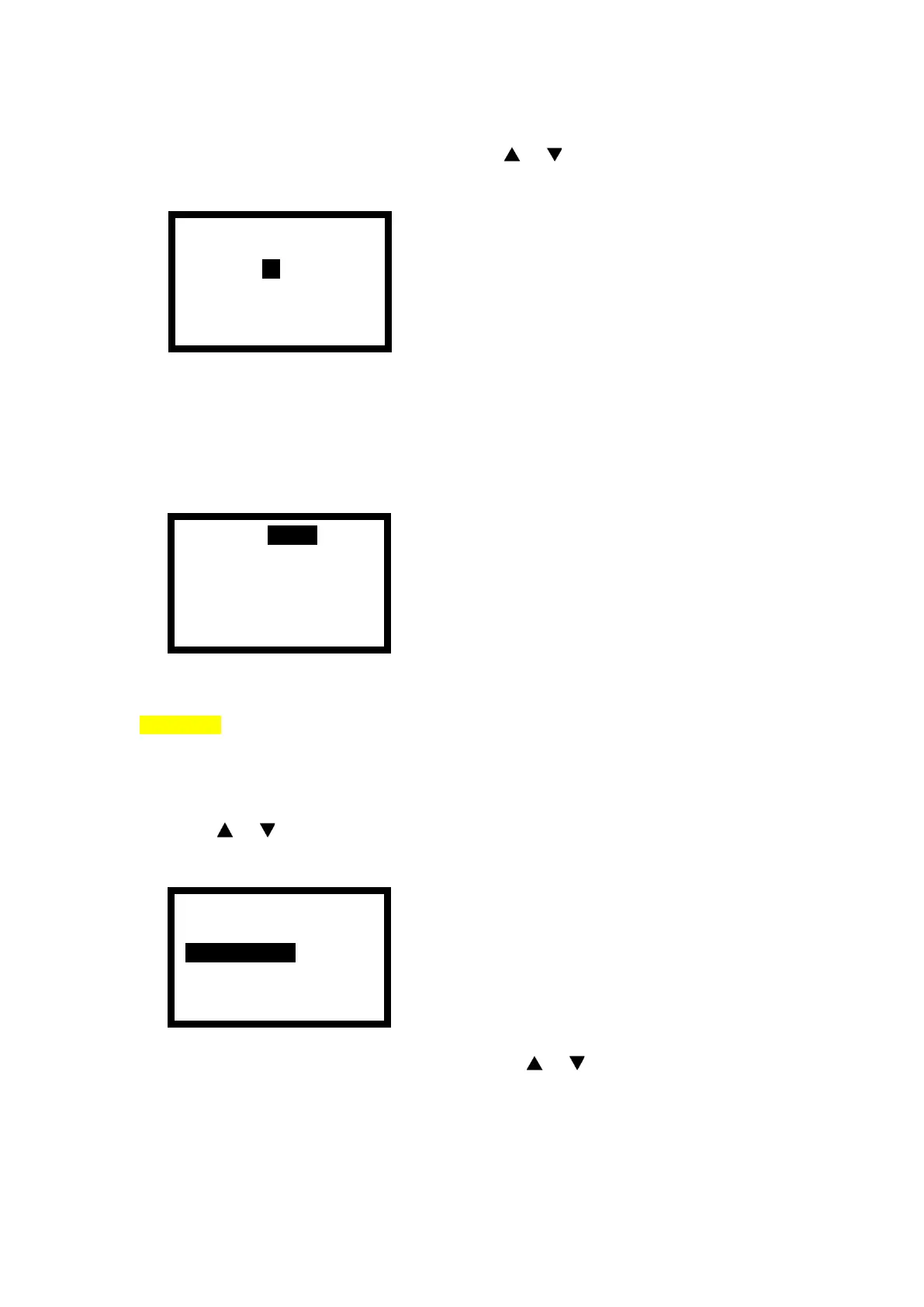
4) According to the battery capacity value, press < > < > button to adjust the battery
capacity value, as shown in the figure.
5) Adjust the reference standard value of battery test and press the <ENTER> button to
start the test.
6) When the test is completed, and the display area will display the test results.
Exact Test
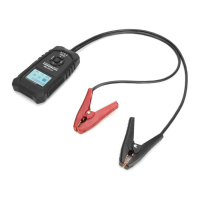
1) Connect the red test clamp to the battery positive pole, connect the black test clamp to
the battery negative pole. Attention must be made to good contact so as not to affect test
results.
2) Press < > < > button to select the battery startup ability test item and press
<ENTER> to enter the selection, as follows:
3) According to the nameplate on the battery, press < > < > button to select the quick
test or exact test. Select Exact Test here and press <ENTER> to proceed to the next
step.


 To Next Page