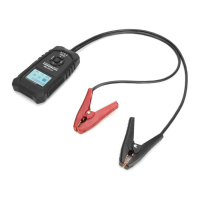
HT2018B(C) Battery System Tester 6
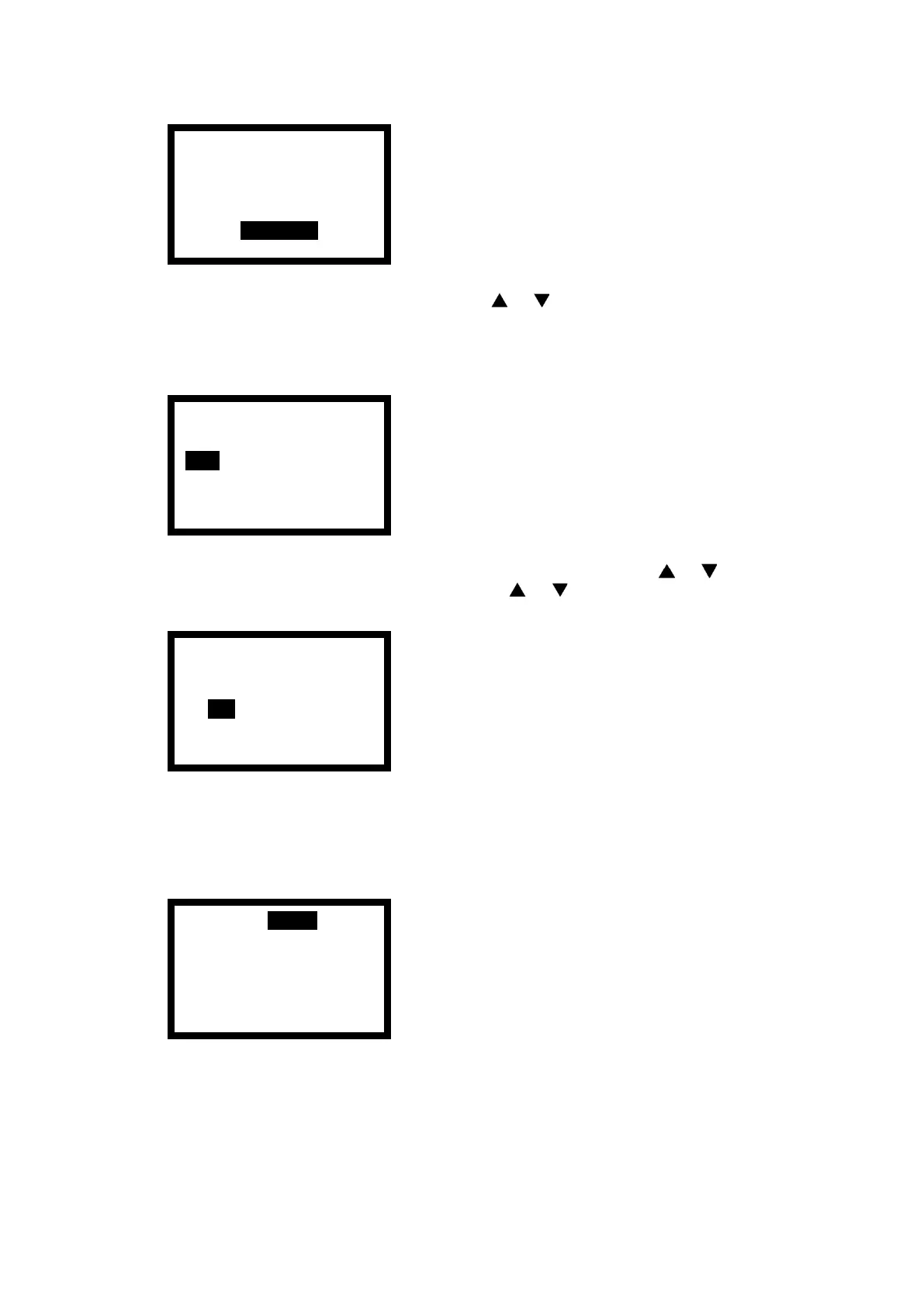
4) According to the battery standard and press < > < > button to choose the battery
type. If the battery is JIS standard, select CCA (SAE) as the test standard after consulting
the table and comparing CCA. After choose the battery type, now press <ENTER> to
enter the selection, as follows:
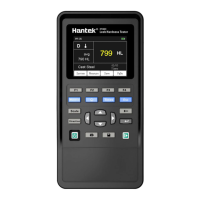
5) According to the standard value expressed on the battery, pressing < > < > button
to adjust the battery specification, and long press < > < > button to realize the
numerical adjustment. As follows:
6) Adjust the reference standard value of battery test and press the <ENTER> button to
start the test.
7) When the test is completed, and the display area will display the test results.
8) Now press the middle button to enter the print test report interface (refer to Section
5.6), press the < ESC > button will return to step (4).
Note: only HT2018C has Bluetooth printing function.
Quick Test
Exact Test


 To Next Page