MA310 | MA510 | MA710 Owner's Manual | rev1.3 20240612
Pg 17 of 42
©2024 Harman International | Features, Specifications, and Appearance subject to change without notice.
OPERATING YOUR RECEIVER
For set up, configuration and information display we recommend you use the OSD (On-Screen Display) on your TV whenever
possible.
SELECTING A SOURCE
To select an input source, press the INPUT or INPUT buttons on the remote, or rotate the front panel input knob until that
source is shown on the front panel display. Press SELECT on the remote or push the front panel Input knob to select.
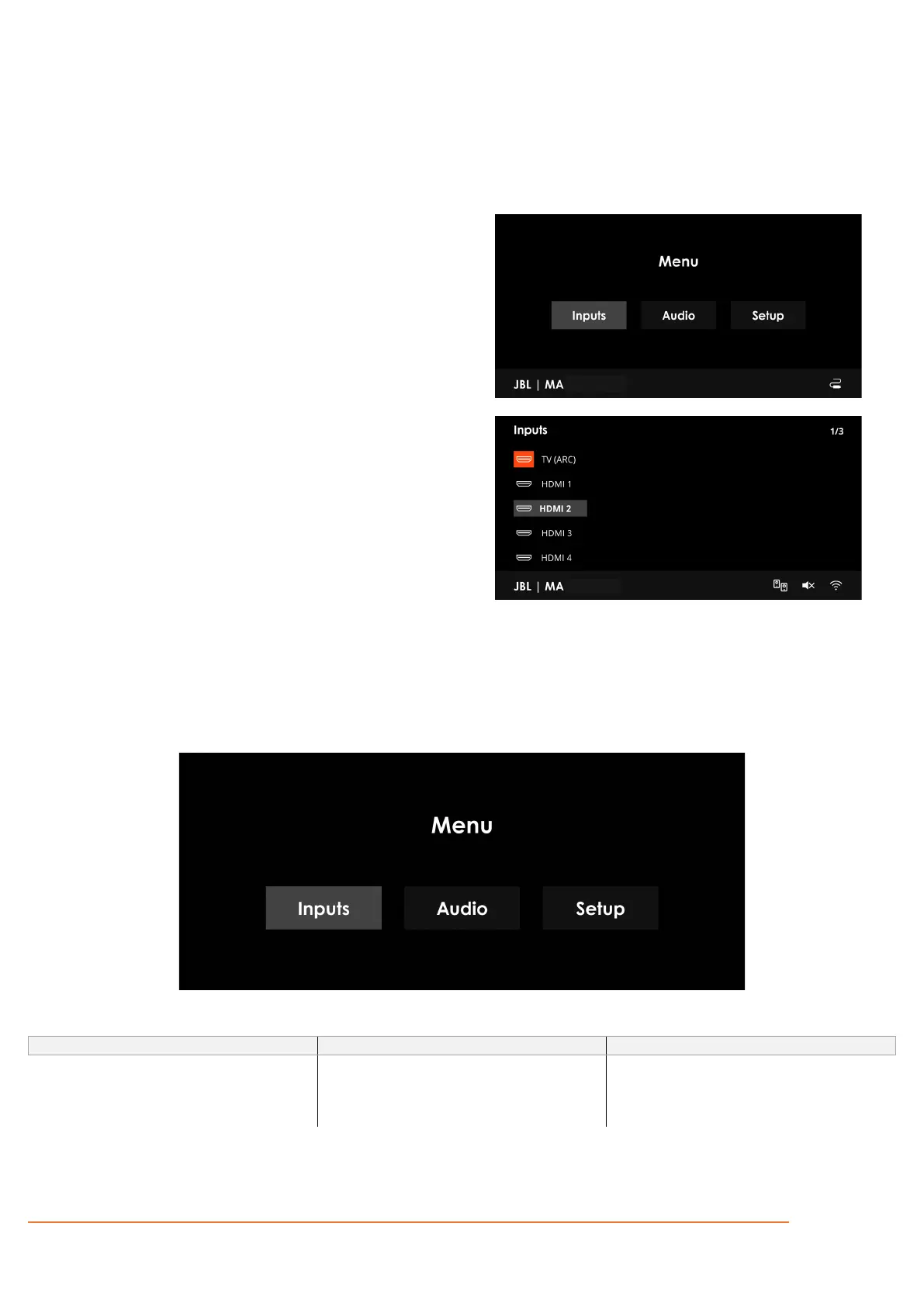
Alternatively, you may browse input sources using the Inputs
screen from the On-Screen Display Main Menu.
Press the MENU button on the remote, scroll
(left) to
Inputs and press the SELECT button to enter.
From here, use the
and
keys to browse input sources.
Press SELECT on the remote to select a source.
MAIN MENU OVERVIEW
Provides access to the main features of the Receiver.
Browse and select input sources.
Quick access to apply audio effects,
equalization, and surround modes on-
the-fly.
Essential tools and settings. Most of
the setup menus need only be
configured once when you first install



 To Next Page