Pg 11 of
14
©2024 Harman International | Features, Specifications, and Appearance subject to change without notice.
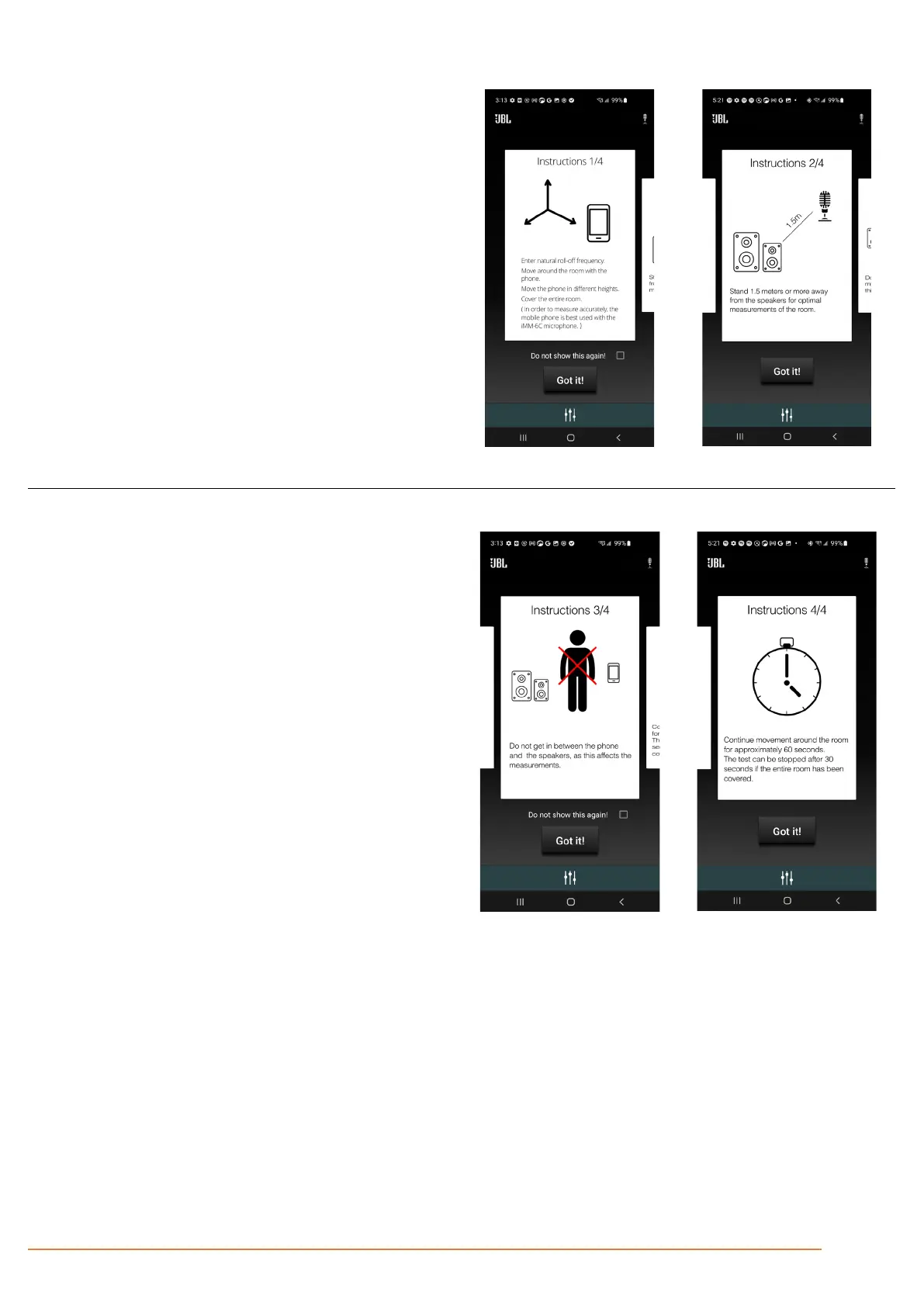
Step 4 – Read instructions for best results
The first instruction is to move around the entire listening
area, with the phone in different angles and heights, as it is
important to get an understanding of all listening locations.
The next instruction page can be seen by swiping the shown
instruction to the left. This allows you to go through the
instructions multiple times if needed.
The second instruction is to make sure the mobile device is
always at least 1.5 meters away from the speaker. This is
important to create a more accurate understanding of the
room acoustics.
The instructions can be skipped, and the process can
proceed by pressing 'Got It!'
The third instruction is to make sure that there are no
obstructions between the phone and the speaker. This is
important to create a more accurate understanding of the
room acoustics.
Lastly, the process can take up to 60 seconds. If you are
calibrating for a small room, 30 seconds will be enough.
A button will present itself after 30 seconds allowing you to
stop the measuring if finished.



 To Next Page