QuantumX
28 A2361-3.3_en/de
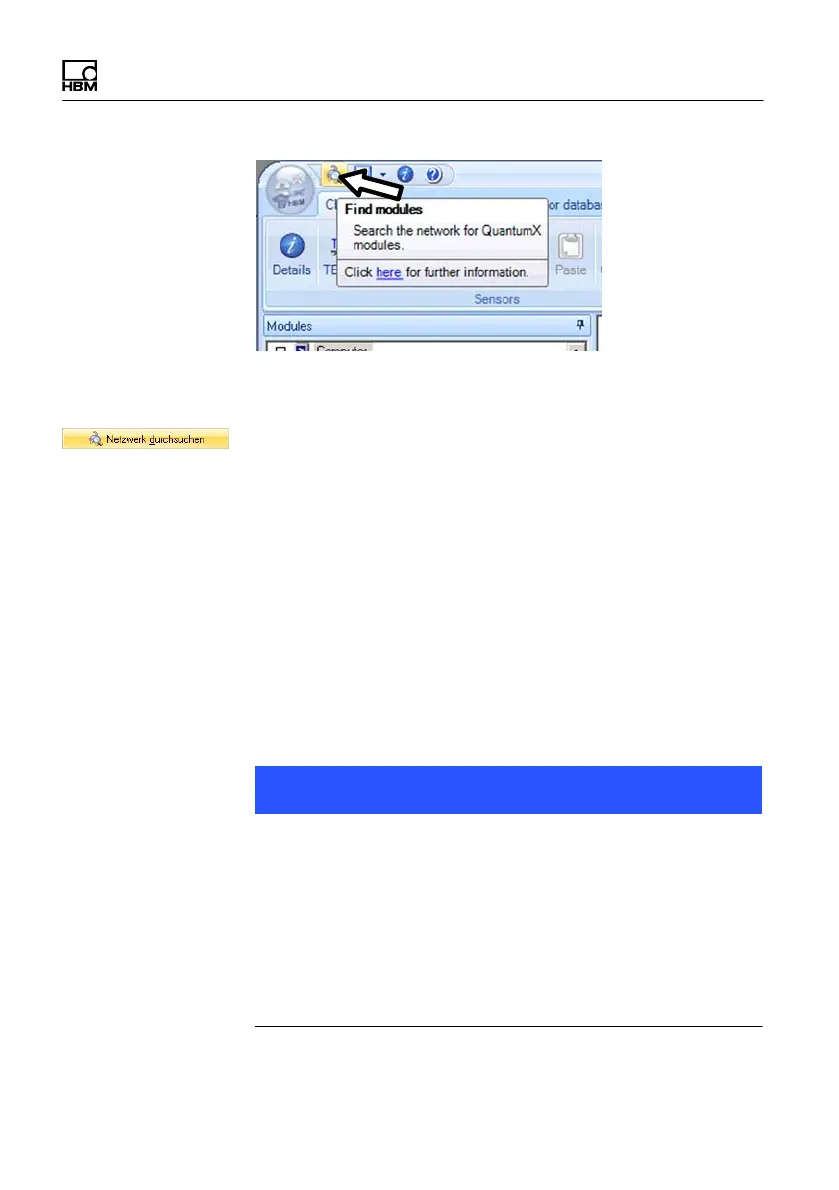
The field ”Modules found” displays all modules
connected via FireWire.
S If your modules are not yet displayed, mark ”Search
the complete network” and click again on the
button.
S Mark the relevant modules by checking the relevant
checkbox
S Confirm with ”OK”
This completes the settings for your connection. Connect
your transducer now, connection information can be
found in the ”QuantumX operating instructions”.
Information about further channel configuration can be
found in the online help of the HBM software you are
using.
Note
If no modules are found via FireWire this may be caused
by the following:
S The modules have not been properly registered. Click
on the FireWire driver in Systray, check the driver
behind the modules and reinstall it, if necessary
(hbm1394.sys).
S Check all connections between the modules.









 To Next Page