35
T12
A1979−10.0 en HBM
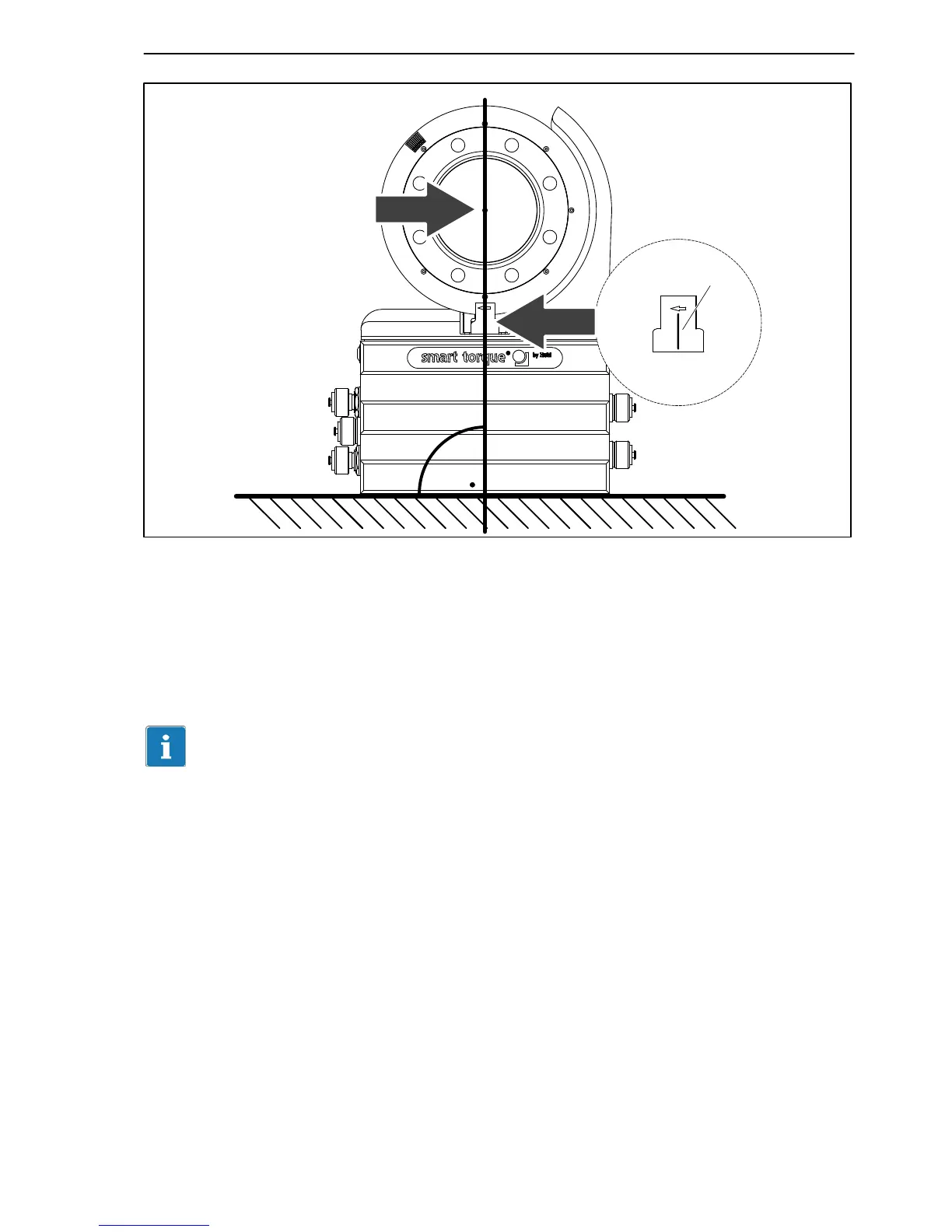
Centering point for
aligning the rotor
Marking
Fig. 6.20: Alignment marks on rotor and stator
Connect the power line (plug 1).
Switch the LED display mode of the T12 Assistant to “optical rotational speed
system”
setting mode and turn the rotor. Notice the LED to the right of plug 4;
this must stay green if the setting is correct (also see Chapter 8.3).
Important
Angle of rotation measurement is not suitable for static and quasi-static
applications!


 To Next Page