EasyManua.ls Logo

HBS Visar 650 - User Manual

HBS Visar 650
60 pages
Print Icon
To Next Page IconTo Next Page
Loading...
©HBS Bolzenschweiss-Systeme GmbH & Co. KG
All rights reserved – Reprinting, in whole or in part, only with the approval of the manufacturer
Operating Manual
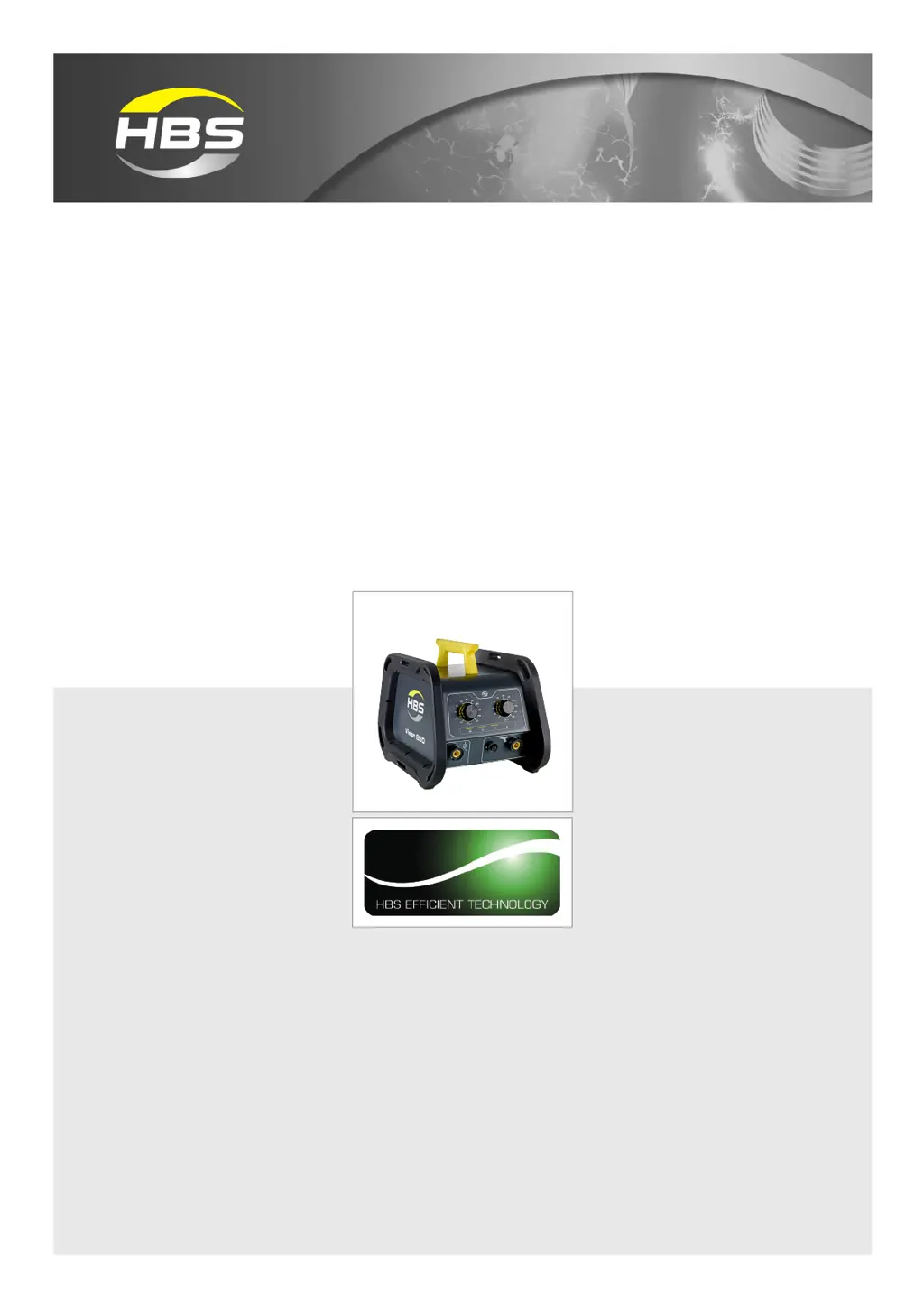
Visar 650
Stud Welding Unit
93-60-0650
2021

Questions and Answers

  • R
    rosaleswhitneyAug 5, 2025
    What to do if HBS Visar 650 gun does not lift, in spite of?
    • D
      David HansenAug 5, 2025
      If the welding gun does not lift, even when activated, it could be due to several reasons: * No lift adjusted: Modify set parameters. * Short circuit of solenoid circuit: Replace control cable connector, control cable and solenoid. * Defective Solenoid: Replace the solenoid.
  • B
    brittany96Aug 11, 2025
    Why HBS Welding System shows continuously yellow light?
    • W
      warrendanielAug 11, 2025
      The continuous yellow light indicates that the welding sequence is running too fast. To resolve this, let the switched-on stud welding unit cool down.
  • W
    wwoodAug 18, 2025
    What to do if lifting is impossible with HBS Visar 650?
    • M
      Mr. James SmithAug 18, 2025
      If lifting is impossible, it is likely due to an interrupted solenoid circuit. The suggested solution is to replace the solenoid or control cable.
  • R
    rachelgarciaAug 25, 2025
    How to troubleshoot no display on HBS Visar 650?
    • A
      Allison OchoaAug 25, 2025
      If there is no display on your HBS Welding System, check the following: * Ensure a proper ground connection by tightening it securely. * Verify the welding gun is correctly connected. * Clean or grind the material surface to reduce transition resistance between the stud and workpiece. * Inspect and replace the ground cable if broken. * Inspect and replace the welding gun cable if broken.
  • J
    Jean LawrenceAug 30, 2025
    What causes no display on HBS Visar 650 Welding System?
    • T
      Tammy BradfordAug 30, 2025
      If your HBS Welding System has no display, the possible causes are: * Defective connecting line of welding gun: Replace the connecting line. * Defective welding gun trigger button: Replace the welding gun trigger button. * Broken control cable: Replace the control cable.

Summary

Important Safety Precautions

General Operational Safety

Covers risks from incorrect use, unauthorized personnel, and machine modifications.

EMF Directive and High-Risk Groups

Addresses EMF risks for individuals with medical implants, pregnant workers.

Environmental and Health Hazards

Details ventilation, room height, fume extraction, and airborne particulates.

Fire Safety and Personal Protection

Outlines measures to prevent fires and protect personnel from spatter and burns.

EMF Cable Management

Provides guidance on cable placement to minimize EMF exposure.

Product Overview and Technical Data

Symbols, Terms, and Glossary

Explains symbols, defines terms, and provides a glossary of technical vocabulary.

Scope of Supply and Accessories

Details the standard package and lists available accessories for the unit.

Technical Specifications

Provides detailed technical data and specifications for the Visar 650 unit.

Intended Use and Warranty

Defines the proper application of the unit and outlines warranty terms.

Unit Components and Setup Procedures

Physical Components and Protection

Describes features like damage protection, sturdy configuration, and ground clearance.

Internal Assemblies and Type Plate

Details main electrical assemblies and information on the unit's type plate.

Operation Panel and Controls

Explains the functions of the operation panel, display, and LEDs.

Connecting the Unit

Guides on connecting welding gun, ground cable, and mains supply.

Welding Process and Operation

Welding Process Overview

Explains drawn-arc stud welding principles and variants.

Workplace Preparation and Gun Checks

Details how to prepare the workplace and check the welding gun.

Performing Welding and Parameter Settings

Guides on switching on, setting parameters, and performing welding.

Sleep Mode and Weld Quality Checks

Describes sleep mode and methods for checking weld quality.

Maintenance, Troubleshooting, and Support

Troubleshooting Common Issues

Provides solutions for common faults and operational problems.

Maintenance and Care Procedures

Outlines cleaning, inspection, and testing for unit upkeep.

Storage, Disposal, and Service

Covers unit storage, responsible disposal, and service contact information.

Regulatory Compliance and Service Information

Covers the EC Declaration of Conformity and service/support contact details.

HBS Visar 650 Specifications

General IconGeneral
BrandHBS
ModelVisar 650
CategoryWelding System
LanguageEnglish

Related product manuals