EasyManua.ls Logo

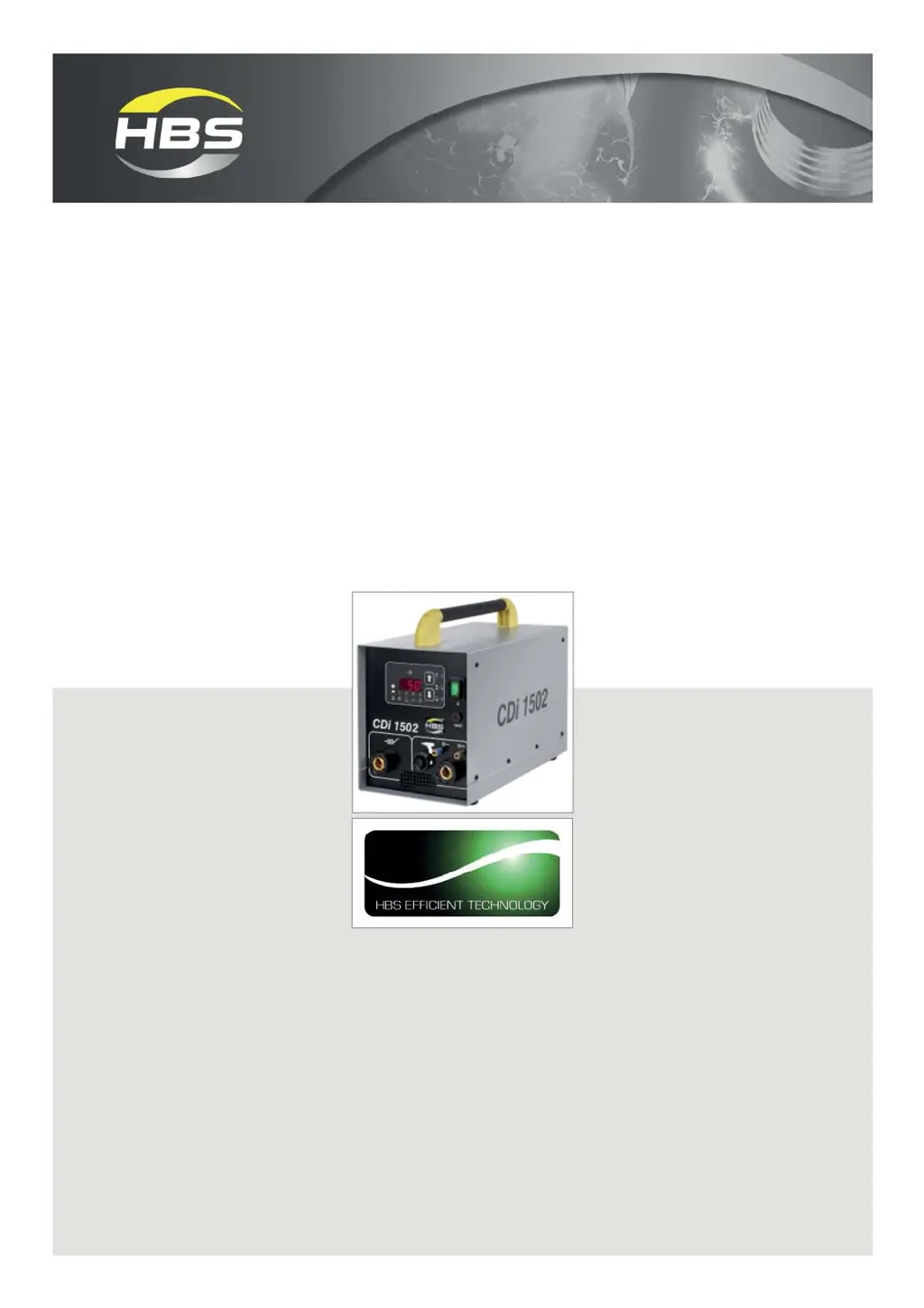
HBS CDi 1502 - User Manual

HBS CDi 1502
62 pages
Print Icon
To Next Page IconTo Next Page
Loading...
©HBS Bolzenschweiss-Systeme GmbH & Co. KG
All rights reserved – Reprinting, in whole or in part, only with the approval of the manufacturer
Operating Manual
CDi 1502
Stud Welding Unit
92-10-1504B
2017

Questions and Answers

  • G
    George WilliamsAug 17, 2025
    What to do if my HBS Welding System shows a continuously red display 'Er'?
    • D
      Dennis NelsonAug 17, 2025
      If the HBS Welding System displays a continuous red 'Er' message, it indicates a discharge relay control issue. Try switching the stud welding unit off, waiting a few seconds, and then switching it back on. If the unit remains locked, switch it off and contact the responsible service department.
  • C
    Christopher JohnsonAug 19, 2025
    What should I do if my HBS Welding System shows a continuously red display 'E t'?
    • J
      joelsimsAug 19, 2025
      If your HBS Welding System displays a continuous red 'E t' message, it means the discharge transistor is defective. Turn off the stud welding unit, wait a few seconds, and then turn it back on. If the error persists, switch off the unit again and contact the responsible service department.
  • J
    Jennifer ReillyAug 22, 2025
    What to do if my HBS Welding System displays a continuous red 'Elt'?
    • J
      Jessica LongAug 22, 2025
      If the HBS Welding System displays a continuous red 'Elt' message, it indicates that the charging time of the capacitor battery is too long. To resolve this, switch off the stud welding unit, wait a few seconds, and then switch it back on. If the stud welding unit remains locked, switch it off again and contact the responsible service department.
  • J
    Joseph HallAug 26, 2025
    What should I do if my HBS Welding System displays a continuous red display 'EtY'?
    • J
      Joseph RiosAug 26, 2025
      If the HBS Welding System displays a continuous red 'EtY' message, it means that the main thyristor or control is defective. Try switching off the stud welding unit, waiting a few seconds, and then switching it back on. If the stud welding unit remains locked, switch it off again and contact the responsible service department.
  • G
    Gregg FarleyAug 28, 2025
    What does it mean if my HBS Welding System continuously displays a red 'hot' message?
    • B
      Brittany BergAug 28, 2025
      If the HBS Welding System displays a continuous red 'hot' message, it indicates a charging error. Leave the stud welding unit switched on and wait for the p.c. board charge control to cool down. If the unit continues to display 'hot', contact the responsible service department.
  • D
    Daniel WhiteAug 30, 2025
    Why does the gun not lift on my HBS Welding System?
    • L
      Latoya McculloughAug 31, 2025
      If the gun of your HBS Welding System does not lift, it could be due to the lift not being adjusted properly; in this case, modify the set parameters. Another cause could be a short circuit of the solenoid circuit of the gun, in which case replace the control cable-connector, control cable and solenoid. It could also be that the solenoid is defective and needs to be replaced.
  • P
    Phyllis WilsonSep 2, 2025
    What to do if HBS Welding System has no display due to magnetic circuit interruption?
    • J
      josephswansonSep 2, 2025
      If you are experiencing 'No display' on your HBS Welding System, it might be due to an interrupted magnetic circuit. Consider replacing the solenoid or control cable to resolve this issue.
  • C
    Crystal KellySep 5, 2025
    Why is the light signal of the primary switch not lighting on my HBS Welding System?
    • D
      donald47Sep 5, 2025
      If the light signal of the primary switch on your HBS Welding System does not light up, it could be due to a defective primary outlet, which should be replaced. Alternatively, the mains cable might be broken and would need replacement.
  • J
    Joshua JonesSep 7, 2025
    Why is there no LED display at the front of my HBS Welding System?
    • S
      santoskennethSep 7, 2025
      If there is no LED display at the front of your HBS Welding System, it could be due to a defective fuse F4 10 AT. Replace the mains fuse F4 on the front plate of the stud welding unit. Alternatively, the leads might be interrupted, in which case they should be replaced.
  • J
    Jennifer TrevinoSep 12, 2025
    What does it mean if my HBS Welding System displays a continuous red 'EtA'?
    • A
      Amanda MartinSep 12, 2025
      If the HBS Welding System displays a continuous red 'EtA' message, it indicates that the arrow keys are sticking. Press the arrow keys to resolve this issue.

Summary

Important Safety Precautions

General Operational Safety

Warns about hazards from improper use, unauthorized personnel, and modifications to the stud welding machine.

Specific Hazard Warnings

Details risks for cardiac device wearers, fume exposure, and fire hazards from spatter, flashes, and noise.

Personal Protective Clothing and Area Safety

Specifies required clothing, flammable material removal, and protection against foreign matter ingress.

Symbols and Terms Used

Hazard Symbols and Meanings

Explains the meaning of warning symbols for danger, caution, and specific hazards like electrical or electromagnetic fields.

Protective Clothing and Ear Protection Symbols

Details symbols indicating the need for personal protective clothing and ear protection during operation.

Scope of Supply

Included Components

Lists the basic configuration of the stud welding unit, including the main unit and operating manual.

Available Accessories

Details the ground cables available as optional accessories for the stud welding unit.

Technical Data

Intended Use

Warranty Information

Components of the Stud Welding Unit

Main Assemblies Overview

Diagram and explanation of the primary components: charging device, control, capacitors, and thyristor.

Type Plate Information

Details the information found on the machine's type plate, such as manufacturer, order number, and voltage.

Control Panel and Display Layout

Describes the buttons, display indicators, and their functions on the stud welding unit's control panel.

Library and Automatic Mode Functionality

Explains library mode for voltage settings and automatic mode for stud feeding time.

LED Status Indicators

Explains the meaning of different LED colors (Green, Red, Yellow) indicating the unit's status.

Welding Process

Contact Stud Welding Procedure

Step-by-step explanation of the contact stud welding process, from positioning to weld pool solidification.

Contact Stud Welding for Insulation

Describes the specific procedure for contact stud welding when applied to insulation materials.

Gap Stud Welding Procedure

Explains the gap stud welding process, including lifting the element, arc ignition, and solidification.

Preparing Workplace and Welding Process

Workplace Safety Precautions

Covers safety measures for fumes, fire, tripping hazards, and weld spatter in the work area.

Electromagnetic Field Warnings

Advises on managing electromagnetic fields and ensuring proper air circulation and stable placement of the unit.

Surface Preparation for Welding

Details the necessary steps for preparing surfaces, including removing impurities and ensuring flatness.

Checking the Stud Welding Gun and Feeder

Provides instructions for checking the stud welding gun compatibility, chuck, bellows, and automatic stud feeder.

Connection Procedure

General Connection Safety

Emphasizes preparing the workplace, switching off the unit, and securing cables to prevent hazards.

Connecting the Welding Gun

Step-by-step guide for connecting the welding current and control cables to the stud welding unit.

Connecting the Automatic Stud Feeder

Instructions for connecting the automatic stud feeder (VBZ) control socket to the stud welding unit.

Compressed Air and Ground Cable Connection

Details compressed air connections, ground cable connection, and ground clamp attachment.

Connecting to the Mains Supply

Safety checks and procedures for connecting the unit to the mains power supply, including earthing and voltage.

Welding Operations

Switching on the Stud Welding Unit

Procedure for safely switching on the stud welding unit after connecting it to the power supply.

Determining and Setting Charging Voltage

Explains how to determine charging voltage based on material and gun type using tables and how to set it.

Setting Stud Feed Time (Automatic Mode)

Explains how to set the stud feeding time in automatic mode using arrow keys for element feeding.

Performing the Welding Process

Guidance on performing the welding process, including safety precautions for electric shock and light arc.

Safety: Explosive Gases, Weld Spatter, Noise, and Burns

Covers safety regarding explosive gases, flammable substances, weld spatter, noise hazards, and burns.

Welding Element Batch Management

Advises on using single batch welding elements, handling batch changes, and checking weld quality.

Checking Weld Quality

Visual Inspection of Welds

Details how to perform visual inspections of welds, identify possible causes of defects, and apply corrective actions.

Performing a Bending Test

Explains how to conduct a bending test to assess weld joint strength and identify potential failures.

Bending Test Fracture Analysis and Parameter Optimization

Analyzes bending test failures, suggests corrective actions, and guides parameter optimization.

Blowing Effect and Remedies

Explains the 'blowing effect' caused by asymmetric grounds and provides remedies to ensure even melting.

Troubleshooting Guide

Personnel Qualification for Troubleshooting

Emphasizes that only qualified personnel should perform troubleshooting and repairs on the unit.

Troubleshooting: Unit Not Operating

Lists common faults like no light signal or no display, with causes, localization, and remedies.

Troubleshooting: Error Displays and Gun Issues

Details error codes, display issues, and gun lift problems, providing solutions for each.

Shutting Down the Unit

Maintenance and Care

Cleaning Procedures and Safety

Provides instructions for cleaning the unit's exterior and interior, along with safety warnings.

Inspection and Tests

Outlines inspection points for the mains cable, display legibility, and replacement of warning signs.

Storage Guidelines

Disposal Instructions

Service and Support Information

HBS CDi 1502 Specifications

General IconGeneral
Operating Frequency50/60 Hz
Input Voltage230 V, 50/60 Hz
Charging Time1.5 seconds
Welding Time1-3 ms
Power Supply230 V, 50/60 Hz
Welding processCDI (Capacitor Discharge Ignition) Stud Welding

Related product manuals