EasyManua.ls Logo

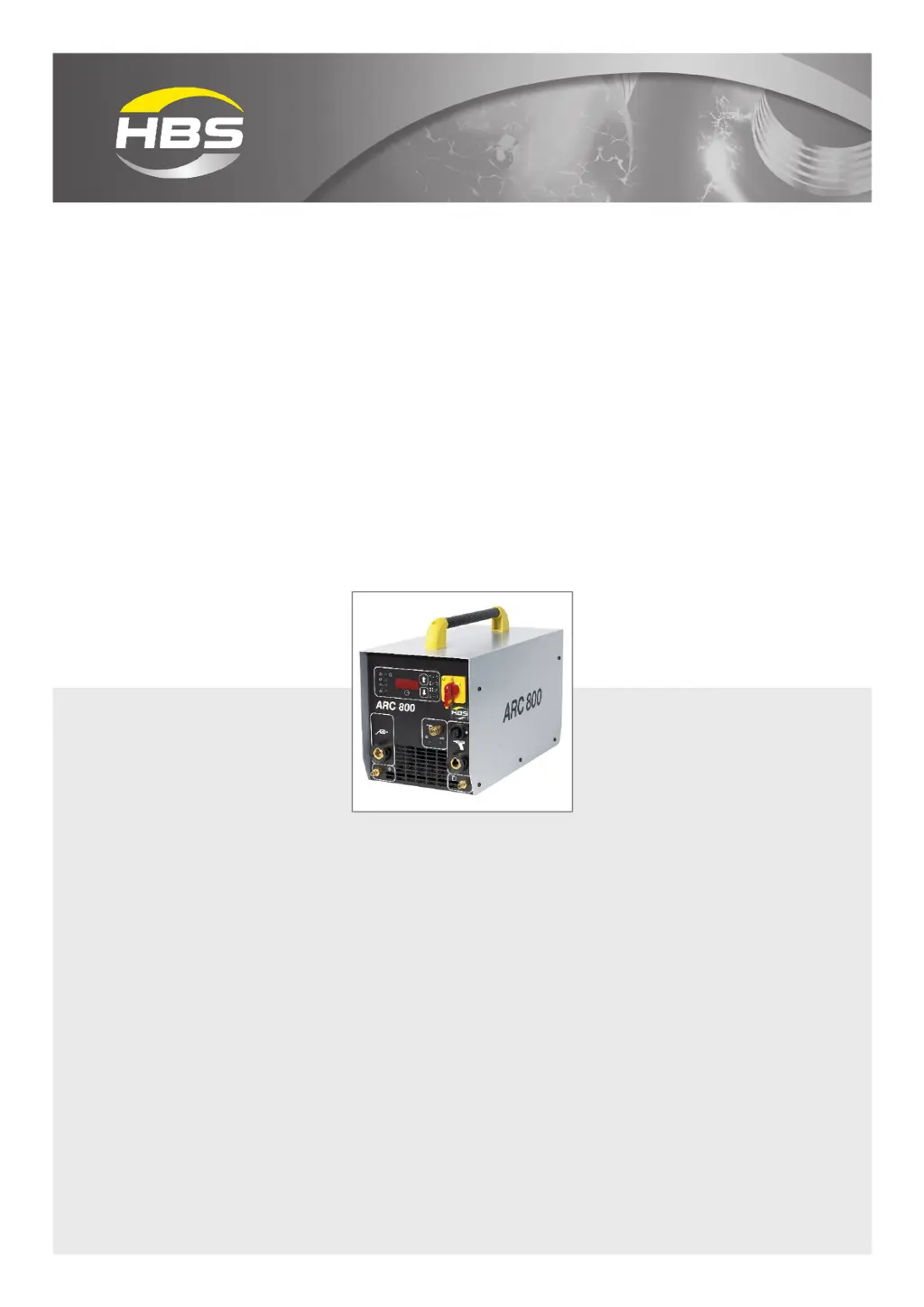
HBS ARC 800 - User Manual

HBS ARC 800
64 pages
Print Icon
To Next Page IconTo Next Page
Loading...
©HBS Bolzenschweiss-Systeme GmbH & Co. KG
All rights reserved – Reprinting, in whole or in part, only with the approval of the manufacturer
Operating Manual
ARC 800
Stud Welding Unit
93-10-0702A
2021

Questions and Answers

  • D
    Dr. Emily TurnerAug 12, 2025
    What to do if there is no display on my HBS ARC 800?
    • G
      Gabriel RoseAug 12, 2025
      If there is no display on your HBS Welding System, ensure that there is a proper ground connection by tightening it securely. Also, check that the welding gun is correctly connected. High transition resistance between the stud and workpiece can also cause this, so clean or grind the material surface. A broken ground cable or welding gun cable can also be the cause; in such cases, replace the ground cable or the welding gun cable.
  • L
    Laura SummersAug 16, 2025
    Why is there no shielding gas coming from my HBS ARC 800?
    • C
      Colin AndersonAug 16, 2025
      If there's no shielding gas, first ensure that the shielding gas is properly connected. Next, verify that the shielding gas control is enabled. If both are correct, the shielding gas valve may be defective and require replacement.
  • O
    odomdonaldAug 20, 2025
    What to do if the gun does not lift on my HBS Welding System?
    • M
      millerhaleyAug 20, 2025
      If the gun on your HBS Welding System isn't lifting, first check if the lift is adjusted correctly by modifying the set parameters. Also, a short circuit in the solenoid circuit of the welding gun could be the cause, so replace the control cable connector, control cable, and solenoid. If the solenoid is defective, replace it. Also, check fuse F3 4 AF and replace it if defective.
  • G
    Gary GarciaAug 25, 2025
    What should I do if my HBS Welding System has no display?
    • M
      Martha BeckAug 25, 2025
      If your HBS Welding System has no display, the connecting line of the welding gun may be defective and needs replacement. Alternatively, the welding gun trigger button could be defective, requiring replacement. A broken control cable could also be the cause, so replace the control cable.
  • J
    Jordan GlennAug 27, 2025
    How to fix HBS ARC 800 if mains switch doesn't stay in position 1?
    • S
      Shelia HuntAug 27, 2025
      If the mains switch on your HBS Welding System does not stay in position 1, the mains switch itself may be defective and needs replacement. Another possible cause is a defective fuse F4 1 AF for the mains switch, which would also need replacement. Lastly, the mains cable could be defective, requiring its replacement.
  • A
    Andrew ScottAug 31, 2025
    Why does my HBS Welding System continuously display red 8 .. 2?
    • N
      Natalie BrownAug 31, 2025
      A continuous red display of '8 .. 2' on your HBS Welding System indicates that the welding sequence is too fast. To resolve this, allow the switched-on stud welding unit to cool down.
  • A
    Adrian RobinsonSep 4, 2025
    Why is lifting impossible on my HBS ARC 800 Welding System?
    • M
      Mark UnderwoodSep 4, 2025
      If lifting is impossible on your HBS Welding System, it may be due to an interrupted solenoid circuit. In this case, replace the solenoid or control line.
  • T
    Taylor OwensSep 7, 2025
    What causes no LED display at the front of HBS ARC 800 Welding System?
    • E
      Elizabeth JohnsonSep 7, 2025
      If there is no LED display at the front of your HBS Welding System, the fuse F5 1 AF may be defective and needs to be replaced.

Summary

Important Safety Precautions

General Safety Warnings

Covers safe operation, personnel authorization, and prevents modifications.

Health and Environmental Hazards

Addresses risks from fumes, airborne particles, and electromagnetic fields.

Fire and Explosion Hazards

Warns about fire risks from hot spatter and explosive substances.

Equipment Protection

Advises on protecting the unit from external contamination.

Symbols and Terms Used

Warning Symbols and Icons

Explains various hazard, prohibition, and recommendation symbols used in the manual.

Glossary of Terms

Provides definitions for technical terms related to stud welding.

Accessories

Recommended Stud Welding Guns

Lists and describes recommended stud welding guns for the ARC 800 unit.

Available Ground Cable

Details the specifications and order number for the ground cable accessory.

Components of the Stud Welding Unit

Main Assemblies

Describes the main electrical and mechanical components of the unit.

Type Plate Information

Lists the information contained on the unit's type plate.

Control Panel and Display

Explains the layout and functions of the control panel and digital display.

LED Indicator Functions

Details the meaning and status indicated by the LED lights on the unit.

Welding Process

Drawn-Arc Welding Overview

Introduces drawn-arc stud welding and its basic principles.

Drawn-Arc Welding Steps

Details the sequence of operations during the drawn-arc welding process.

Welding Process Variants

Explains ceramic ferrule and shielding gas welding methods.

Preparing Workplace and Welding Process

Workplace Safety Precautions

Covers hazards like fumes, fire, tripping, and weld spatter in the work area.

Surface Preparation

Details the steps for preparing surfaces before welding.

Stud Welding Gun Check

Outlines checks for the stud welding gun's proper fit and condition.

Connection

Initial Connection Steps

Covers workplace preparation, electric shock hazard, and cable securing.

Connecting Welding Gun and Cables

Details connecting the welding current and control cables to the unit.

Shielding Gas and Ground Connections

Explains how to connect shielding gas and ground cables.

Mains Power Connection

Guides on safely connecting the unit to the mains power supply.

Welding Operations

Powering On the Unit

Instructions for switching on the stud welding unit.

Setting Welding Parameters

Guides on determining and setting welding time and gas pre-flow.

Performing the Welding Process

Details the steps and safety precautions for executing the welding process.

Welding Safety & Best Practices

Covers hazards from gases, spatter, noise, burns, and batch management.

Weld Quality Control

Visual Weld Inspection

Describes how to perform a visual check of the weld quality.

Weld Bending Test

Explains the procedure and criteria for conducting a bending test.

Parameter Optimization for Weld Quality

Guides on adjusting parameters to improve weld quality.

Addressing Blowing Effect Issues

Details causes and remedies for the blowing effect during welding.

Troubleshooting Guide

General Troubleshooting Precautions

Advises on limitations for unqualified personnel and contacting support.

Fault Diagnosis and Remedies

Provides a table for identifying and fixing common faults.

Maintenance and Care

Safe Cleaning Procedures

Outlines steps for cleaning the stud welding unit.

Inspection and Testing

Details checks for cables, display, and warning signs.

HBS ARC 800 Specifications

General IconGeneral
BrandHBS
ModelARC 800
CategoryWelding System
LanguageEnglish

Related product manuals