6 Using the heating system – Heating up the system
55
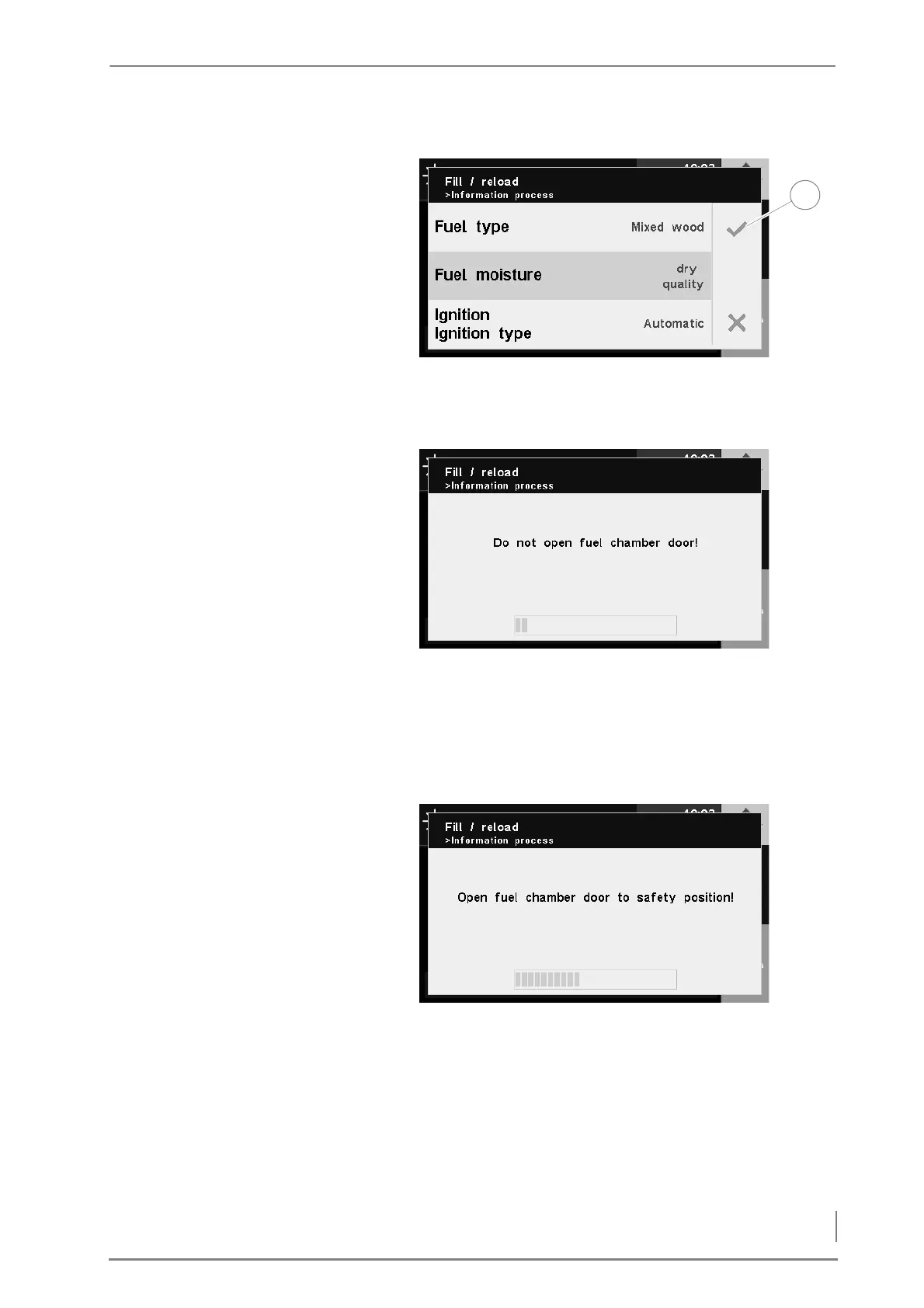
17.Confirm your input by pressing the Confirm button (1).
✓ The Do not open fuel chamber door message appears in the display.
✓ The flue gas fan is running.
D
O NOT CHANGE THE SETTINGS
ÄNDERN
18.Wait until the progress bar is full.
✓ The Open fuel chamber door to safety position message appears in
the display.
19.Open the fuel chamber door to the safety position.
20.Wait until the progress bar is full.
✓ The Open fuel chamber door slowly message appears in the display.
Figure 6/7 - Ignition - changing settings
Figure 6/8 - Do not open the fuel chamber door
Figure 6/9 - Opening the fuel chamber door to the safety position



 To Next Page