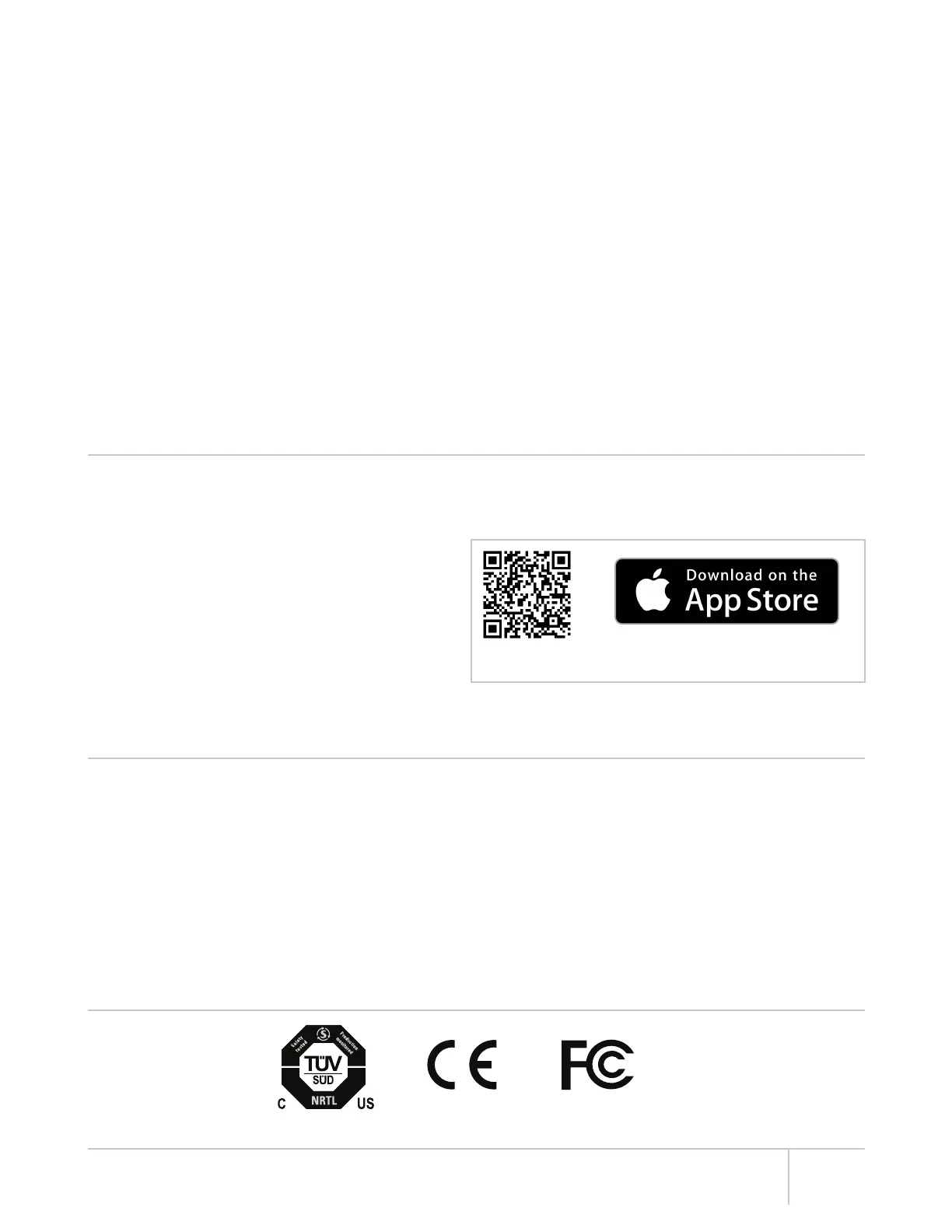
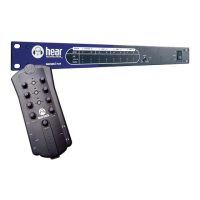
Hear Back PRO User Guide
FCC STATEMENT
Note: This equipment has been tested and found to comply with the limits for a Class A digital device, pursuant to part 15 of the FCC
Rules. These limits are designed to provide reasonable protection against harmful interference in a commercial installation. This equipment
generates, uses and can radiate radio frequency energy and, if not installed and used in accordance with the instructions, may cause
harmful interference to radio communications. However, there is no guarantee that interference will not occur in a particular installation. If
this equipment does cause harmful interference to radio or television reception, which can be determined by turning the equipment off and
on, the user is encouraged to try to correct the interference by one or more of the following measures:
• Reorient or relocate the receiving antenna.
• Increase the separation between the equipment and receiver.
• Connect the equipment into an outlet on a circuit different from that to which the receiver is connected.
• Consult the dealer or an experienced radio/TV technician for help.
v
A FEW NOTES ABOUT THE SYSTEM
• Do not share the network with any other devices.
− High-quality, low-latency audio requires a constant stream of large amounts of data; therefore, other devices on the same network
could compromise the quality of the audio.
• The system will not link at 10/100 Mbps, as it is designed to work at gigabit speeds.
• The system is designed to work with suitable unshielded CAT6* cable complying with the National authorities (cable with an outer
jacket or sleeving rated VW-1 or better). Note, using low-quality cables may result in the Mixers refusing to link with the Hub.
• Do not use shielded CAT6* cables which can cause ground-loops.
• Unshielded CAT6* cables, used for HBUS or going to PRO Mixers, can be run 100 meters (328 feet) with no problems. Note, due to
advanced internal termination techniques, cables used with the PRO series can be run up to 500 feet in ideal conditions (one piece of
solid conductor CAT6* with no breaks or couplings). Utilizing proper punch-down and the correct RJ-45 connectors is key. The more
breaks/connections/couplings in a cable run, the more limited this distance will be. Poor quality cabling will also limit the maximum
distance. Running unshielded CAT6* cables alongside AC cables, fluorescent light fixtures, or computer network wiring will also limit
the maximum distance. It is always preferred to run the Hear Back PRO CAT6* cabling by itself, away from other cabling. ALL cabling
should be electrically tested before use. Contact an expert network professional for assistance with wiring installation.
• Don’t use those old, gray, flat telephone cables (ISDN cables) as those are not gigabit Ethernet cables.
• The ground and power rails of the Mixer are totally isolated from the Hub, meaning no more ground loops to worry about.
• Mixer faceplate can be labeled by using a dry erase marker (simply wipe off), grease pens (erase with pencil eraser), label maker, or
by writing on a removable Mixer overlay. Please note that using permanent markers results in permanent labels!
iOS APP NOW AVAILABLE
Control Hear Back PRO Mixers, simply by connecting your PRO Hub to a wireless network! This streamlined interface enables routing
and submixing of up to 128 channels, naming Mixers & channels, grouping, lockout controls, LED brightness adjustment, and firmware
(FW) updates.
For FW V2 (16-channel), minimum firmware requirements:
• Hub: V2.3 (download from www.hearback.com/support)
• Mixer: V2.14 (https://youtu.be/V9uKnRFa4SE)
For FW V5 (128-channel), minimum firmware requirements:
• Hub: V5.1 (bootloader 2.3)
• Mixer: V5.1 (bootloader 2.24)
If your current Mixer firmware is below V2.14, call or email us to request a Firmware Update Card.
Tel: +1 (256) 922-1200 ext. 135
Email: support@HearTechnologies.com
*Cable complying with the National authorities (cable with an outer jacket or sleeving rated VW-1 or better).
Scan code to download from iTunes or Search App Store for
“Hear Back PRO”


 To Next Page