13
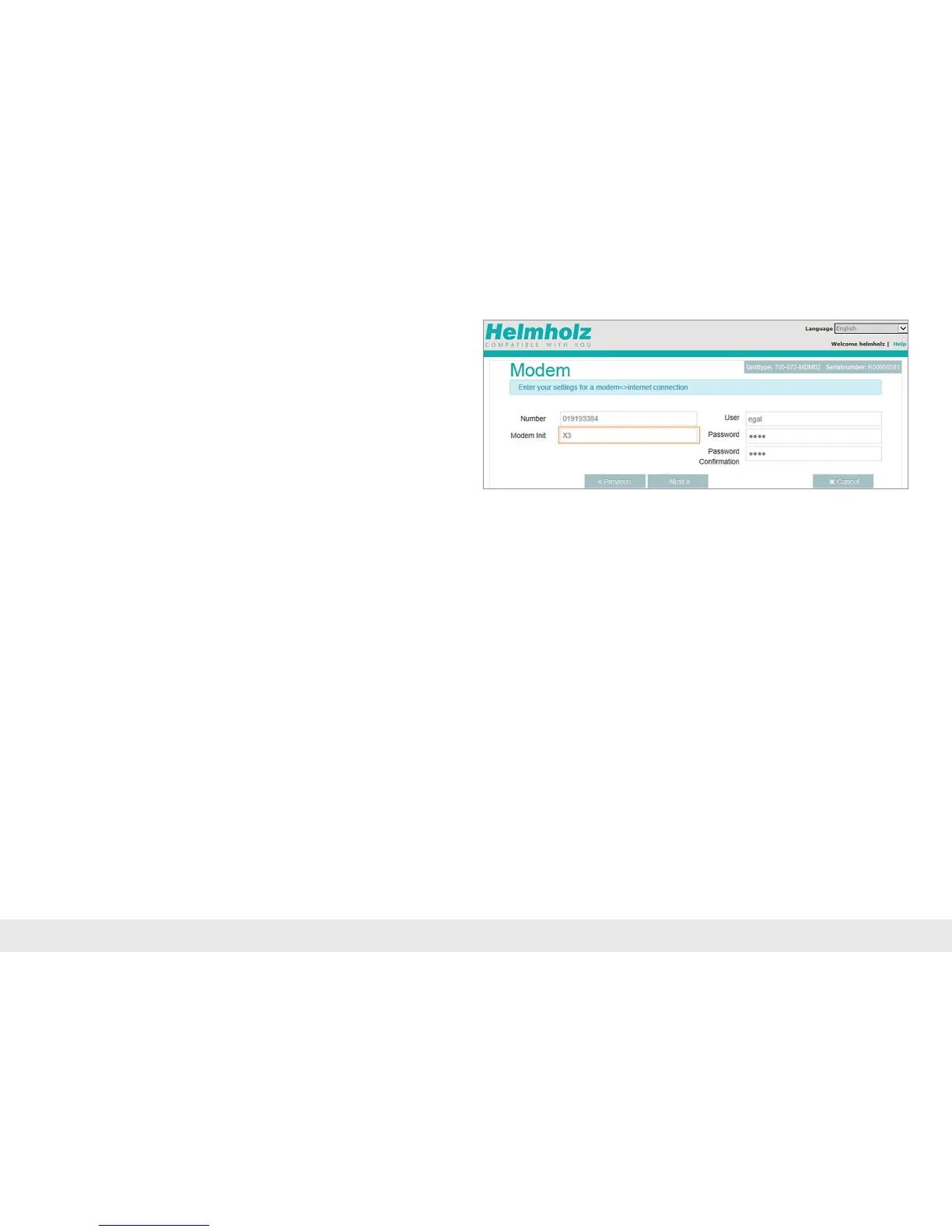
Create Internet connection with internal analog modem:
If you are using a REX 300 router with an internal analog modem, you will need
tostorethelogininformationofan"Internetbycallprovider"intheREX300.The
devicewillprovidesuggestedlogininformationforInternetaccessbydefault.It
is,however,recommendedthatyouenteraproviderofyourchoicehere,asusing
thedefaulttypeofconnectionwillentailadditionalfeesandtheavailabilityofthe
suggestedproviderisonlyguaranteedinGermany.
The default X3 AT command initializes the internal modem to not wait for a dial tone
(privatebranchexchangemode)whendialing.Inmostcases,thissettingdoesnot
need to be changed or supplemented.



 To Next Page