17
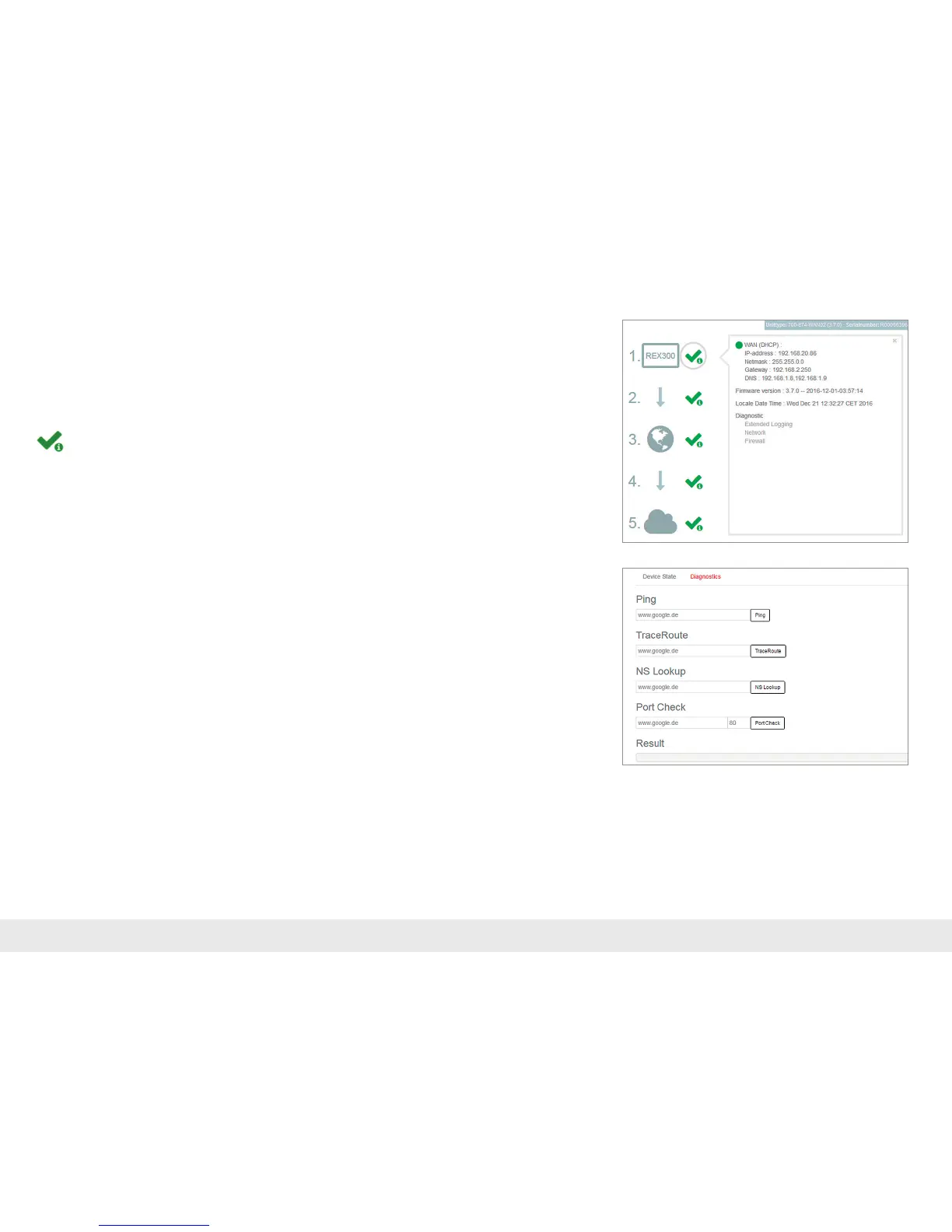
5.2.4 REX 300 status and diagnostics page
The status page on the REX 300 router's web interface will show the router's
connectionstatusandactivecongurationdata.Tothispurpose,entertheLANIP
address of the REX 300 into the address bar of a browser. The TCP/IP address of your
network adapter must be located in the same IP subnet. Authenticate yourself with
thestandarduser:helmholzandthepassword:router.
ToviewmoreinformationoneachstepoftheREX300connection,clickonthe
Infoiconsinthestatuselds.
Intheeventofirregularitiesorinterruptionswhenestablishingtheconnection,the
diagnosticspagesupportsyouwithtroubleshooting.Intheeventofanerror,the
technicalsupportofHelmholzrequirestherespectiveresultfromtheindividualand
autonomous test functions.



 To Next Page