18
5.3 TransfercongurationviaalocalLANconnection
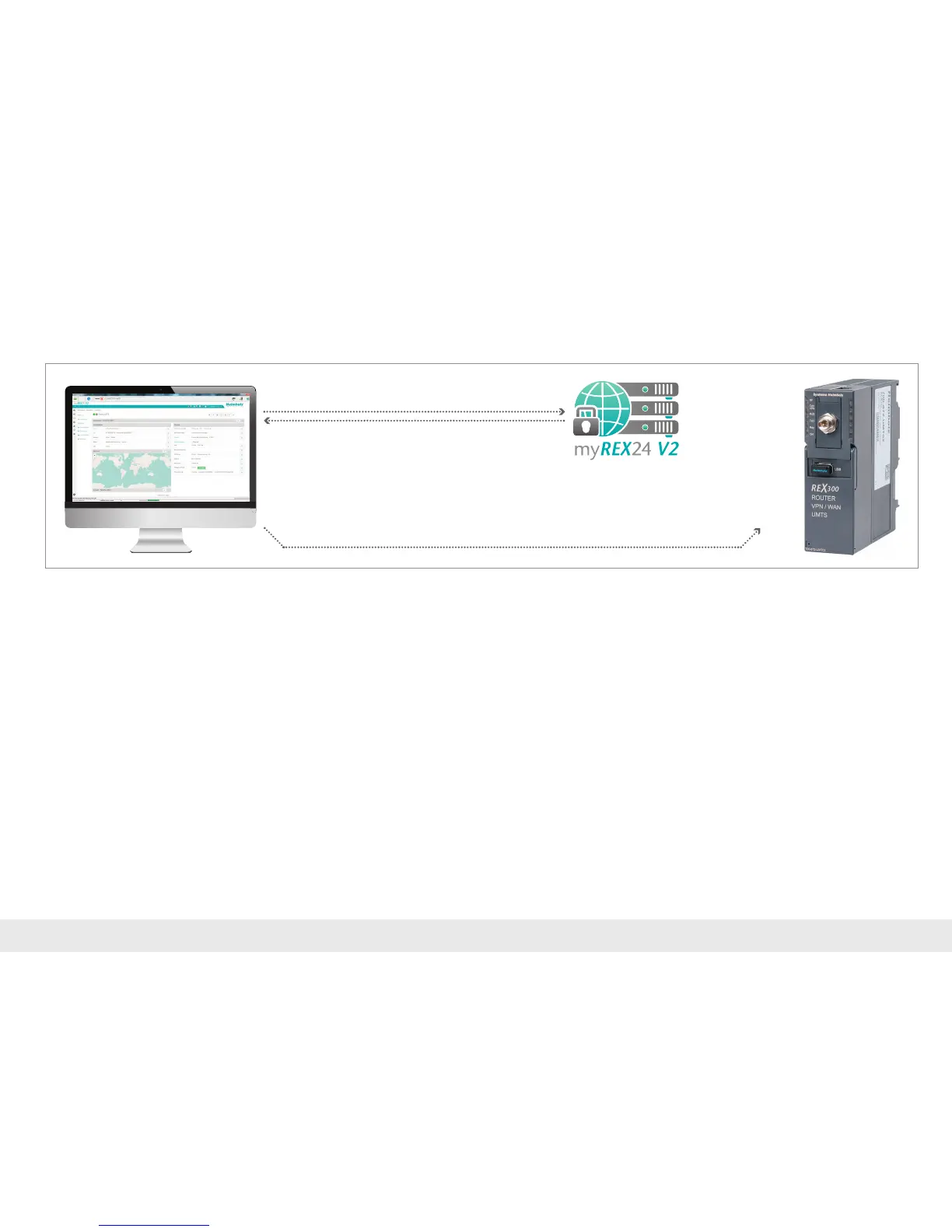
InordertotransferthecongurationfromaPCthroughalocalLANconnection,the
congurationPCmustallowfortwosimultaneousnetworkconnections:
1.ThePCmustbeactiveintheInternetwiththeshDIALUPsoftware
2.ThePCandtheREX300tobeconguredmustbeconnectedinthesamenetwork
viaLAN.
Inpracticaltermsthisispossibleasfollows:
- PC with two network adapters/Ethernet connections
- Notebook with WLAN and Ethernet connection
- PC or notebook with additional switch at the workspace
LAN
1. Log in via shDIALUP
3. Search for REX 300 in the LAN
4. Transfer the configuration
2. Create/edit and download the
REX 300 configuration
LAN



 To Next Page