Users Manual Henkovac 04-serie V2019
5. Resets the original value
6. Saves changes and returns to the Home menu
Multi-Functional button: Performs various functions, depending on the active menu
Home menu:
o No effect while in the PA program
o For programs P1-9, displays the entered values
Settings menu:
o For specific functions, like soft-air, clean cut seal etc., the
button is used to turn the function ON/OFF
Programs 1 through 9
o Each program may be customized by turning certain functions on or off and by adjust-
ing the function values
PA - Automatic
o Program with factory settings for vacuum and sealing functions, which is activated
when turning on the machine for the first time
P H
2
O – Program
o To be used when packing liquids or semi-liquids, like sauces and soups (see page 19)
o Program jumps to the sealing function as soon as product boiling is detected; this pre-
vents product loss through spillage and evaporation
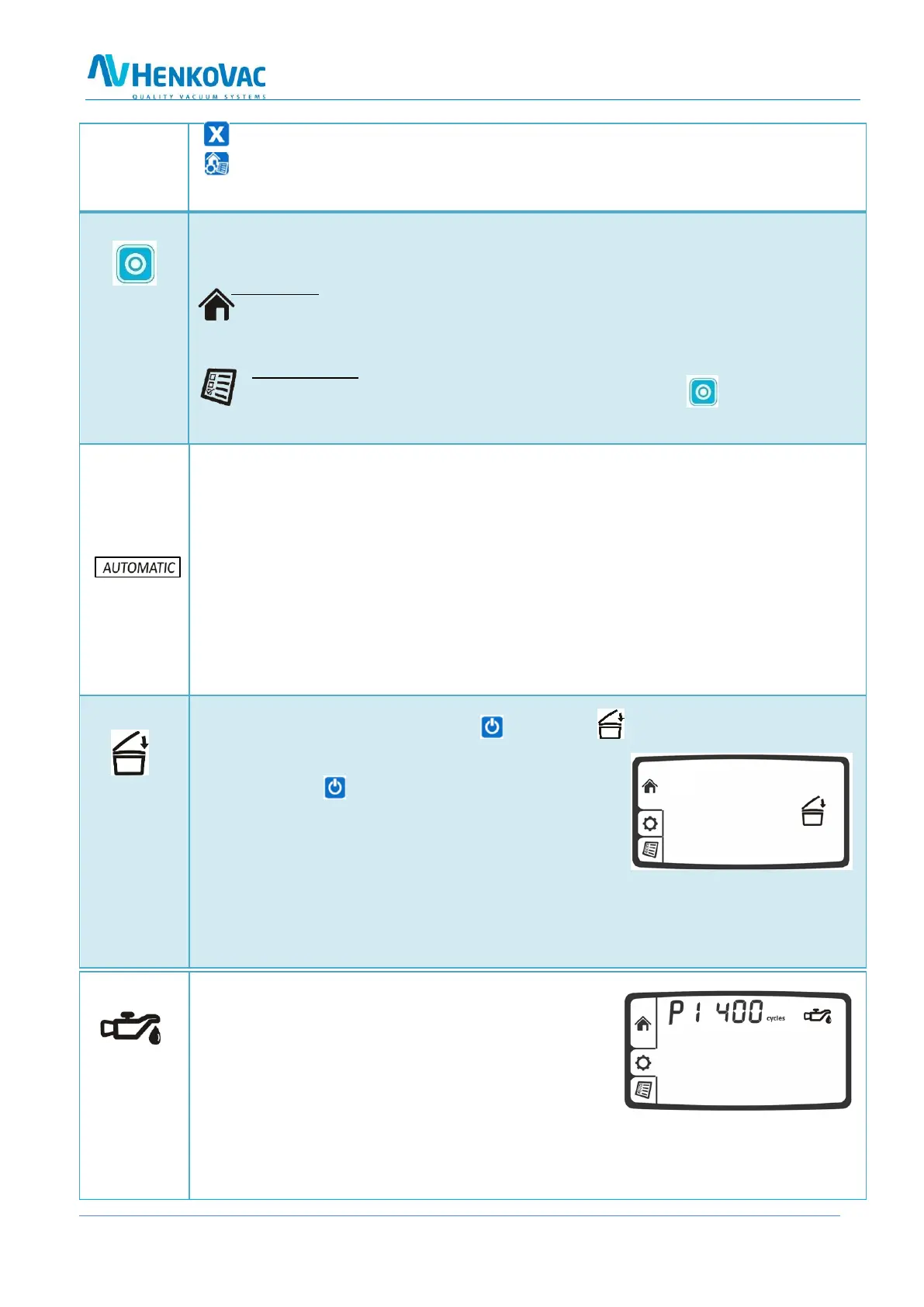
When turning off the machine with the button, the symbol will start blinking on the
LCD display
o The pump will stop after about 4 seconds
o Press the button for a second time and the
pump will stop immediately
o Close the lid; the machine will initiate the
cool-down phase and perform a number of
vacuum cycles before turning off automatically
o These additional cycles allow any moisture in the oil of the pump to evaporate. This in-
creases the longevity of the machine and minimizes the need for oil changes and pump
maintenance
Service Symbol
o After reaching a certain number of operating hours
or packing cycles, the service symbol will briefly
appear on the display when turning on the machine.
In addition, the display indicates how many hours
or cycles remain before an oil change is required.
o Except for regularly changing the oil in the pump, the machine requires little other
routine maintenance
o After reaching the service limit, the display will indicate the negative number of ex-
ceeded operating hours or cycles



 To Next Page