Users Manual Henkovac 04-serie V2019
Cool-Down/Oil Dehumidification Phase (page 21: 10.10)
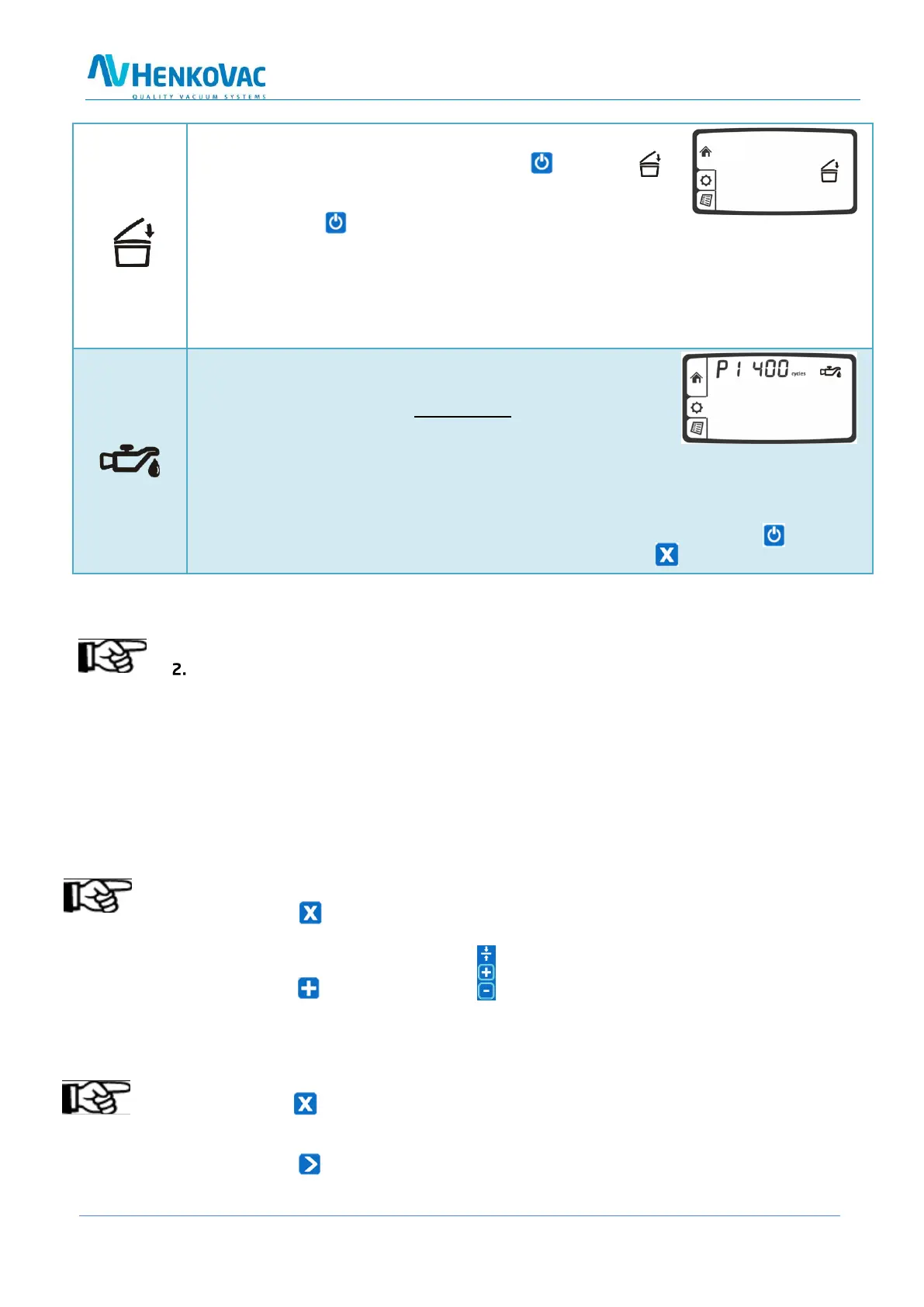
o When turning off the machine with the button, the
symbol will start blinking in the LCD display and the pump will
stop after about 4 seconds
o Press the button a second time and the pump will stop immediately
o Close the lid and the machine will initiate the cool-down phase by performing a number
of vacuum cycles before turning off automatically
o These additional cycles allow any moisture in the oil of the pump to evaporate. This in-
creases the longevity of the machine and minimizes the need for oil changes and
maintenance
Service Indicator: Oil Change
o After a number of operating hours or packing cycles, the
service symbol will briefly appear on the display when
turning on the machine. In addition, the display will
indicate how many hours or cycles remain before an oil change
is required
o After reaching zero, the display will indicate the negative number of exceeded operating
cycles or hours
o To reset the service interval counters after the oil change: Start machine and while
the display shows the hours or cycles, press and hold the button
9.0 Standard Vacuum Pump Settings:
1. Pump stops after vacuum cycle
Pump runs continuously; stops after 15 minutes
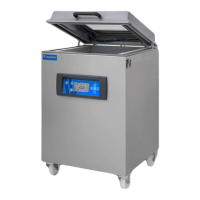
The pump of mobile packaging machines M1, M2 and M4, M5, M6, M7, M8, as well as the pump
of double-chamber units D1, D3, D4 en D6, runs continuously. After completion of a packing cy-
cle, the pump will stop after 15 minutes of inactivity.
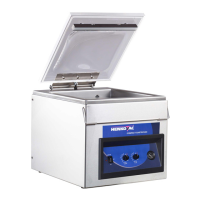
The pump of table units T2, T3, T4 and T5 starts when the cover is closed; the pump stops when
the cover is opened again.
The 21m3 pump of the M3 continues to run, while the 40m3 pump stops between packing cycles
These settings may be adjusted by the dealer in the Service menu
9.1 One-Program Control System
Stop the cycle and aerate:
By pressing the button during the packing cycle, the active function is stopped, the cham-
ber is aerated and the cover opens. Subsequent functions in the cycle are cancelled
Stop the cycle and start sealing
By pressing the of the sealing button , the vacuum function is interrupted and the pro-
gram jumps to the sealing function
9.2 Ten-Program Control System
Stop the cycle and aerate:
By pressing the button during the packing cycle, the active function stops, the
chamber is aerated, and the cover opens. Subsequent functions in the cycle are cancelled
Stop the cycle and start sealing
By pressing the button, the packing cycle is interrupted and the program jumps to the next
function in the process



 To Next Page