Users Manual Henkovac 04-serie V2019
11.0 Maintenance
11.1 General
Regular maintenance prevents equipment malfunctions and prolongs the life of the machine.
In addition, it optimizes sanitary conditions.
Always have a certified Henkovac dealer carry out repair and maintenance activities
Warning
During maintenance activities, always turn the machine off at the main switch and/or unplug it
from the electrical outlet
Attention
Observe the recommended service intervals. Overdue maintenance may lead to costly repairs and
overhauls, and may void the equipment warranty
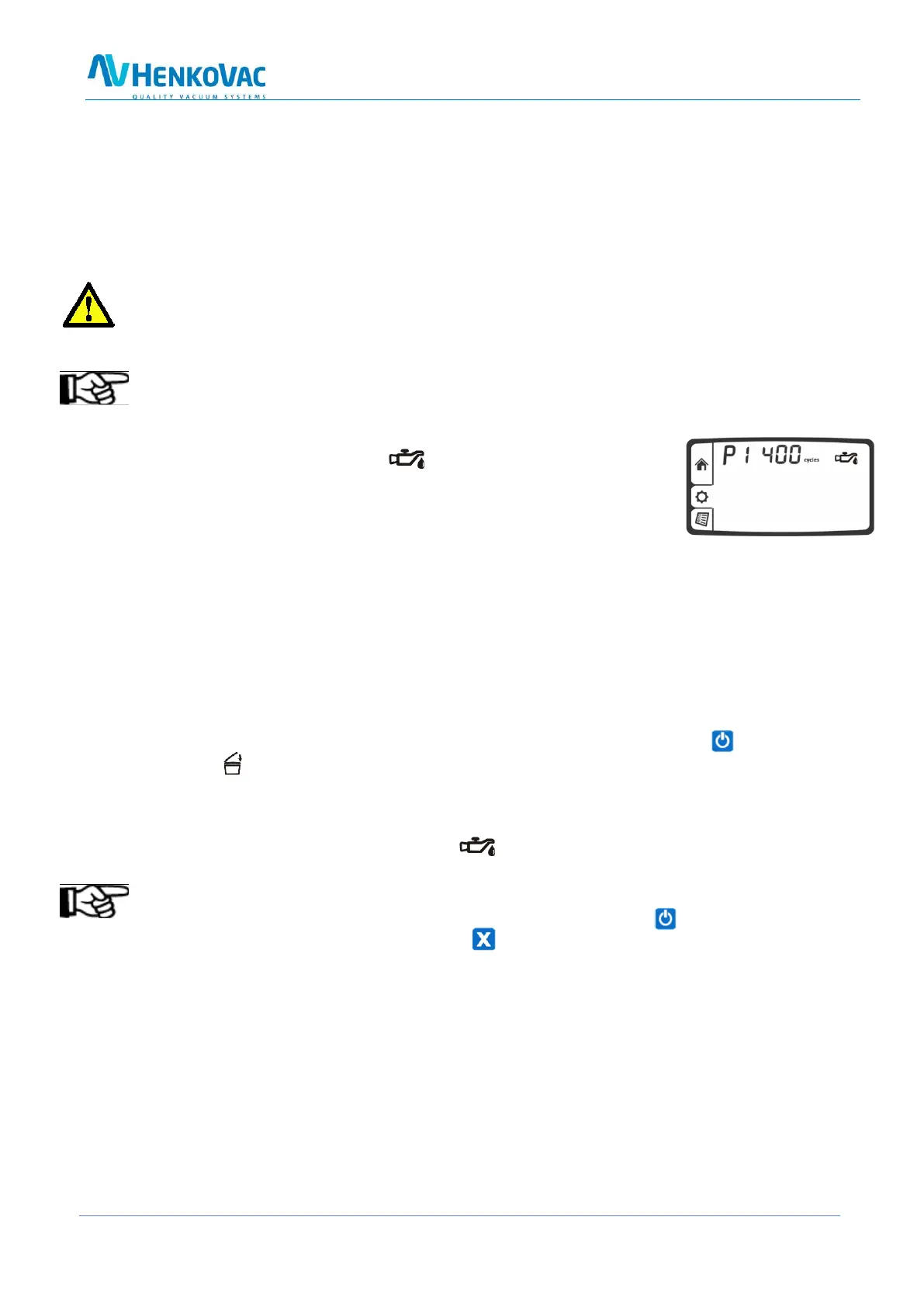
After reaching a programmed number of operating hours or packing
cycles, the service symbol will briefly appear on the display
when the machine is started up. In addition, the display will indicate
how many hours or cycles remain before an oil change is required
After passing the service limit, the display will indicate the negative
number of excess operating hours or cycles
11.2 Vacuum Pump
To protect the vacuum pump, proper maintenance is important. Carry out the following tasks
carefully:
Check the vents and clean as necessary before turning on the machine to assure proper cooling of the
pump
When the air filter is saturated with oil, an oil mist may be expelled; replacement of the filter is
required
Use the cool-down/dehumidification feature. When turning off the machine and closing the
cover , the pump continues to run for some time. Any moisture in the oil of the pump will
evaporate during this phase. This increases the longevity of the machine and minimizes the need
for oil changes and pump maintenance
Check the oil level regularly and add as needed
Change the oil when the service symbol appears on the display
Note
To reset the service interval counters after the oil change: Start machine and while the display
shows the hours or cycles, press and hold the button



 To Next Page