Users Manual Henkovac 04-serie V2019
6.3.2.1 Optional installation of Soft-Air
The Soft-Air feature can also be installed at a later date by ordering the optional soft-air kit
6.4 Operating the Machine with Ten-Program Control System
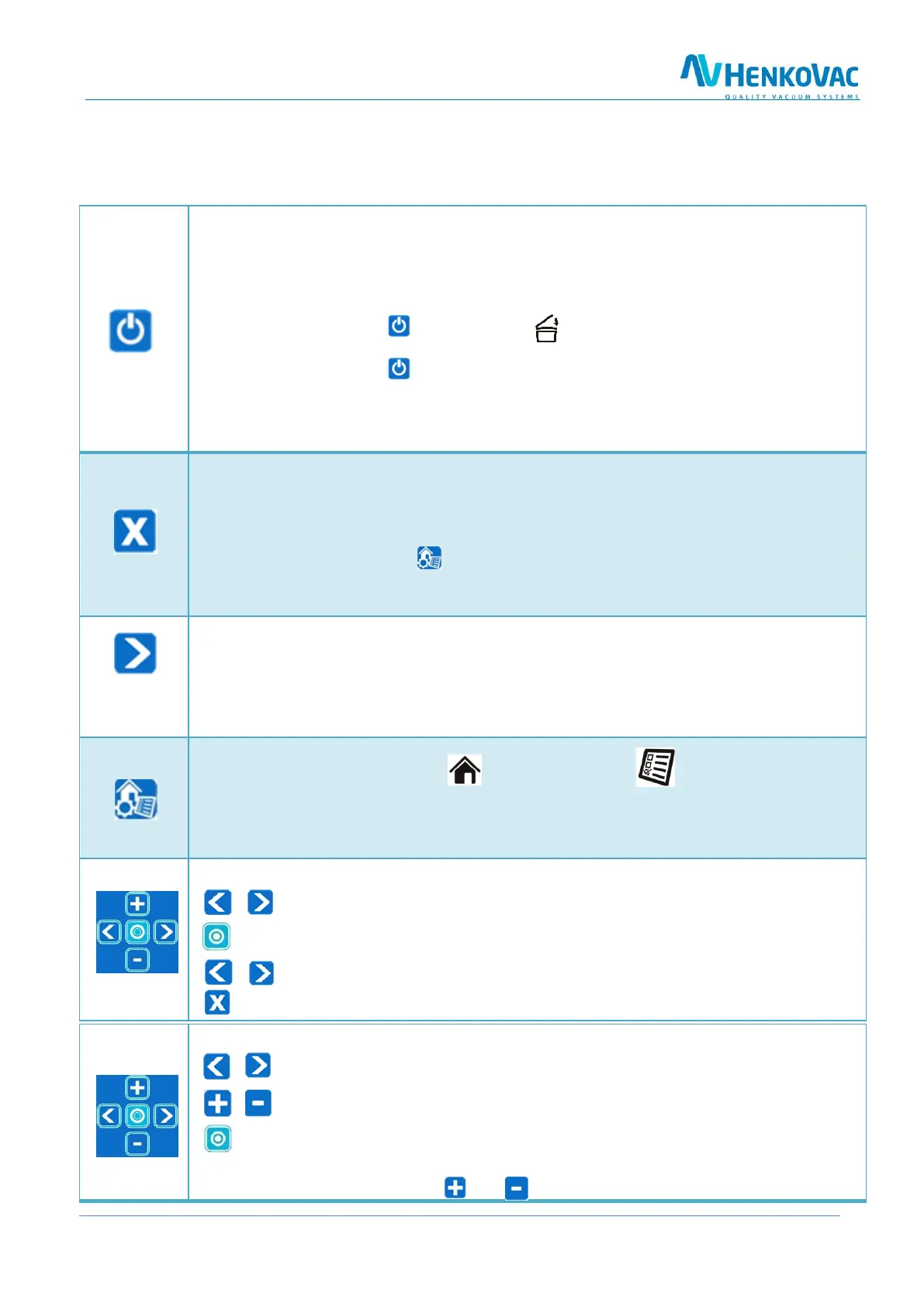
On: Turns the machine on
o The machine will start up in the most-recently used program
o The pump of a machine with a transparent cover will start when the cover is closed
Off: Turns the machine off
o When pressing the button once, the symbol will start blinking and the pump
will stop after about 4 seconds
o When pressing the button a second time, the pump will stop immediately
o Closing the cover will initiate the cool-down phase (see page 21)
o the machine will complete a number of vacuum cycles before turning off au-
tomatically
1. Stop-function
o Stops the machine at any point in the cycle and aerates the chamber
2. Reset-function
o While programming, resets the program value to its original setting
o Press the menu button to return to the Home menu
3. Back function
o While reviewing programmed values, returns to the previous selection
Stops the active function and initiates the next step in the cycle
o While the machine is running, exits the active function and jumps to the next step in
the cycle
o While packing sauce or soup, the package may be sealed as soon as product boiling is
detected
Menu Button
1. Toggles between Home menu and Settings menu
2. Save Function: During programming, confirms and saves the entered program values and
returns to the Home menu
3. Return Function: Returns to the Home menu
Review program values
1. Cycles through programs P1 to P9, as well as PA
and P H2O
2. Displays the programmed value for each function;
the function being reviewed will be blinking
3. Displays the value for the next function
4. Returns to the Home menu
Adjust program values and turn functions ON/OFF
1. Forward or back; adjusted values are saved
right away
2. Increases or decreases function values
3. Turns functions ON/OFF; specific functions, like
soft-air, clean cut seal, etc., are turned either on or off
4. If the function is turned on, the value may be adjusted
by pressing the and buttons



 To Next Page