Accessories 7-3
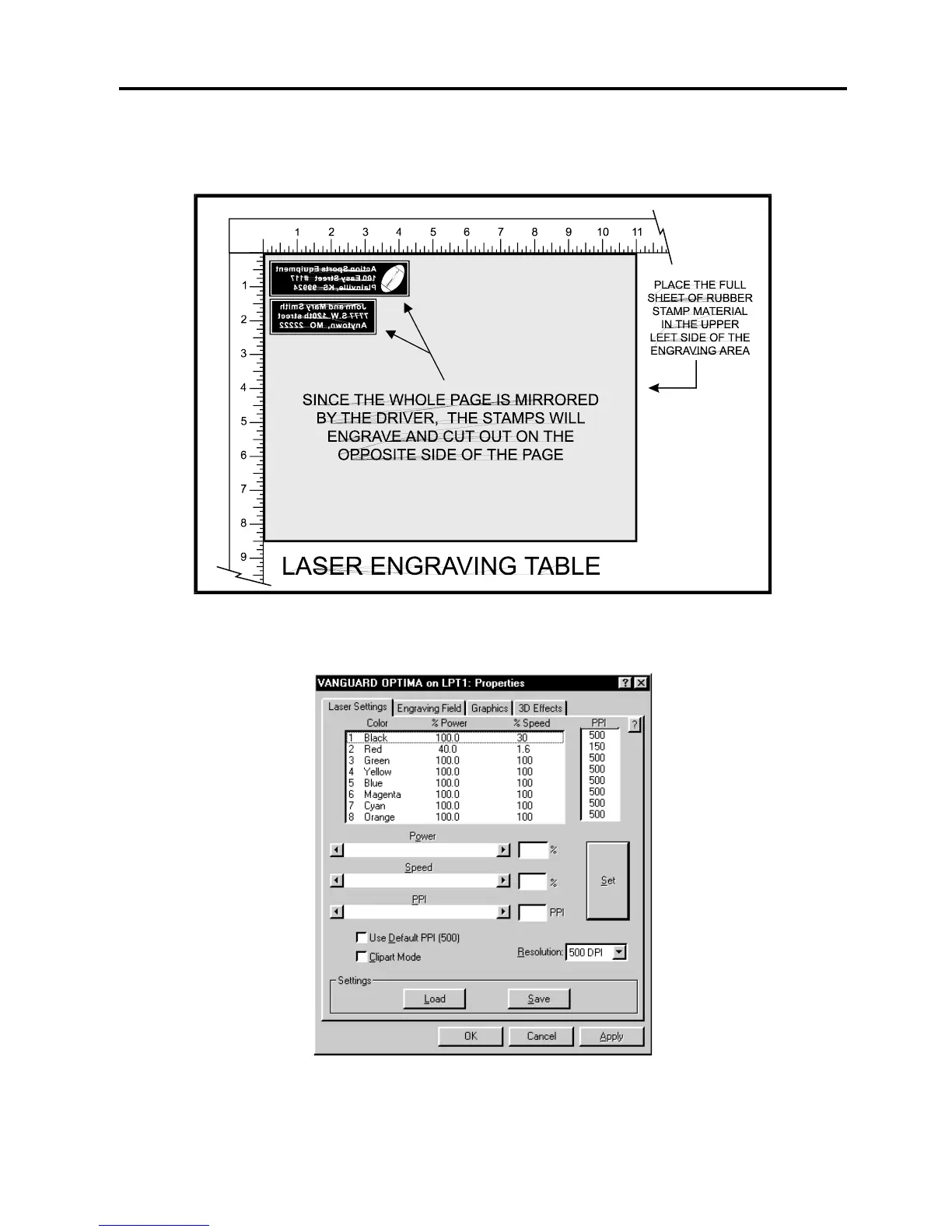
Place the sheet of rubber into the upper left hand corner against the rulers, as the following
diagram illustrates, and be sure to properly focus on the material.
Set the printer driver properties as shown below.
These settings came from the section on Sample Materials. There is a considerable difference
between rubber blends, thickness, and hardness between different manufacturers. Experiment
with different settings to obtain the desired results.



 To Next Page