18/34
6 Settings and enquiries
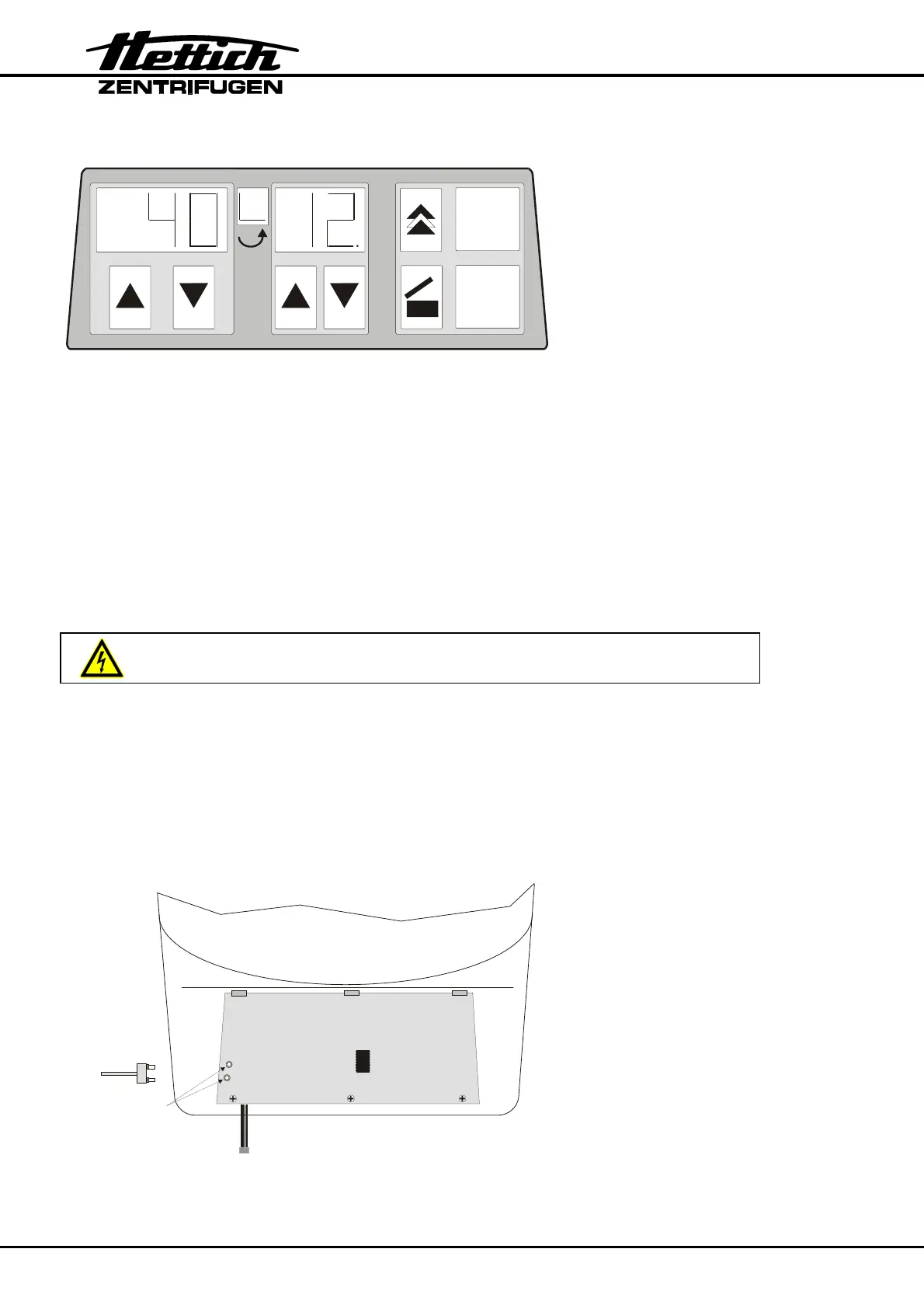
RPM x 100 t
START
STOP
6.1 Setting the machine version
The machine version stored in the control panel must correspond to the centrifuge
model. Control panels supplied as spare part are set to machine version 4 (ROTOFIX
32).
After installing the control panel the machine version 3 (EBA 20S) must be set.
If a false machine version is set in the control panel so either after switching on the
centrifuge the set machine version will be displayed or after start of the centrifugation
run the error message " F –" will be displayed (see chapter "Error messages").
The machine version 3 (EBA 20S) must be set as follows:
All electronic components are on mains, due to the DC-coupling
1. Switch off the mains switch and disconnect the centrifuge from the mains
supply.
2. Remove the rotor.
3. Remove the fastening screws of the upper part of the centrifuge housing and
place the upper part carefully beside the centrifuge.
4. Short the two throughplatings on the rear side of the control panel with the short
circuit plug E1754 :
Short circuit plug
E1754
Short the two through-
platings with the short
circuit plug or a suitable
tool













 To Next Page