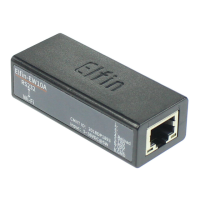
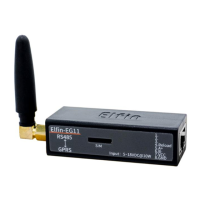
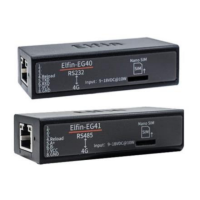
4G_2G DTU Products Function
http://www.iotworkshop.com - 36 -
◆ mode: Default is blank for disable t 是 his function. The maximum is 20 chacter length,
once has been set, the AT command in transparent transmission mode function is enabled
(AT+H and AT+WSCAN are not supported). Do restore to factory operation to disable and
clear the setting.
When set this value to “HF”, then can get response of “+ok=STA”(Hex: 2B 6F 6B 3D 53 54 41) for send
“HFAT+WMODE\r”(Hex: 48 46 41 54 2B 57 4D 4F 44 45 0D, AT command should end with 0D or 0A).
2.4.2.4. AT+WEL
◼ Function: Set/Query boot welcome message.
◼ Format:
◆ Query Operation:
AT+WEL<CR>
+ok=<message><CR><LF><CR><LF>
◆ Set Operation:
AT+WEL=<message><CR>
+ok<CR><LF><CR><LF>
◼ Parameter:
◆ message:Welcome message, default is product type such as 【Gport-G10】; If it is
【off】, means this function be closed, max 10 bytes.
2.4.2.5. AT+HOST
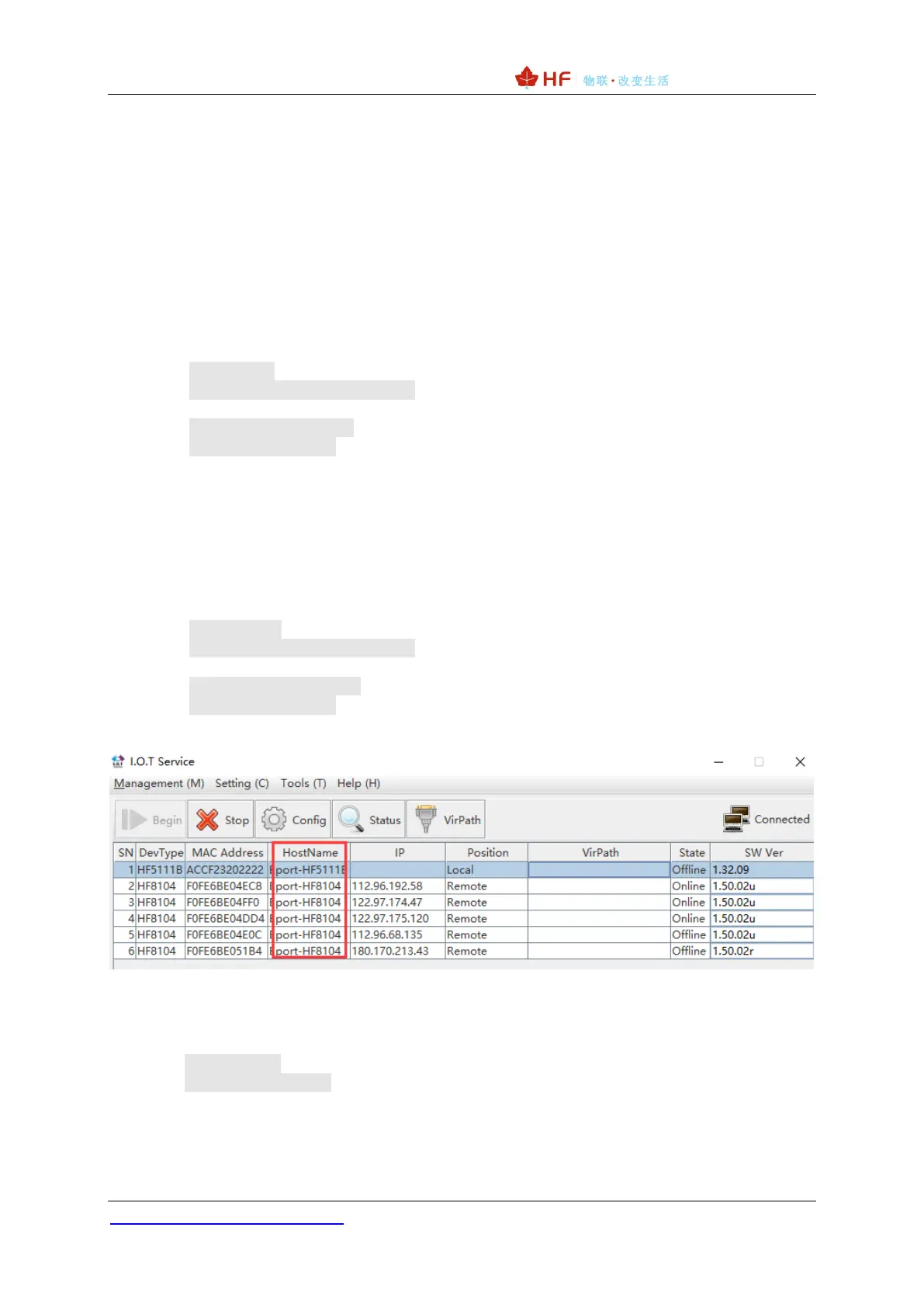
◼ Function: Set/Query hostname in the IOTService.
◼ Format:
◆ Query Operation:
AT+HOST<CR>
+ok=<message><CR><LF><CR><LF>
◆ Set Operation:
AT+HOST=<message><CR>
+ok<CR><LF><CR><LF>
◼ Parameter:
◆ message:Hostname message, default is 【Eport-HF2411】 ,max 30 bytes length.
2.4.2.6. AT+ENTM
◼ Function: Enter the transparent mode.
◼ Format:
AT+ENTM<CR>
+ok<CR><LF><CR><LF>
After the command is executed correctly, the module switches from command mode to transparent
transmission mode.


 To Next Page