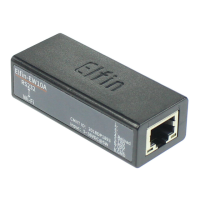
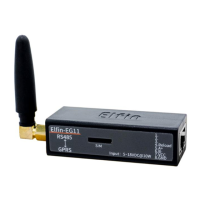
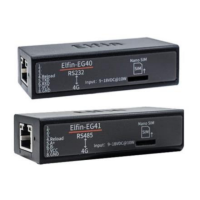
4G_2G DTU Products Function
http://www.iotworkshop.com - 50 -
+ok=<id><CR><LF><CR><LF>
◼ Parameter:
◆ id:Product name, default【G10】.
2.4.2.51. AT+PCID
◼ Function: Set/Query the Module Users’ Defined Name for Display in the Configuration Tool.
◼ Format:
◆ Query Operation:
AT+PCID<CR>
+ok=<id><CR><LF><CR><LF>
◆ Set Operation:
AT+PCID=<id><CR>
+ok<CR><LF><CR><LF>
◼ Parameter:
◆ id: Products’ customer custom name, default【G10】, max to 10 bytes.
2.4.2.52. AT+NDBGL
◼ Function: Open/close debug information output.
◼ Format:
◆ Query Operation:
AT+ NDBGL<CR>
+ok=<debug_level,uart_num><CR>< LF><CR>< LF>
◆ Set Operation:
AT+ NDBGL =<debug_level,uart_num><CR>
+ok<CR>< LF><CR>< LF>
◼ Parameter:
◆ debug_level: Debug information output level.
0: Close debug information output.
1~XX: Outputs the setting value and above debugging information.
◆ uart_num: Debug information output serial channel.
1: UART 1
2: UART 2
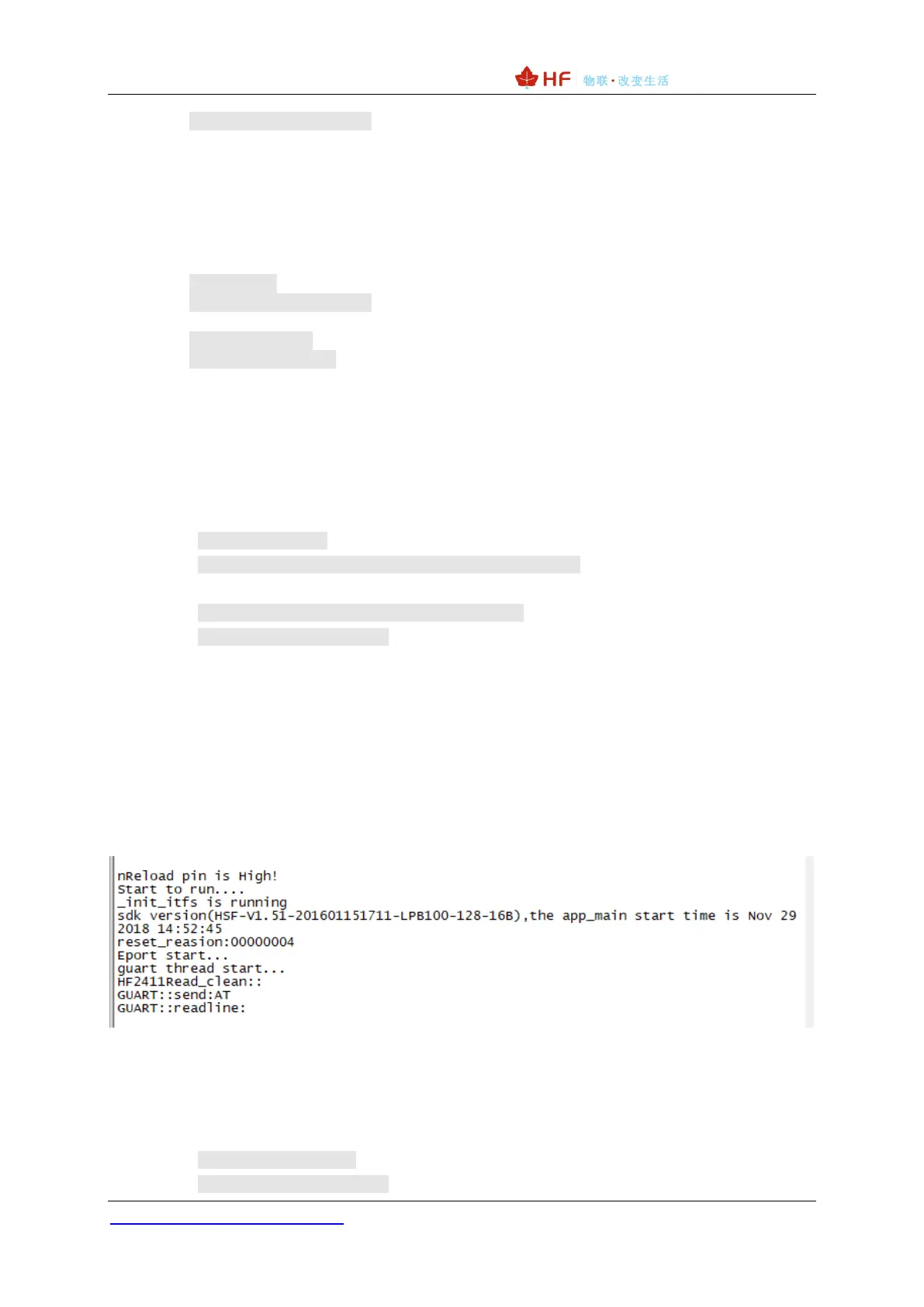
When the work is abnormal, please open the debug log information and send it to us for checking the
phenomenon. HF2411 input AT+NDBGL=1,0 to enable log output, AT+NDBLG=0,0 disable log.
2.4.2.53. AT+SCRIPT
◼ Function: HIS script operation.
◼ Format:
◆ Set Operation:
AT+SCRIPT=del<CR>
+ok<CR>< LF><CR>< LF>


 To Next Page