22 January 2019
PAM configuration PLT-01628, Rev. D.2
5.3 PAM Configuration application overview
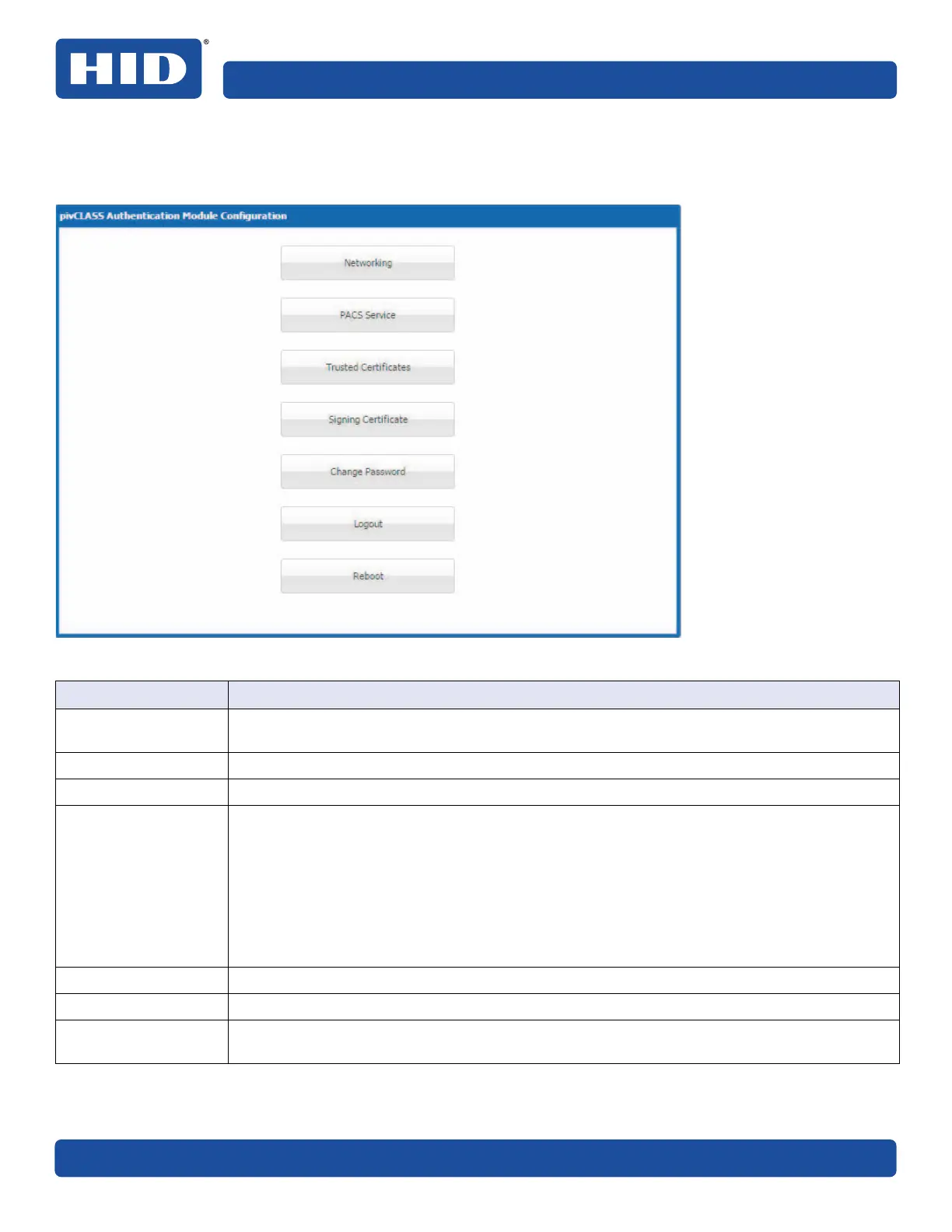
The following provides an overview of the pivCLASS Authentication Module (PAM) Configuration application.
Function Description
Networking
Used to configure the network settings that enable the PAM to connect to and communicate
with the network. The network can by configured using a Static IP or using DHCP.
PACS Service Used to enter the PACS connection information.
Trusted Certificates Used to upload trusted certificates on the PAM and view certificate details.
Signing Certificate This function provides options to:
• View details of the PAM’s Signing Certificate.
• Download the PAM’s Self-Signed Signing Certificate to your computer in order to save the
certificate to the remote system’s Trusted Store.
• Download the PAM’s Certificate Signing Request file in order to send it to an external
Certificate Authority for signing.
• Upload the external Certificate Authority signed PAM Signing Certificate.
• Generate a new Private Key and Self-Signed Signing Certificate.
Change Password Allows the user to change the access password.
Logout Logs the user out of the PAM.
Reboot Reboots the PAM and applies any configuration changes. You will have to log back in after the
system restarts.



 To Next Page