36 January 2019
Troubleshooting PLT-01628, Rev. D.2
6.2 Resetting to factory defaults
To reset the PAM to factory default settings, perform the following steps:
1. Remove power from the PAM.
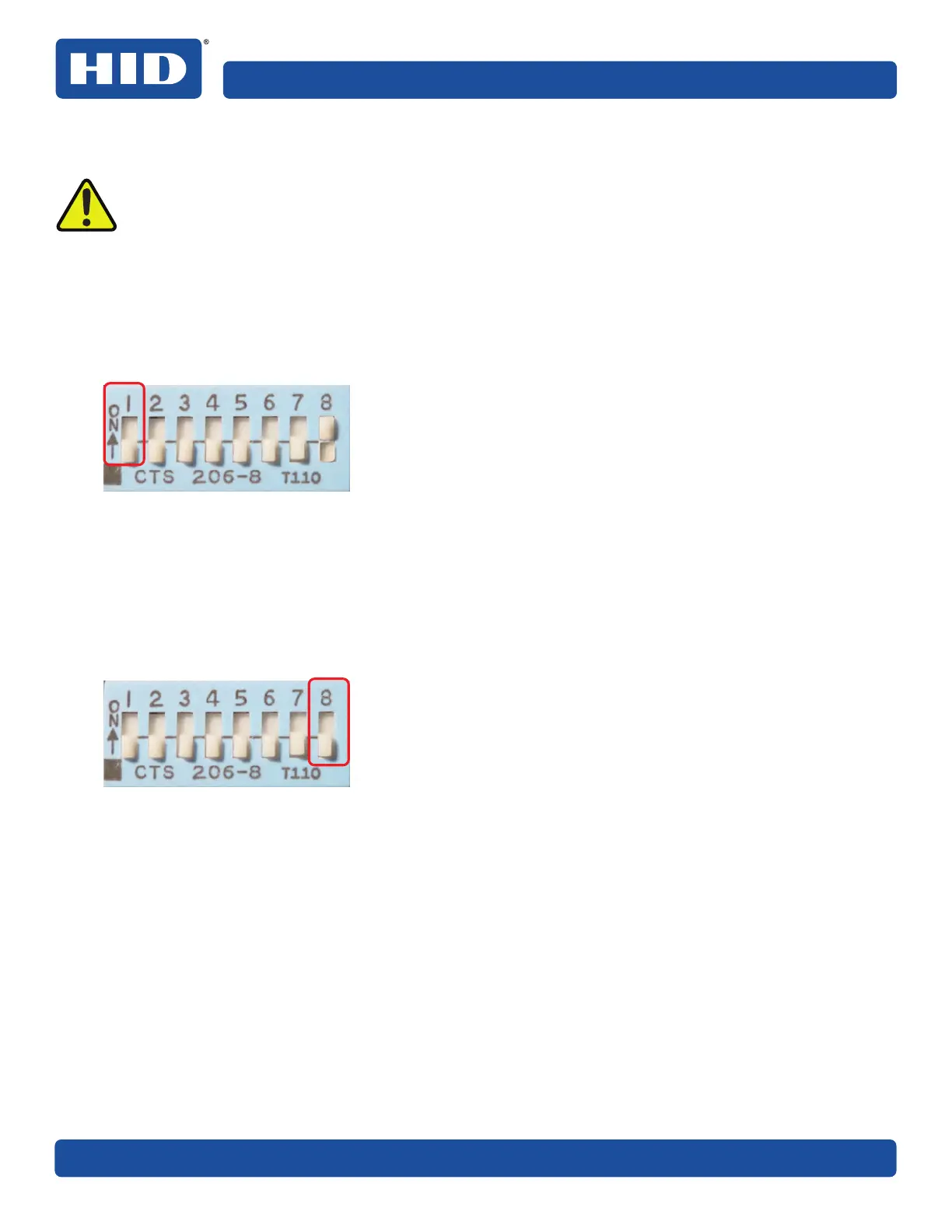
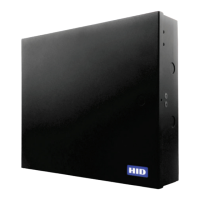
2. Set DIP switch 8 to ON with all other switches OFF.
3. Apply power to the PAM, see Section 4.8: Applying power.
4. Wait until FAULT, READER 1, READER 2 and RS-485 LEDs flash red/green/red/green continuously. The
PAM has successfully been reset to factory defaults.
To reconfigure the PAM, perform the following steps:
1. Remove power from the PAM.
2. Set DIP switch 8 to OFF.
3. Apply power to the PAM.
4. Configure the PAM, see Section 5 PAM configuration.
WARNING
Resetting the PAM to factory defaults permanently erases all configuration settings
(including logs, keys and cached validation data). It also returns the module to the factory
default IP address (192.168.0.222, with subnet mask 255.255.255.0).
These changes are non-recoverable.



 To Next Page