SSD7000 NVMe RAID AIC BootRAID Installation Guide
HighPoint Technologies, Inc
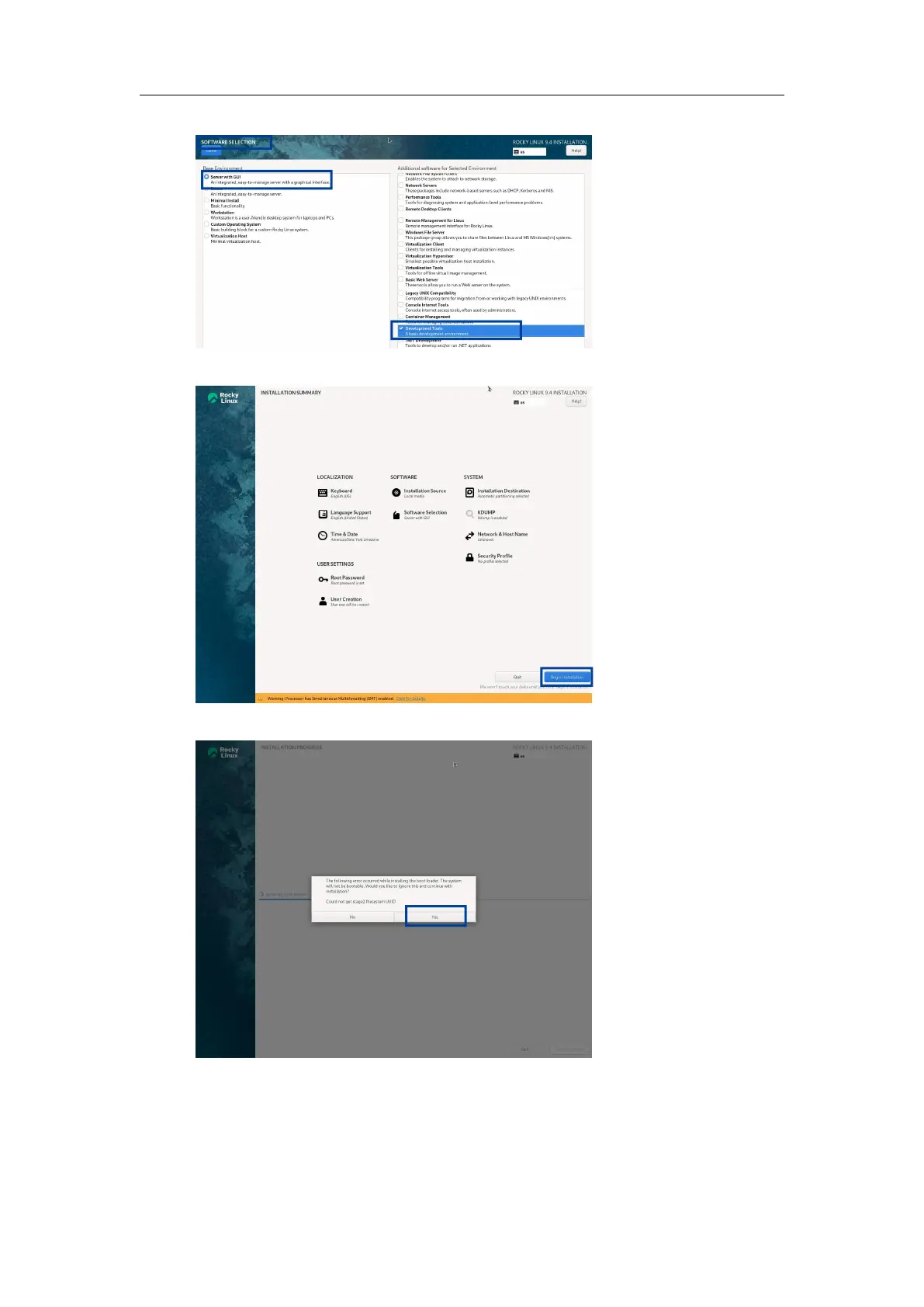
k. Set Software Selection and choose Server with GUI and Development Tools.
l. Set the Root Password and create the User to begin the installation.
If the following information is displayed during the installation, select Yes.
m. When the screen shows Install complete! Press CTRL+ALT+F2 to the shell.
n. Execute the following command to copy the binary driver installation file to the system.
#cp -r /tmp/hptdd /mnt/sysimage/tmp/hptdd
o. Execute the following command to switch to the top(/) directory.
#chroot /mnt/sysimage/















 To Next Page