SSD7000 NVMe RAID AIC BootRAID Installation Guide
HighPoint Technologies, Inc
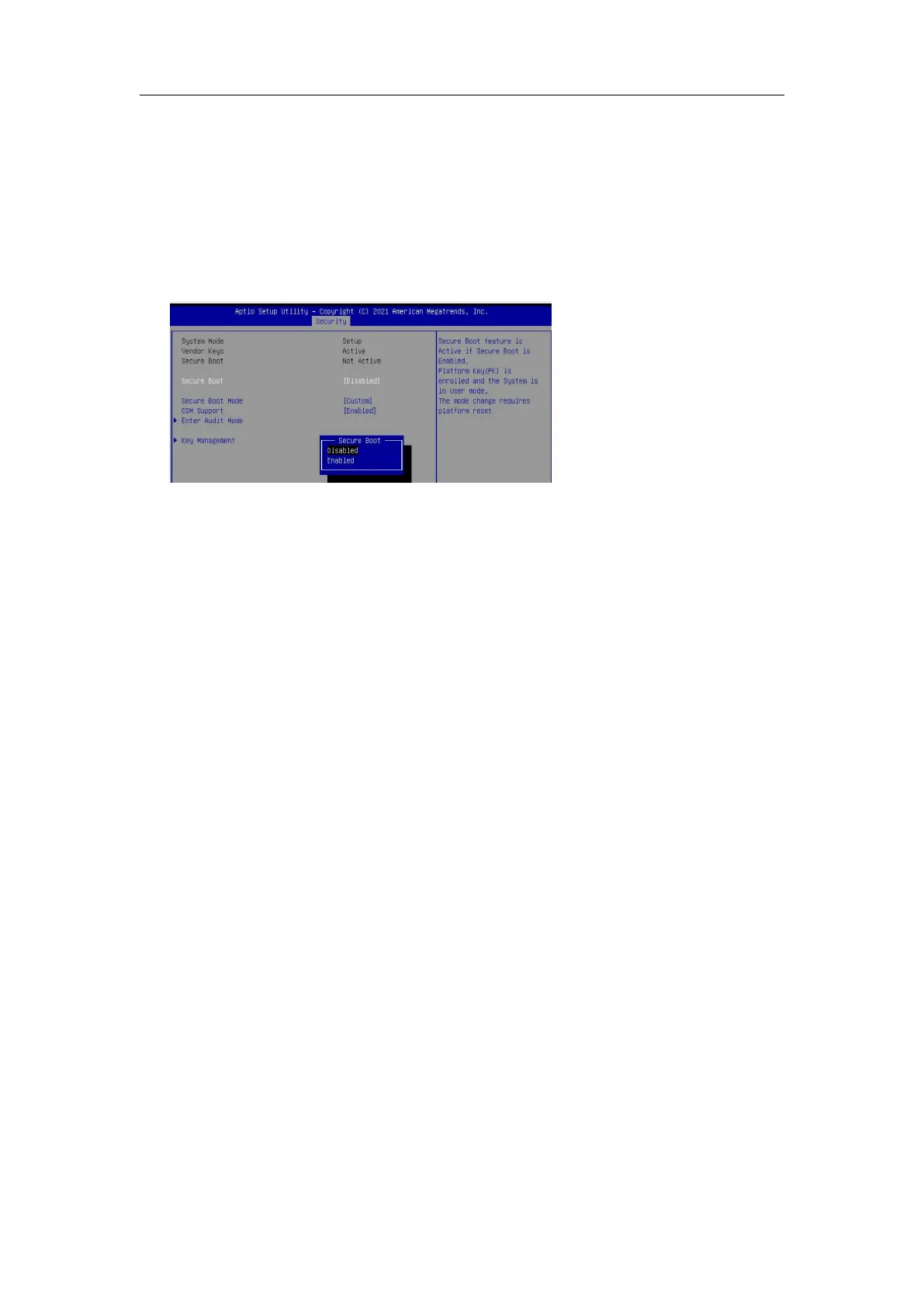
2.4. Adjust Secure Boot Setting
The Windows Boot-RAID supports Secure Boot enabled and disabled.
The Linux Boot-RAID supports Secure Boot disabled. If Secure Boot is enabled, the HighPoint driver
can not work.
Set UEFI setting with SuperMicro X11DPi-NT motherboard as an example.
1. Boot the system and access the motherboard BIOS menu.
2.
Set Secure Boot to Disabled/ Enabled.















 To Next Page