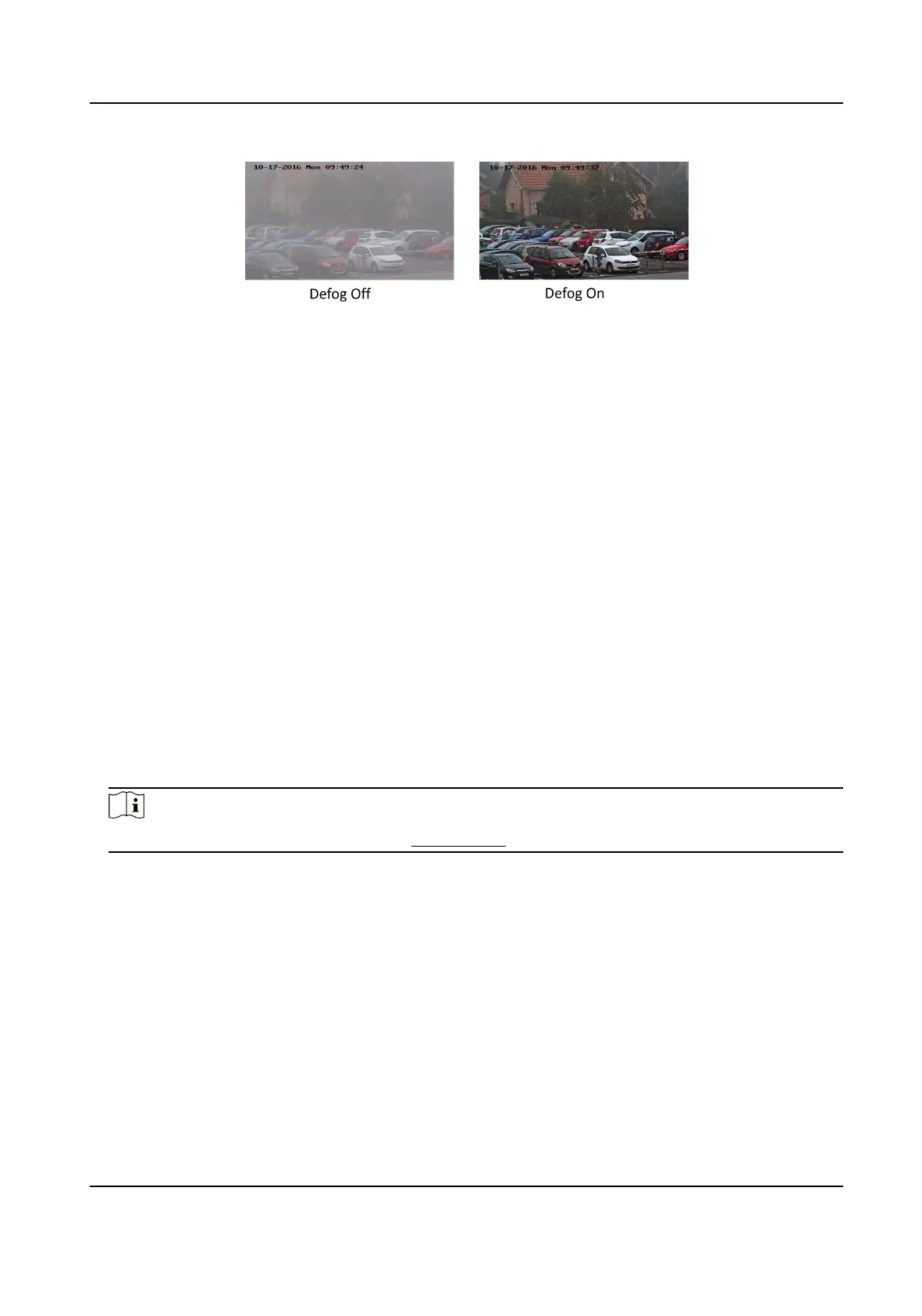
Figure 6-4 Defog
EIS
Increase the stability of video image by using jier compensaon technology.
6.6.2 Image Parameters Switch
The device automacally switches image parameters in set me periods.
Go to image parameters switch seng page: Conguraon → Image → Image Parameters Switch ,
and set parameters as needed.
Set Scheduled-switch
Switch the image to the linked scene mode automacally in certain me periods.
Steps
1.
Check Scheduled-switch.
2.
Select and
congure the corresponding me period and linked scene mode.
Note
For Linked Scene conguraon, refer to Scene Mode .
3.
Click Save.
Set Link to Preset
You can set a preset to switch the image to a linked scene.
Steps
1.
Check Link to Preset.
2.
Select a preset.
3.
Check and set a
me period and a linked scene mode.
4.
Click Save.
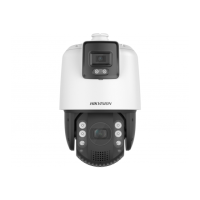
TandemVu PTZ Camera User Manual
44


 To Next Page
 Loading...