7.
Oponal: Set the minimum size and the maximum size for the target to improve detecon
accuracy. Only targets whose size are between the maximum size and the minimum size trigger
the detecon.
1) Click Max. Size, and drag the mouse on live image. If you want to change the size, click the
buon and draw again.
2) Click Min. Size, and drag the mouse on the live image. If you want to change the size, click the
buon and draw again.
8.
Set detecon parameters.
Sensivity It stands for the sensivity of detecng an target. The higher the value of
sensivity is, the more easily the target is detected.
Threshold Threshold stands for the me of the target loitering in the region. If the me
that she/he stays in the region exceeds the threshold, the alarm is triggered.
Detecon
Target
You can specify the object type, and the device only detects the selected
type of objects.
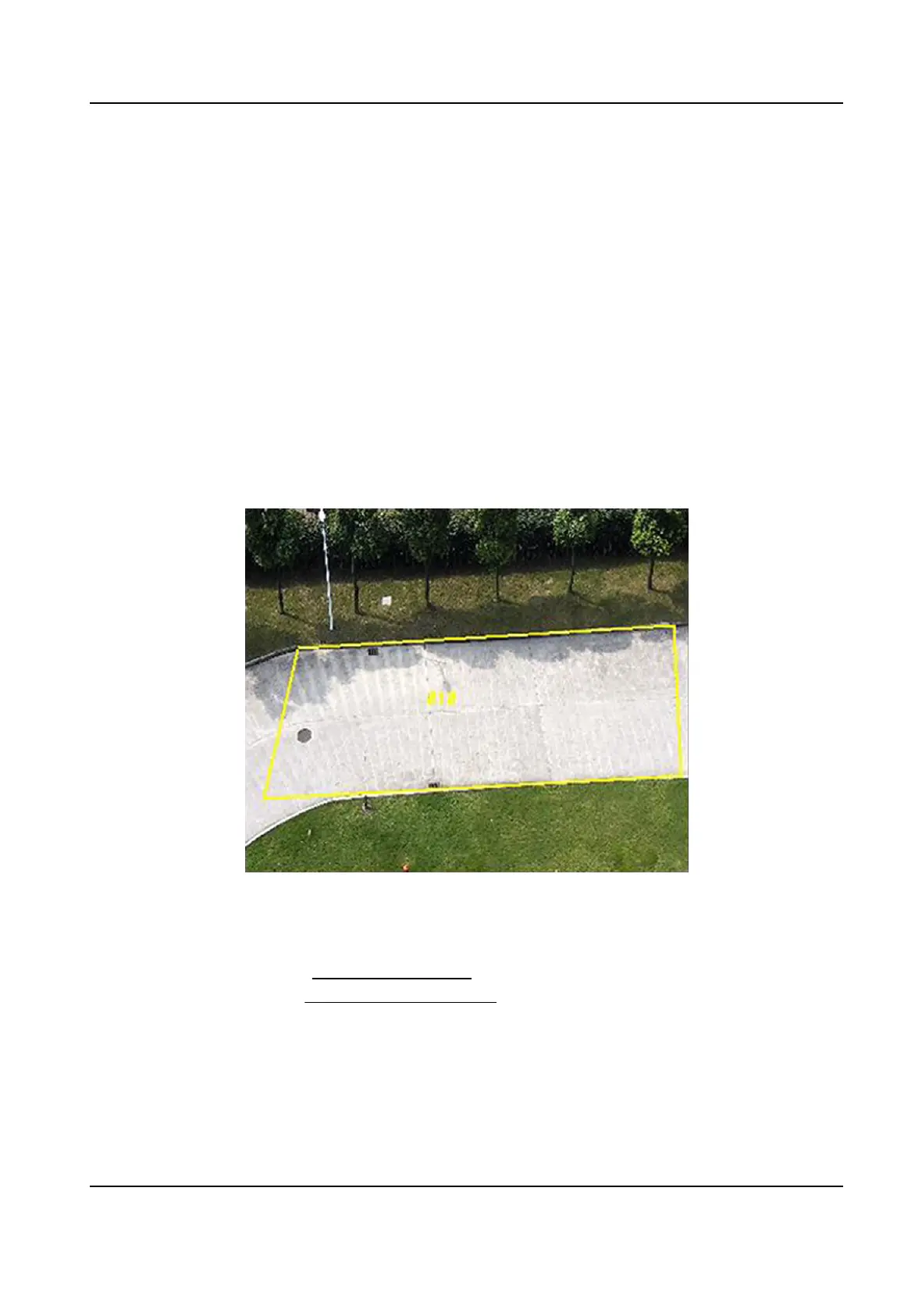
Figure 8-4 Draw Area
9.
Click Save.
10.
Repeat above steps to set other
detecon areas.
11.
Set arming schedule. See Set Arming Schedule .
12.
Set linkage method. See
Linkage Method Sengs .
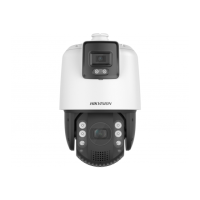
TandemVu PTZ Camera User Manual
61


 To Next Page
 Loading...