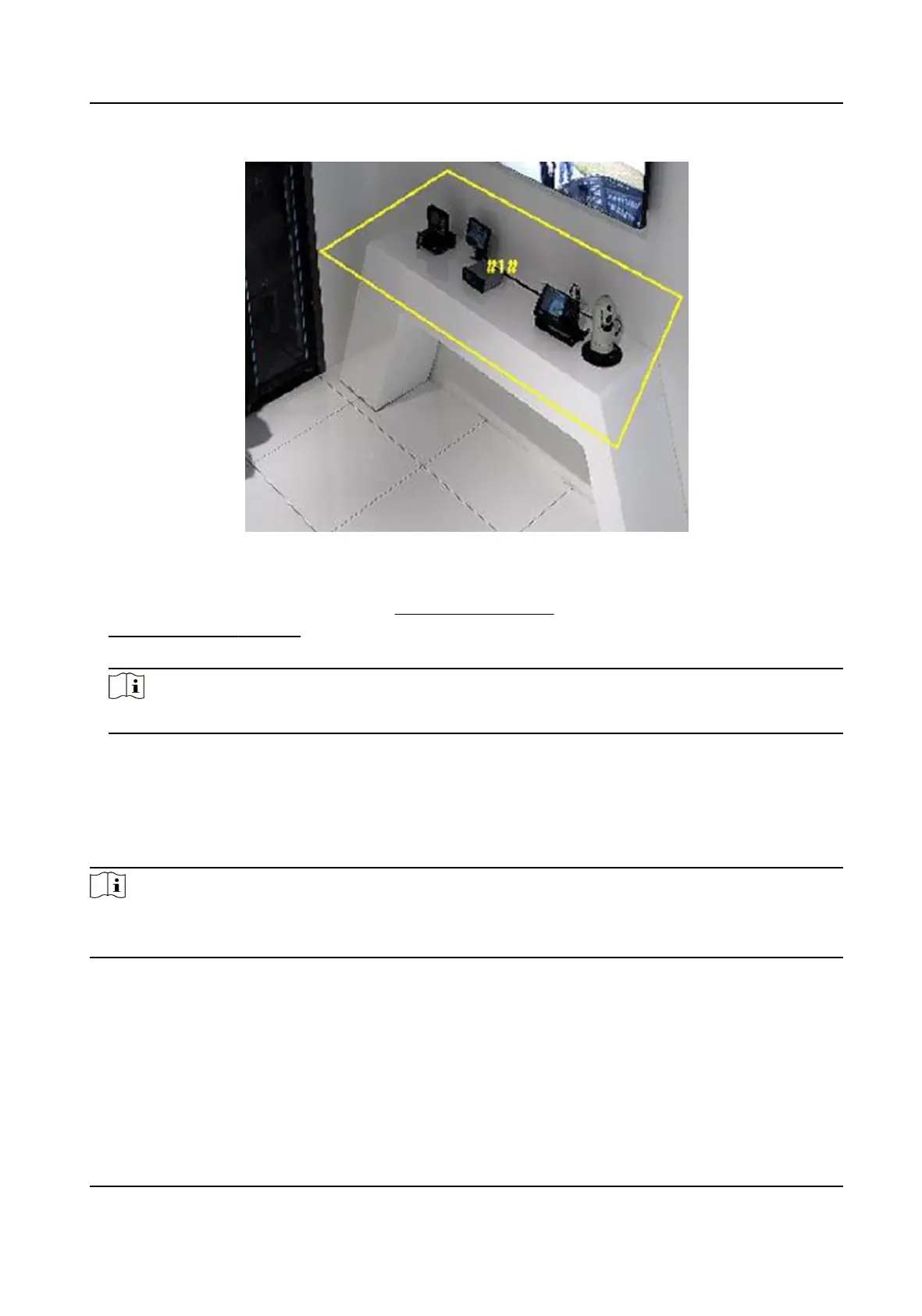
Figure 10-6 Set Rule
5.
Oponal: You can set the parameters of mulple areas by repeang the above steps.
6.
For the arming schedule sengs, see Set Arming Schedule . For the linkage method sengs, see
Linkage Method Sengs .
7.
Click Save.
Note
The funcon is only supported by certain models. The actual display varies with the models.
10.4 Face Capture
The device can capture the face that meets the rules in the congured rule area, and the captured
picture will be uploaded.
Note
●
For certain device models, you need to enable this funcon on VCA page rst.
●
The funcon is only supported by certain device models.
10.4.1 Set Face Capture
The face that appears in the congured area can be captured.
Network Camera User Manual
85



 To Next Page
 Loading...