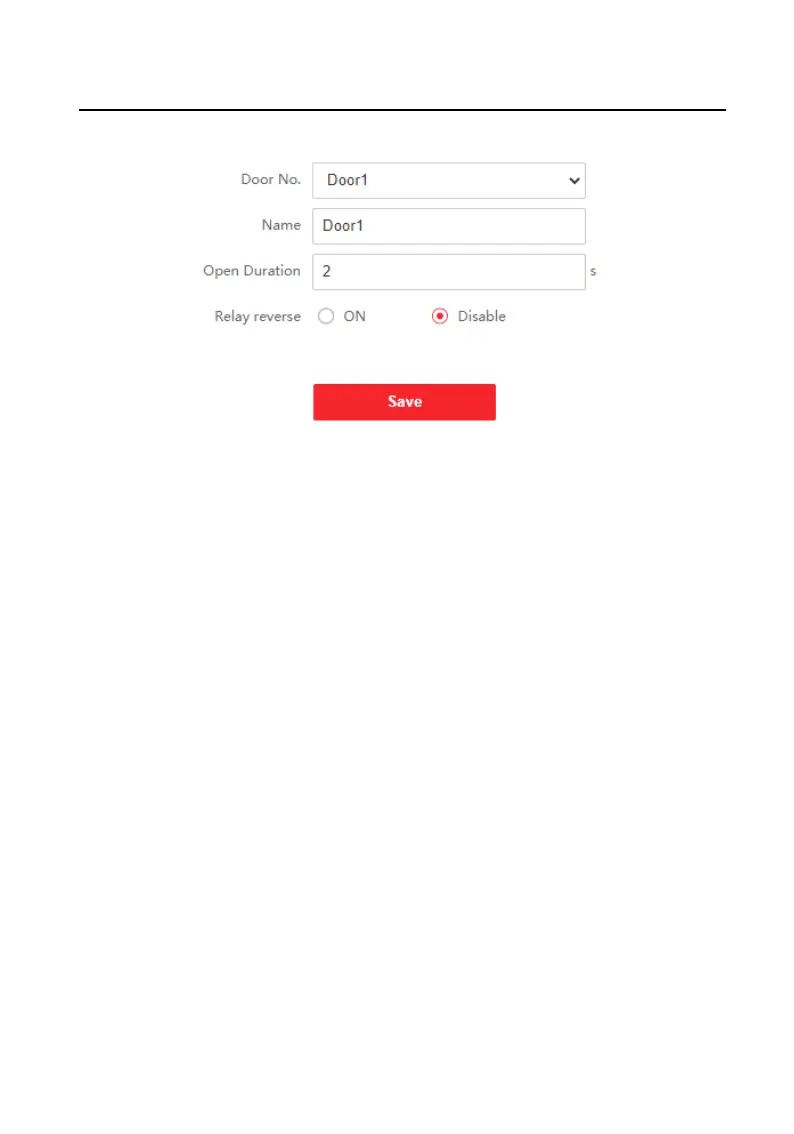
Figure 9-21 Door Parameters
2. Select Door No., and edit the Name.
3. Set Open Duraon. When the me to open over the open duraon you set, the
door will be locked again.
4. Select Relay Reverse as ON or Disable.
5. Click Save to enable the
sengs.
Elevator Control
Before You Start
Make sure that the door staon is in the mode of main door staon. Only the main
door
staon supports elevator control funcon.
Steps
1. Click Access Control → Elevator Control Parameter to enter the
sengs page.
Video Intercom Face
Recognion Door Staon User Manual
69












 To Next Page