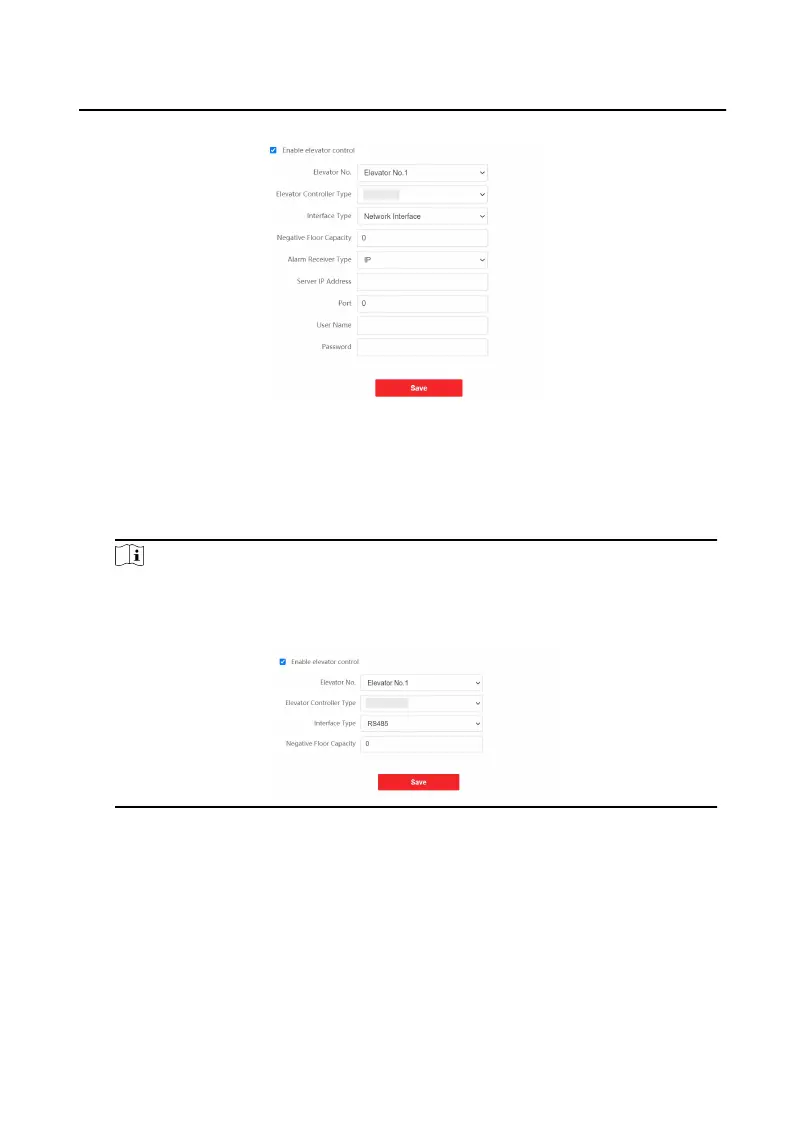
Figure 9-22 Elevator Control
2. Check to enable elevator control funcon.
3. Select an Elevator No., and select an elevator controller type for the elevator.
4. Select Interface Type.
Note
If you select Interface Type as RS-485, you only need to enter Negave Floor
Capacity.
5. Enter Negave Floor Capacity, and select Alarm Receiver Type.
6. Enter the elevator controller's Server IP Address, Port No., User Name, and
Password.
7. Click Save to enable the sengs.
Video Intercom Face
Recognion Door Staon User Manual
70












 To Next Page