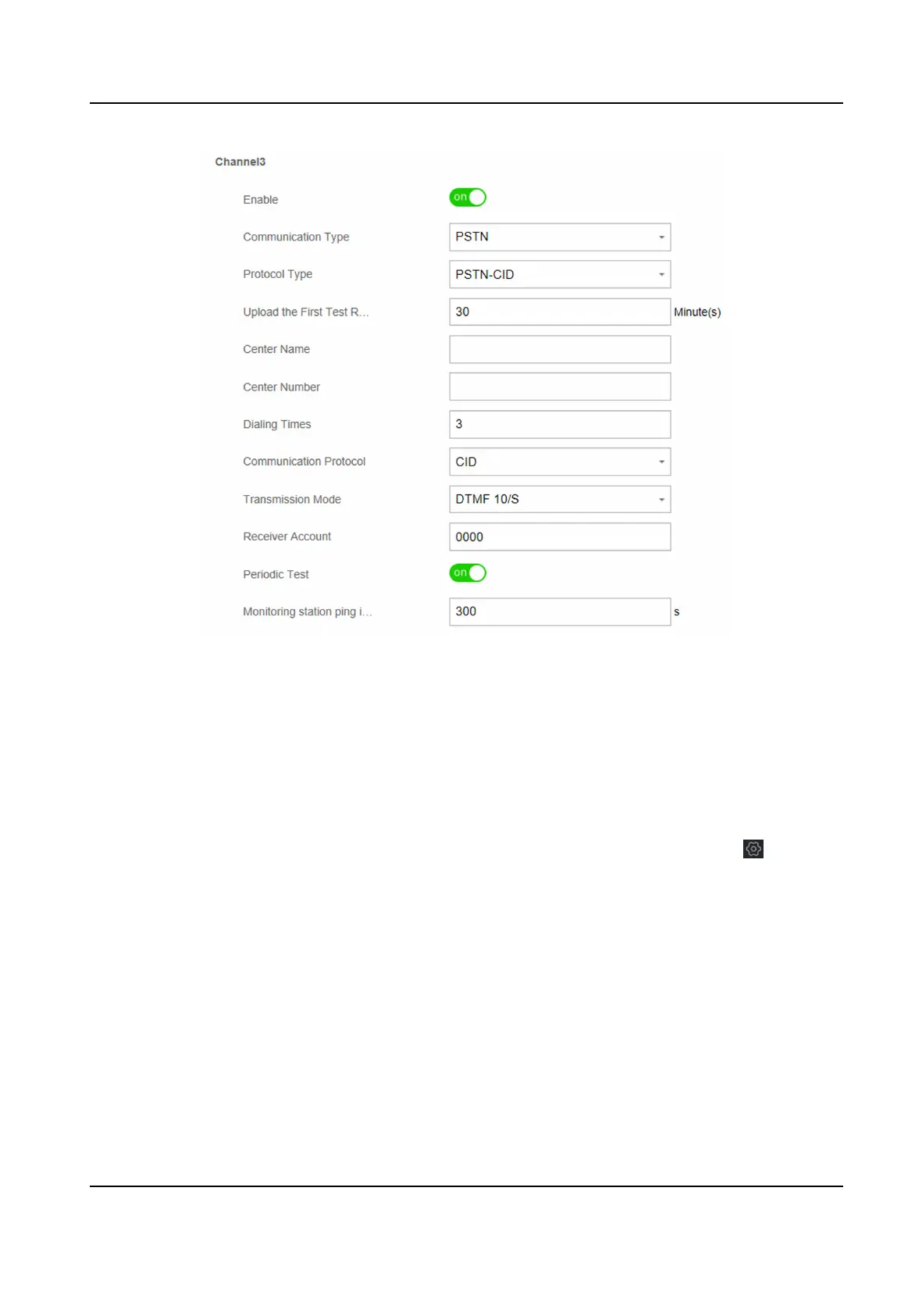
Figure 4-12 Channel 3
Nocaon
Push
When an alarm is triggered, if you want to send the alarm nocaon to the client, alarm center,
cloud or mobile phone, you can set the nocaon push parameters.
Steps
1. In the client soware, select the device on the Device Management page and click , or enter
the device IP address in the address bar of the web browser and log in.
2. Click
Conguraon → Communicaon Parameters → Event Communicaon .
3. Enable the target
nocaon.
Zone Alarm & Tampering Alarm Nocaon
The device will push nocaons when the zone alarm (on web client, soware client or
mobile client) is triggered or the zone tampering alarm is triggered or restored.
Device Tampering Alarm
Nocaon
The device will push nocaons when tampering alarm of any device is triggered or
restored.
Control Panel Tampering Alarm Nocaon
Hybrid Security Control Panel User Manual
22











 To Next Page