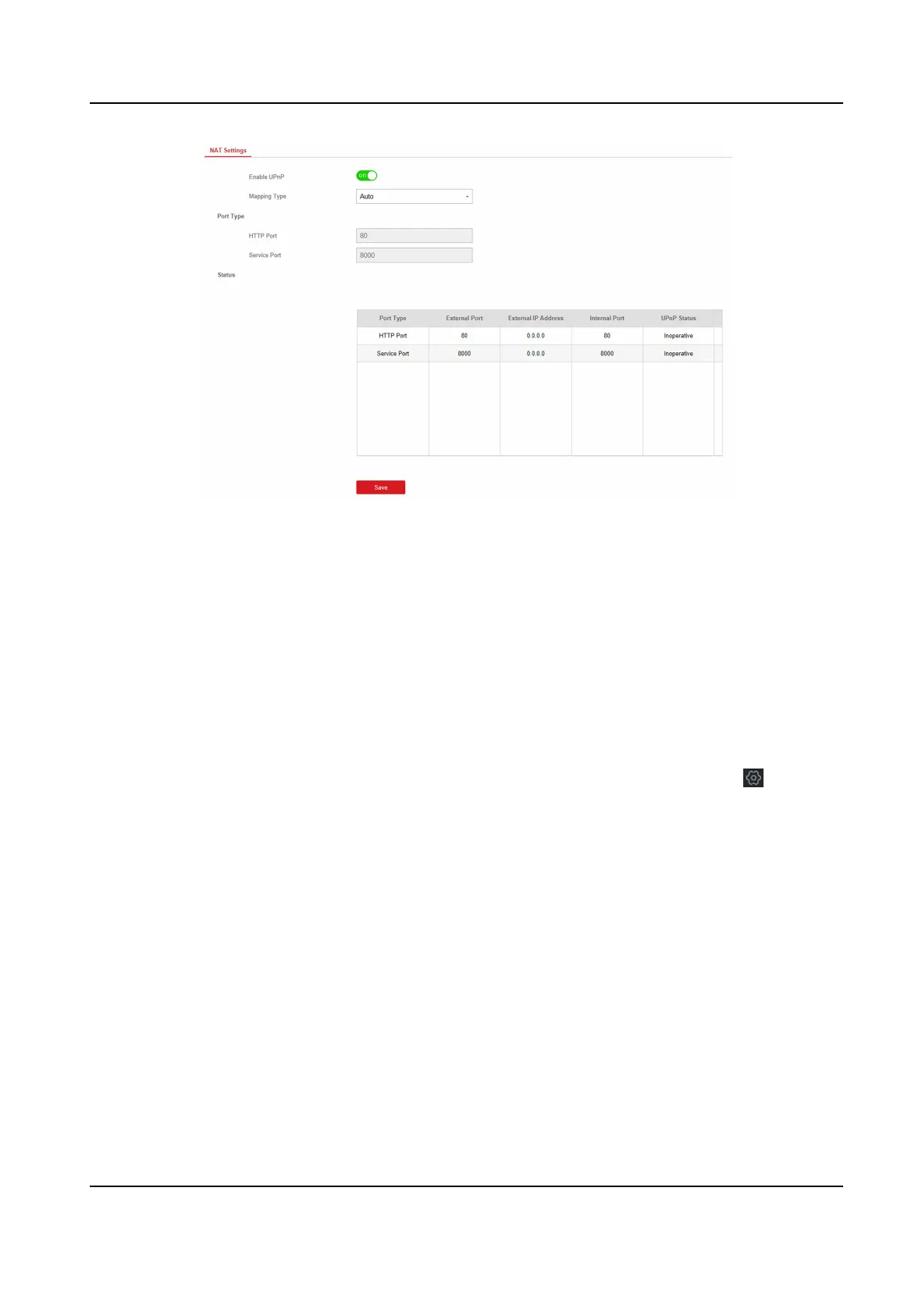
Figure 4-16 NAT Sengs
3. Drag the slider to enable UPnP.
4. Oponal: Select the mapping type as Manual
5. Set the HTTP port and the service port.
6. Click Save to complete the
sengs
Set FTP to Save Video
You can congure the FTP server to save alarm video.
Steps
1. In the client soware, select the device on the Device Management page and click , or enter
the device IP address in the address bar of the web browser and log in.
2. Click
Conguraon → Communicaon Parameters → FTP to enter the page.
Hybrid Security Control Panel User Manual
29











 To Next Page