Figure 5-10 Zone Status
Click the icon on the right of the zone, or check zones and click Bypass or Bypass Restored to
control zones.
5.8 Area
Operaon
Arm, disarm or clear alarm for areas.
In the client
soware, select the device on the Device Management page and click , or enter
the device IP address in the address bar of the web browser and log in. Click Device Status → Area
to enter the page.
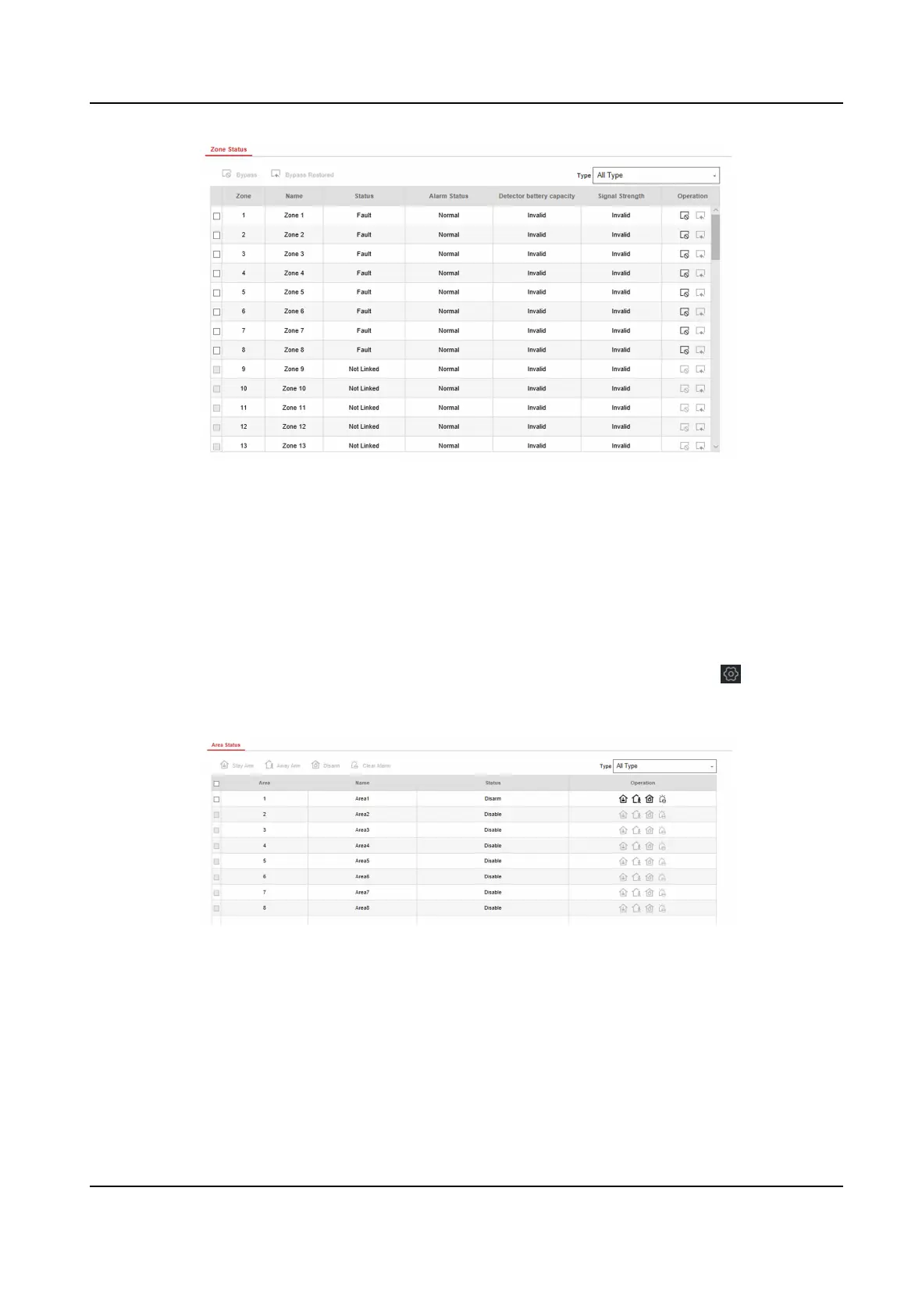
Figure 5-11 Area Status
Click the icon on the right of the area, or check areas and click Stay Arm, Away Arm, Disarm or
Clear Alarm to control areas.
5.9 Sounder
Operaon
Open or close the sounder.
Hybrid Security Control Panel User Manual
97


 To Next Page
 Loading...