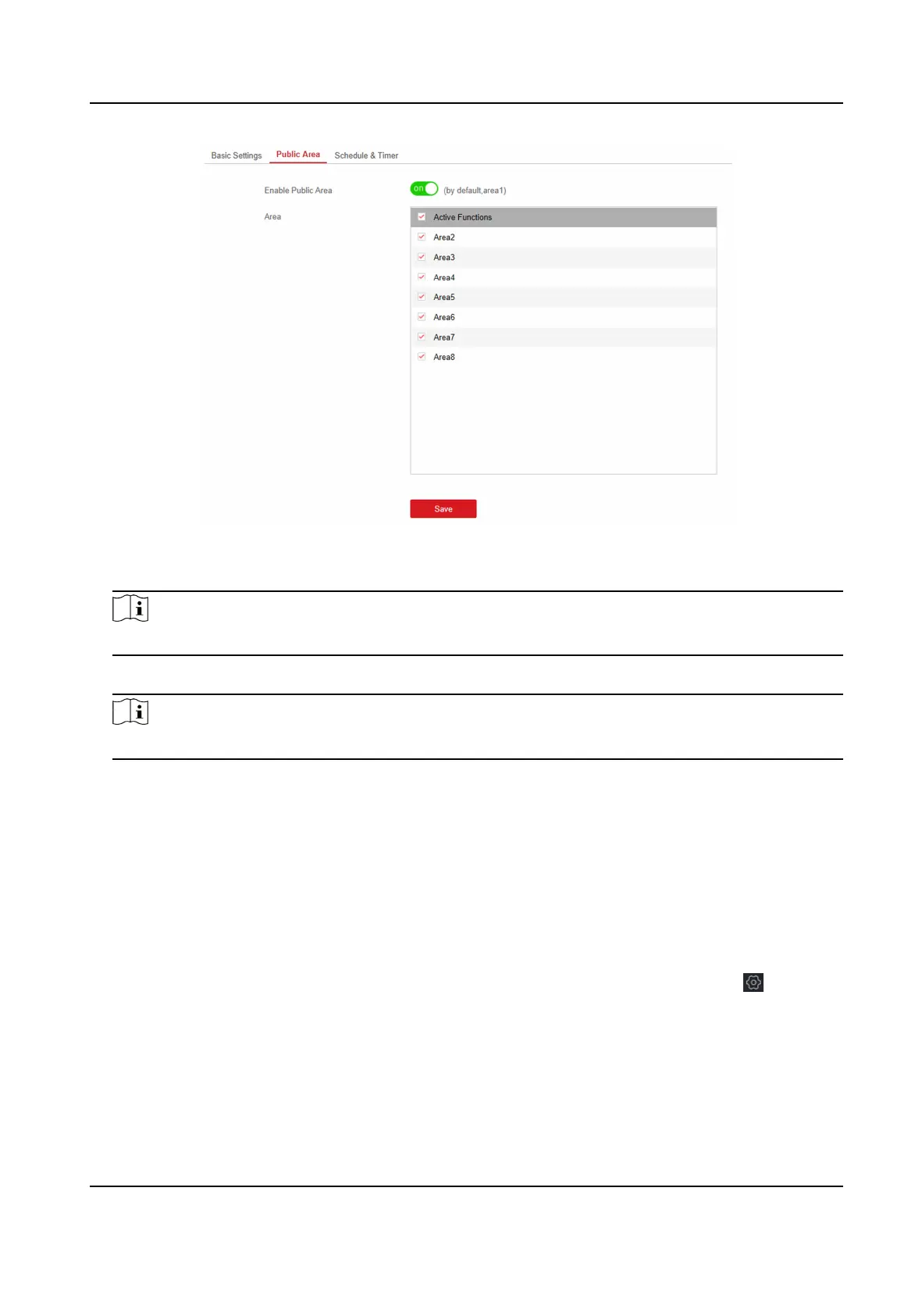
Figure 4-25 Public Area Sengs
3. Check the checkbox to enable the public area funcon.
Note
the default public area is area 1
4. Select area(s) to link to the public area in the list.
Note
It is required to select at least an area to link to the public parion.
5. Click Save to set the area as public area.
Schedule and Timer
Sengs
You can set the Entry Delay 1 & Entry Delay 2 me duraon for the delayed zone type and the Exit
Delay delayed
me to exit the zone. You can also set the alarm schedule. The zone will be armed/
disarmed according to the congured me schedule.
Steps
1. In the client soware, select the device on the Device Management page and click , or enter
the device IP address in the address bar of the web browser and log in.
2. Click
Conguraon → Area Management → Schedule & Timer to enter the Schedule & Timer
page.
Hybrid Security Control Panel User Manual
40











 To Next Page