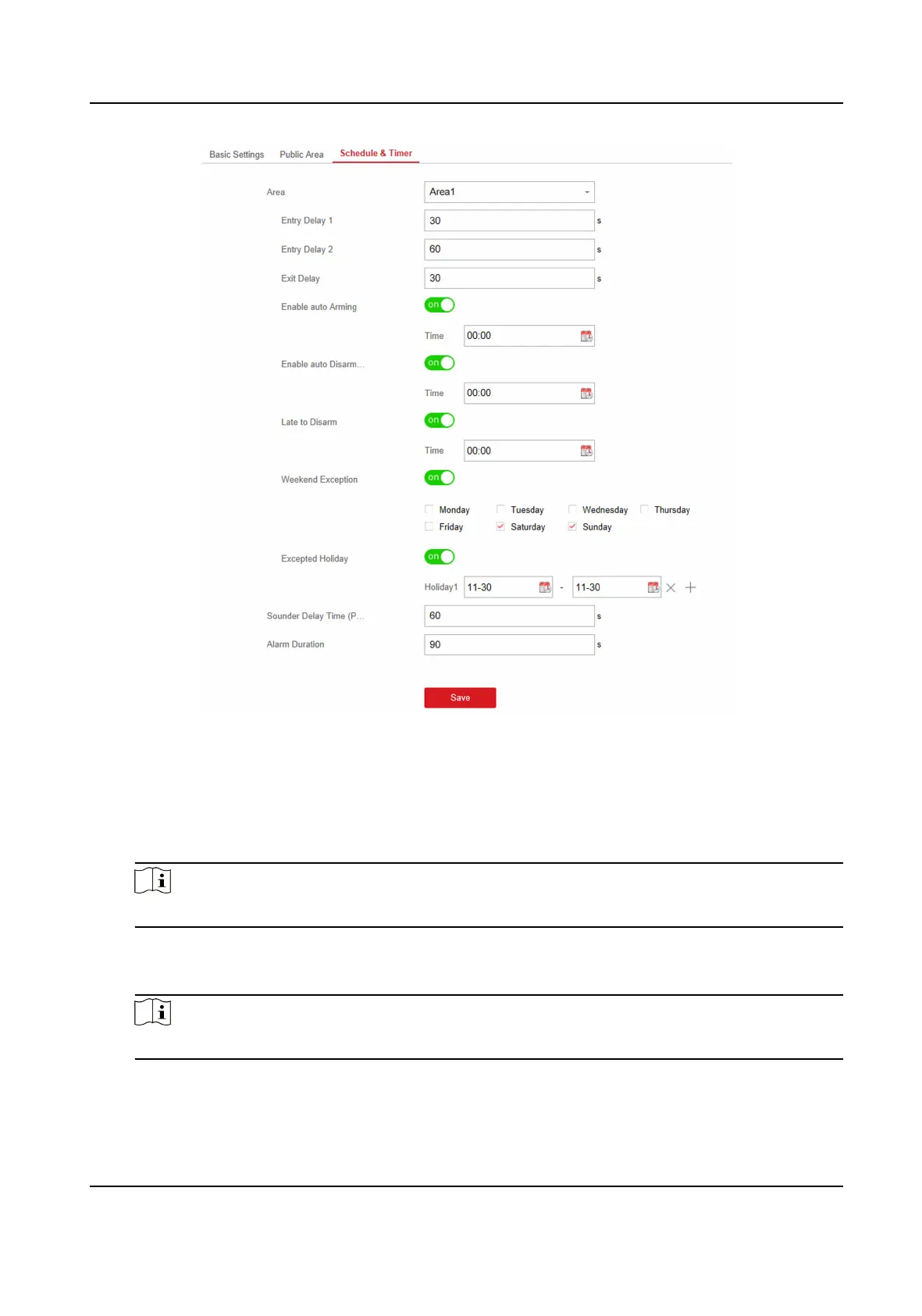
Figure 4-26 Schedule & Timer Sengs
3. Select an area.
4. Set
me duraon of Entry Delay 1, Entry Delay 2, or Exit Delay respecvely.
Entry Delay 1/Entry Delay 2
If you have set the entry delayed zone, you can set the delayed me duraon here.
Note
The available me duraon range is from 1 s to 600 s.
Exit Delay
If you want to exit the zone without triggering the alarm, you can set the exit delay duraon.
Note
The available me duraon range is from 1 s to 600 s.
5. Oponal: Set the following parameters according to actual needs.
Enable Auto Arming
Hybrid Security Control Panel User Manual
41











 To Next Page