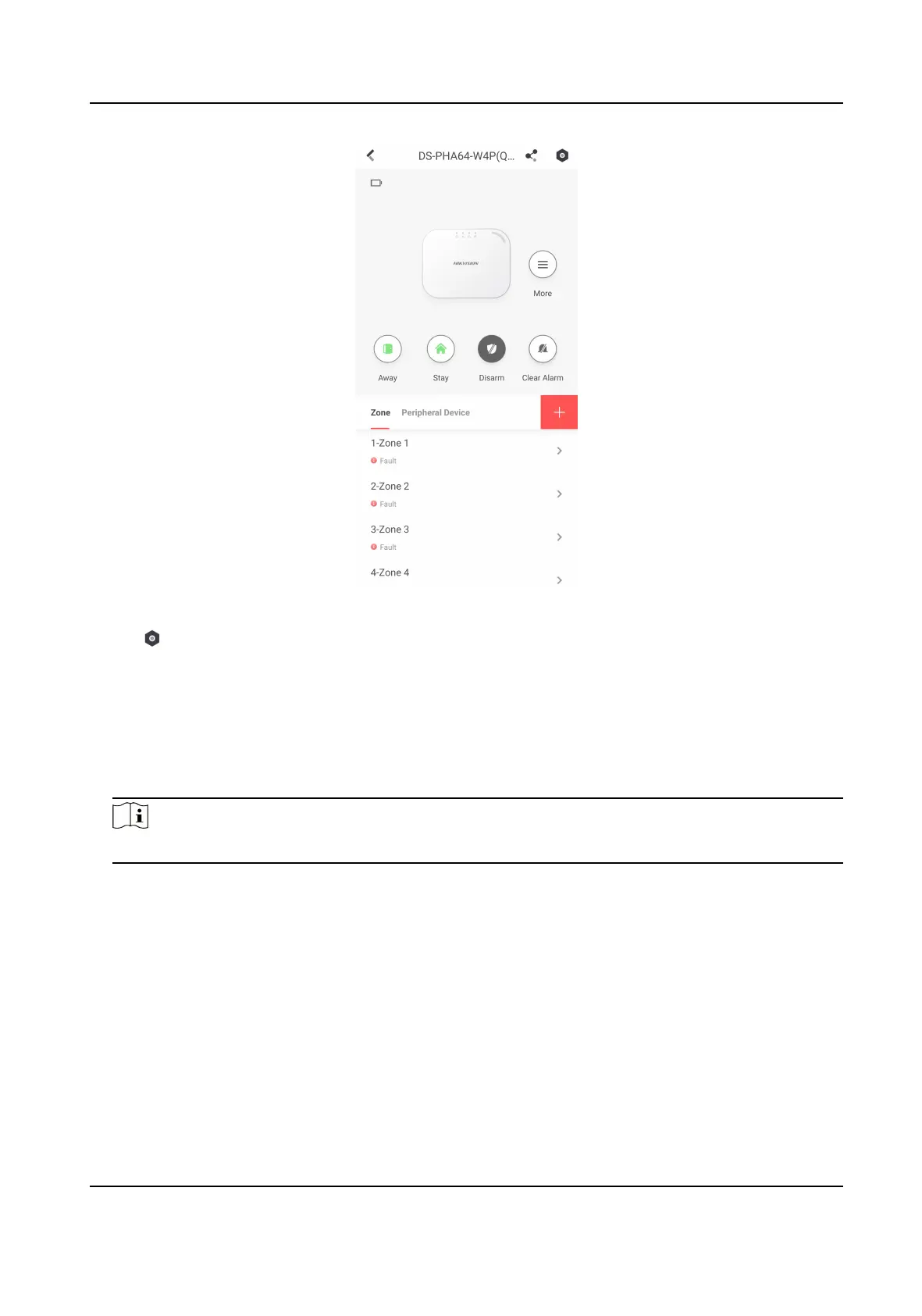
Figure 4-42 Area Page
2. Tap → User Management → Card/Tag Management to enter the Card/Tag Management
page.
3. Tap +.
4. When hearing the voice prompt "Swipe Card", you should present the card on the control panel
card
presenng area.
When hearing a beep sound, the card is recognized.
5. Create a card name and tap Finish.
Note
The name should contain 1 to 32 characters.
The card is displayed in the Card/Tag Management page.
4.3.6 Add Keyfob
You can add keyfobs to the control panel and control area arming/disarming status. You can also
clear alarm when an alarm is triggered.
Hybrid Security Control Panel User Manual
67











 To Next Page