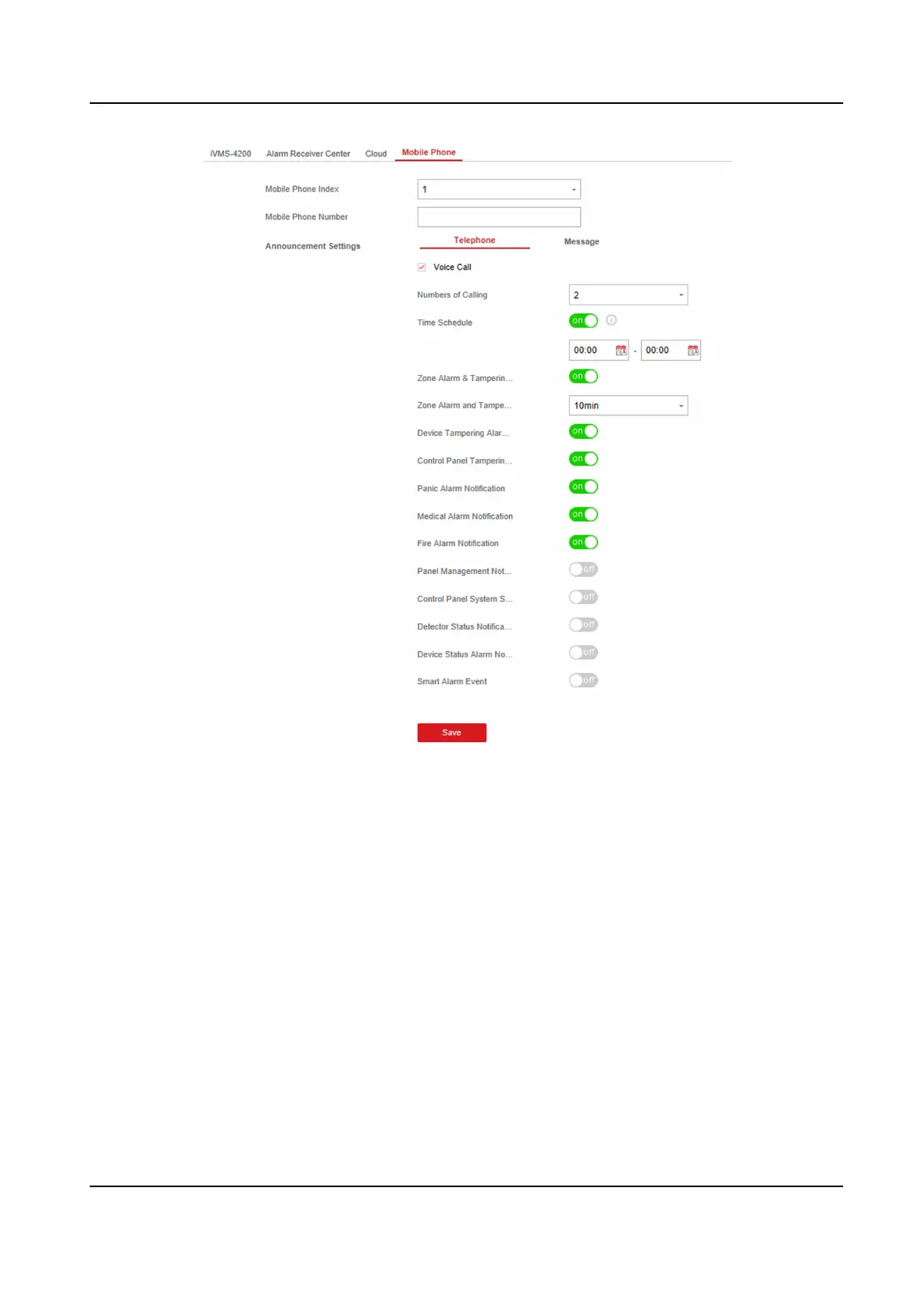
Figure 4-13 Mobile Phone Sengs Page
1) Set the Mobile Phone Index and Mobile Phone Number .
2) Check Voice Call on Telephone page.
3) select
me of Zoom Alarm and Tampering Alarm Nocaon Filtering and Number of
Calling.
4) Check SMS on Message page.
5) Select areas that have arming, disarming or alarm clearing permission.
Time Schedule
Aer enabled, only if the alarms occurs within the me period, the contact number can
receive message and nicaon call. SMS back control will also take eect according to
the schedule.
6. Click Save.
Hybrid Security Control Panel User Manual
24











 To Next Page