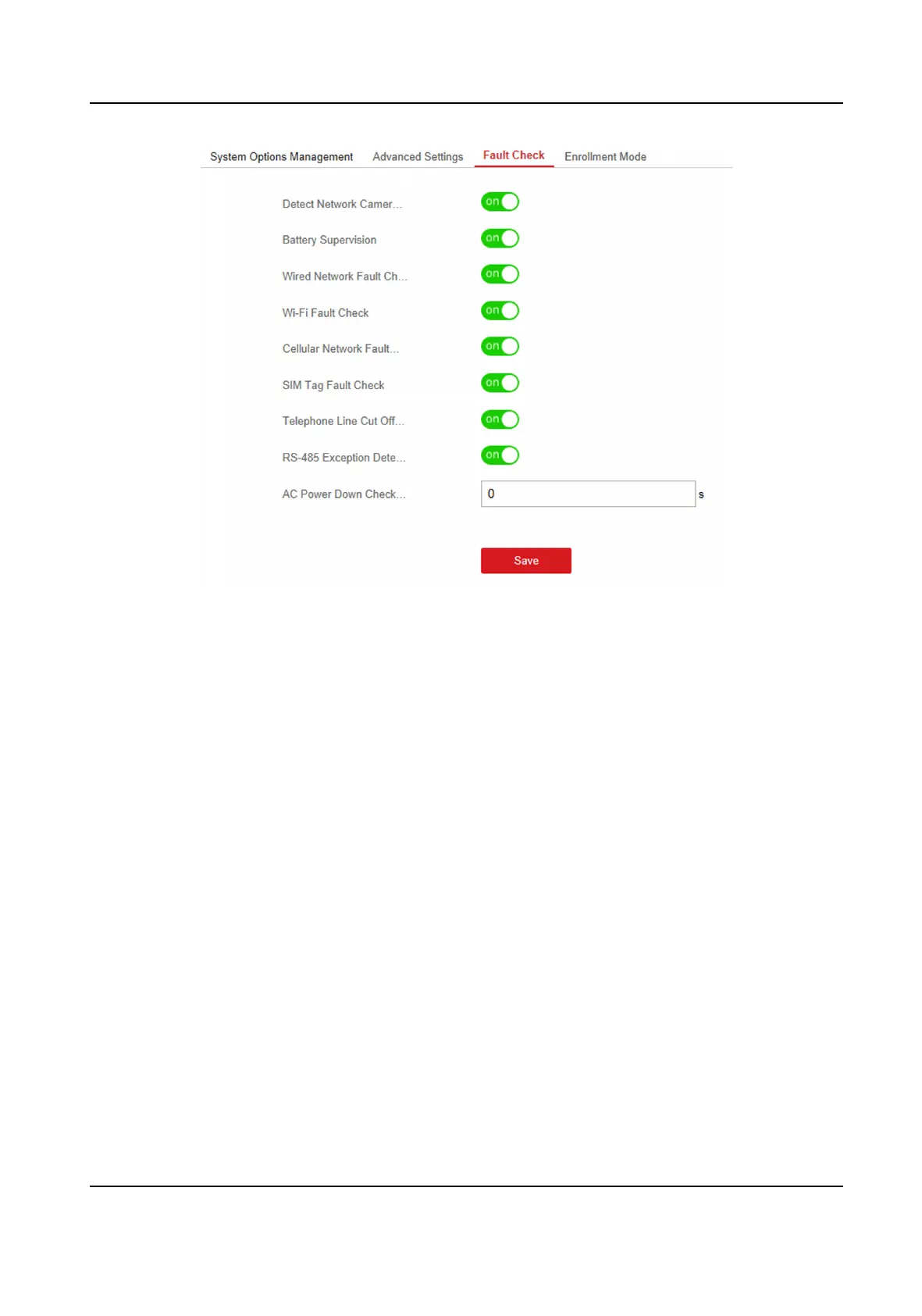
Figure 4-35 Fault Check Sengs
Detect Network Camera Disconnecon
If the opon is enabled, when the linked network camera is disconnected, an system status
event
nocaon will be uploaded.
Baery Supervision
If the opon is enabled, when baery is disconnected or out of charge, the device will not
upload events.
Wired Network Fault Check
If the opon is enabled, when the wired network is disconnected or with other faults, an system
status event
nocaon will be uploaded.
Wi-Fi Fault Check
If the opon is enabled, when the Wi-Fi is disconnected or with other faults, an system status
event nocaon will be uploaded.
Cellular Network Fault Check
If the opon is enabled, when the cellular data network is disconnected or with other faults, an
system status event
nocaon will be uploaded.
SIM Tag Fault Check
If the opon is enabled, an system status event nocaon will be uploaded for faults of the
SIM card.
Hybrid Security Control Panel User Manual
56











 To Next Page