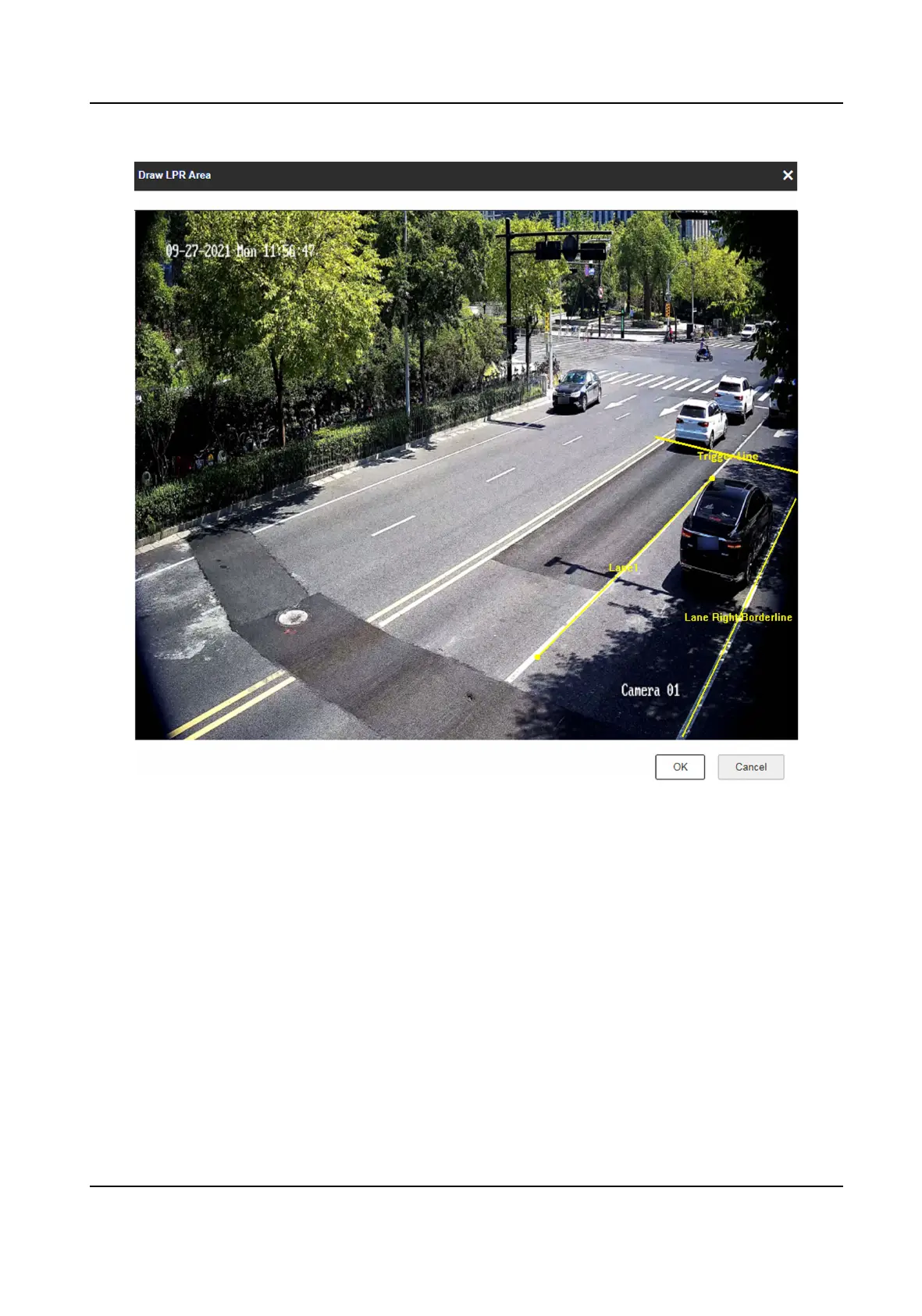
Figure 1-12 Draw Lane Line
8.
Click Save.
1.5 Set
Applicaon Mode Detailed Parameters
1.5.1 Set Violaon and Incident Detecon
The device supports dierent violaon types detecon. You can select the violaon type(s) to be
detected under dierent applicaon modes, and set the corresponding parameters.
Network Trac Camera Conguraon Manual
18



 To Next Page
 Loading...









