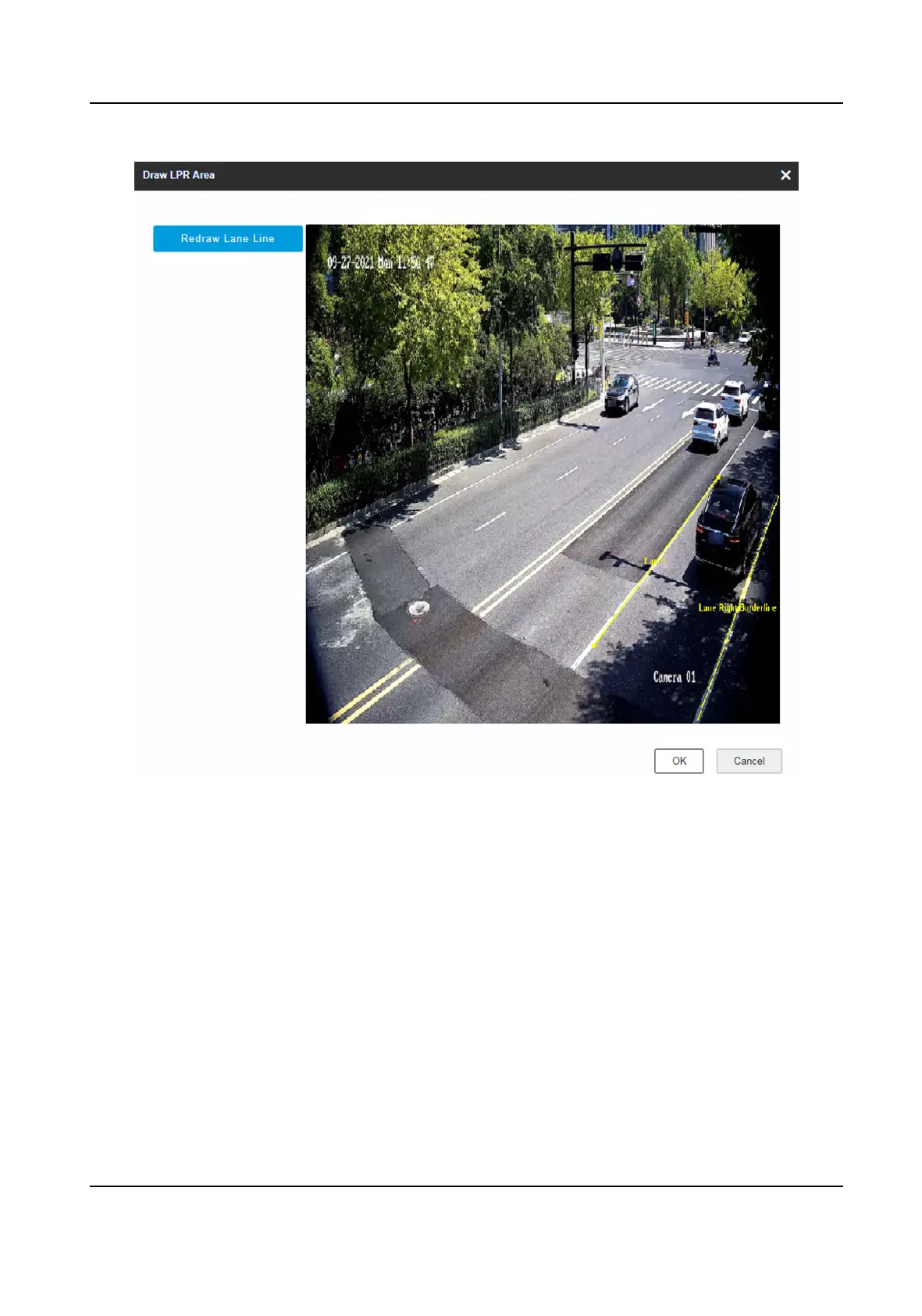
Figure 1-10 Draw Lane Line
8.
Click Save.
1.4 Set License Plate
Recognion System Capture
If you want to trigger capture of the passing vehicles and recognize the license plate numbers, set
license plate
recognion system capture.
Steps
1.
Go to Conguraon → Capture → Applicaon Mode .
2.
Select Applicaon Mode as License Plate Recognion System.
Network Trac Camera Conguraon Manual
15



 To Next Page
 Loading...









