DTA001-0602
7
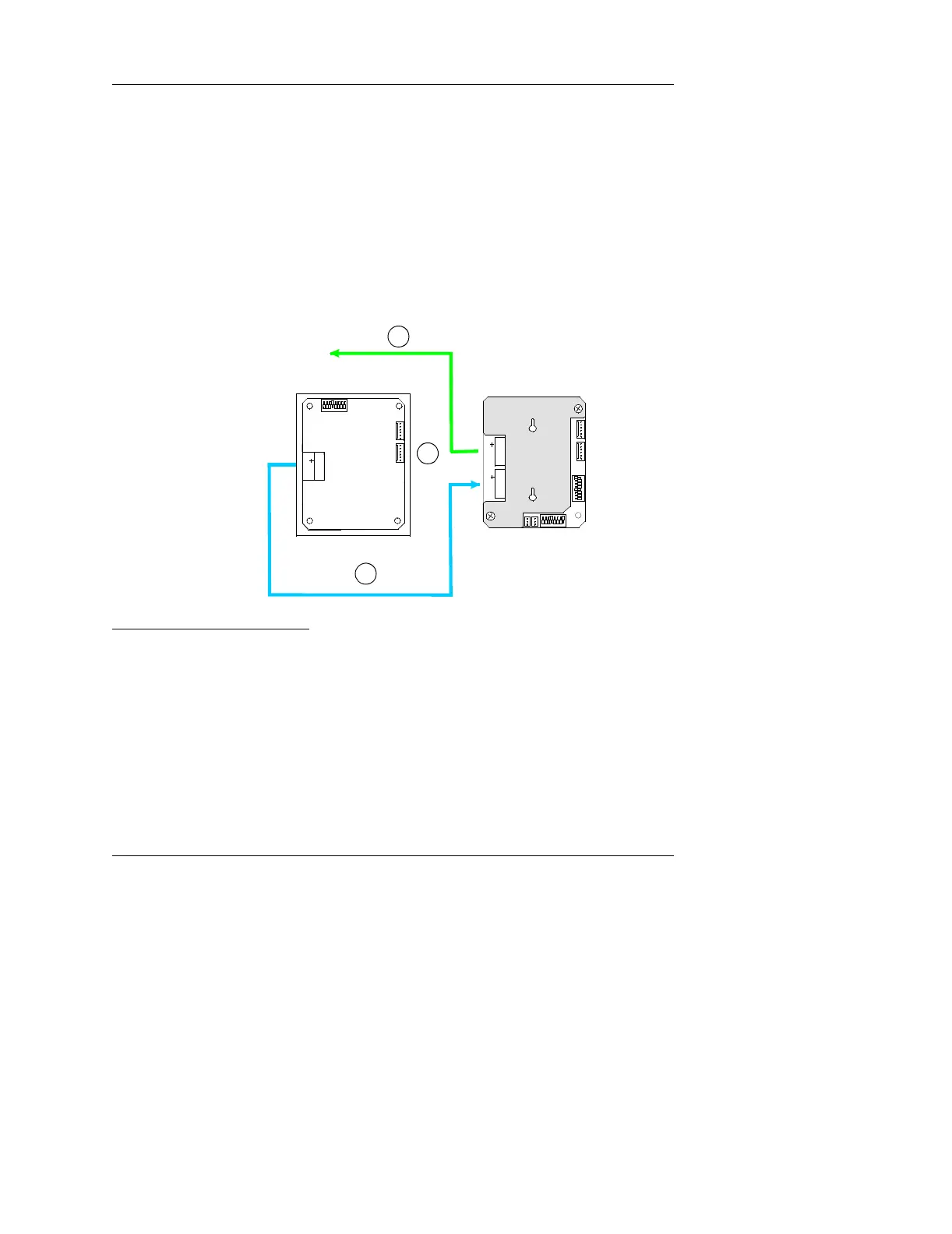
If you are using a ScrambleProx as the keypad, follow these
instructions (as shown in the example in Figure 8):
a. Connect an extension cable from the D*TRAC port on the back
of the ScrambleProx to the KEYPADS port on the DTA’s
MATCH2 board.
b. Connect the DIGI*TRAC controller cable to the D*TRAC port
on the DTA MATCH2 board.
c. Disconnect the proximity reader connector from Reader Port 1
on the ScrambleProx.
Follow the connection chart shown in Figure 8.
Figure 8: Connecting a ScrambleProx to a DTA
Once connected, the operator accesses the Annunciator by either
entering a special code into the connected ScramblePad or using a
special card on the attached reader or ScrambleProx. A simple menu
appears on the Annunciator LED. The operator then follows the menu
to access the information they require.
Using a
ScrambleProx
Back of AnnunciatorBack of ScrambleProx
To D*T Controller
12345 678
1234
5
67
8
G
A
B
S
D*TRAC
G
A
B
S
KEYPADS
P1P2
12
026-0000025 C MATCH
ON
ON
12345678
1
2
G
A
B
S
D*TRAC
ON
a
b
c



 To Next Page