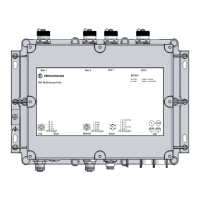
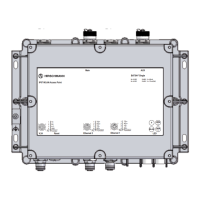
Installation BAT867-R
Release
06
08/2018
17
The devices provide you with a large range of functions, which the manuals
for the operating software inform you about. You can download these
manuals as PDF files from the Internet on the Hirschmann product pages
(www.hirschmann.com).
The Hirschmann network components help you ensure continuous
communication across all levels of the company.
1.2 Device name and product code
The device name corresponds to the product code. The product code is
made up of characteristics with defined positions. The characteristic values
stand for specific product properties.
Item Characteristic Character
istic value
Description
1 ... 8 Product BAT867-R IP40 housing
9 ... 10 Country approvals
Example:
Singapore
XX
Example:
SG
You can determine the current country
approvals using the configurator (www.e-
catalog.beldensolutions.com).
11 Slot 1 W WLAN module
12 Slot 2 9 Not assembled
13 Slot 3 9 Not assembled
14 Access point or client A Access Point
CClient
15 Supply voltage 1 U Rated voltage
24 V DC
16 Supply voltage 2 9 Not assembled
17 Approvals 1 9 No additional approvals
18 Approvals 2 9 No additional approvals
19 Mounting A Standard
20 ... 21 Ethernet port 1 T1 RJ45 socket for 10/100/1000 Mbit/s
Twisted Pair connections
22 ... 23 Optional:
Ethernet port 2 or interface
99 Not assembled
24 Temperature range L +14 °F ... +140 °F (10 °C ... +60 °C)
25 Software option 1 9 Not present
26 Software option 2 9 Not present
27 Software option 3 9 Not present
28 Configuration Z Accessory package
9 Not present
29 Device model H Hirschmann standard
Table 3: Device name and product code



 To Next Page