Installation BAT867-R
Release
06
08/2018
21
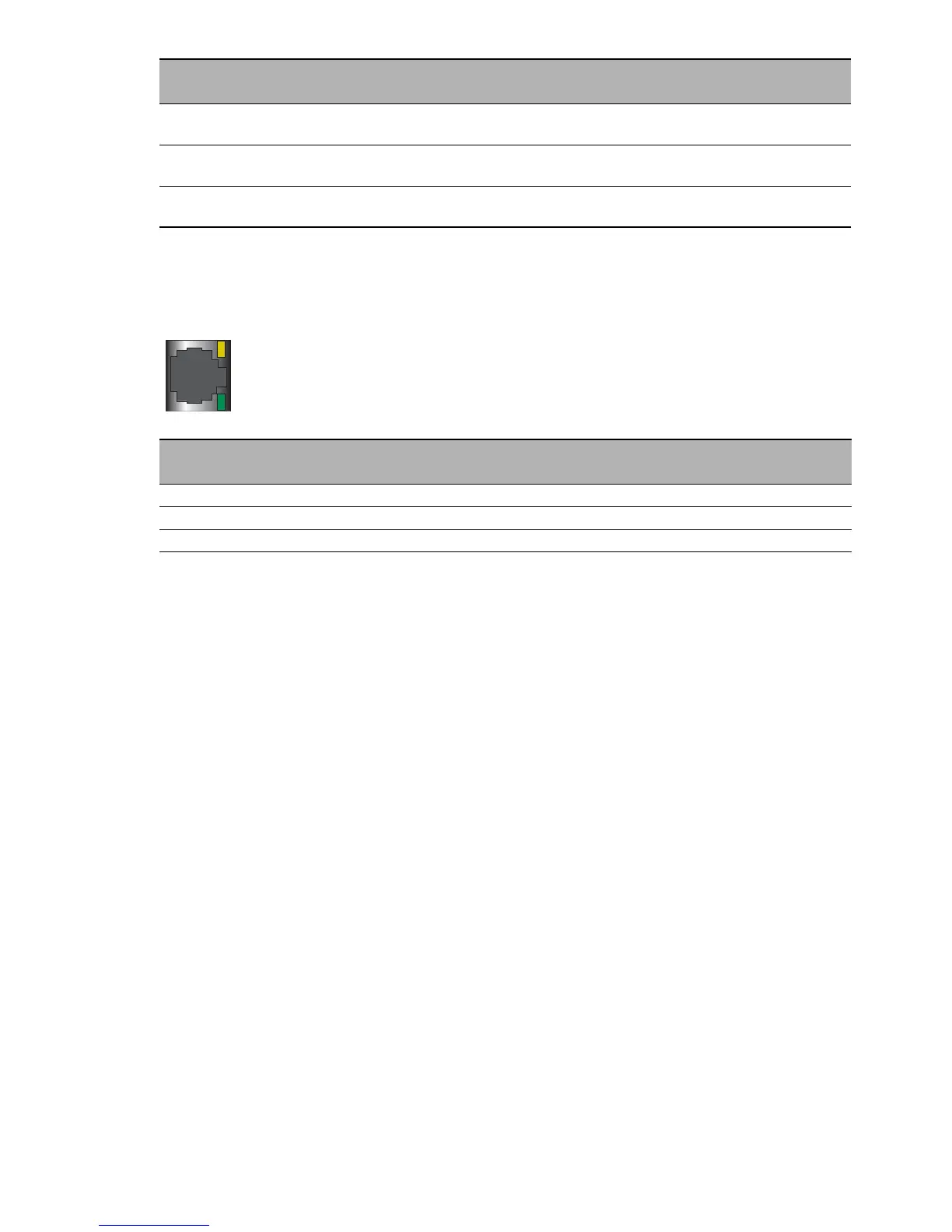
1.7.2 Port status
These LEDs provide port-related information.
1.8 Reset button
The device has a reset button.
You will find more information in the “User Manual Configuration Guide”, in
the chapter “Using the Boot Configurations”.
green inverse flashing Number of flashes corresponds to number of connected
WLAN stations and P2P radio lines.
green flashing DFS scanning or another scan procedure
Display of signal strength in client or P2P
re
d
flashing Device has detected at least one hardware error.
LS/DA
Color
Activity Meaning
— off No network device connected
green lights up Ethernet connection active
yellow flashing Data traffic
WLAN
Color
Activity Meaning
DA
LS



 To Next Page