Configuration Setup
© Hirschmann Rev. E 11/12/08 190147_E
11
4 CONFIGURATION SETUP
The LMI setup procedure allows the operator to input the crane configuration using interactive
displays. The operator must complete the setup procedure for the Load Moment Indicator
system if the system has been turned off for more than two hours or the crane operation
configuration has been changed.
4.1 LMI SETUP PROCEDURE
...starts:
automatically, if the system was turned off for more than
two hours.
manually at each modification of the crane configuration
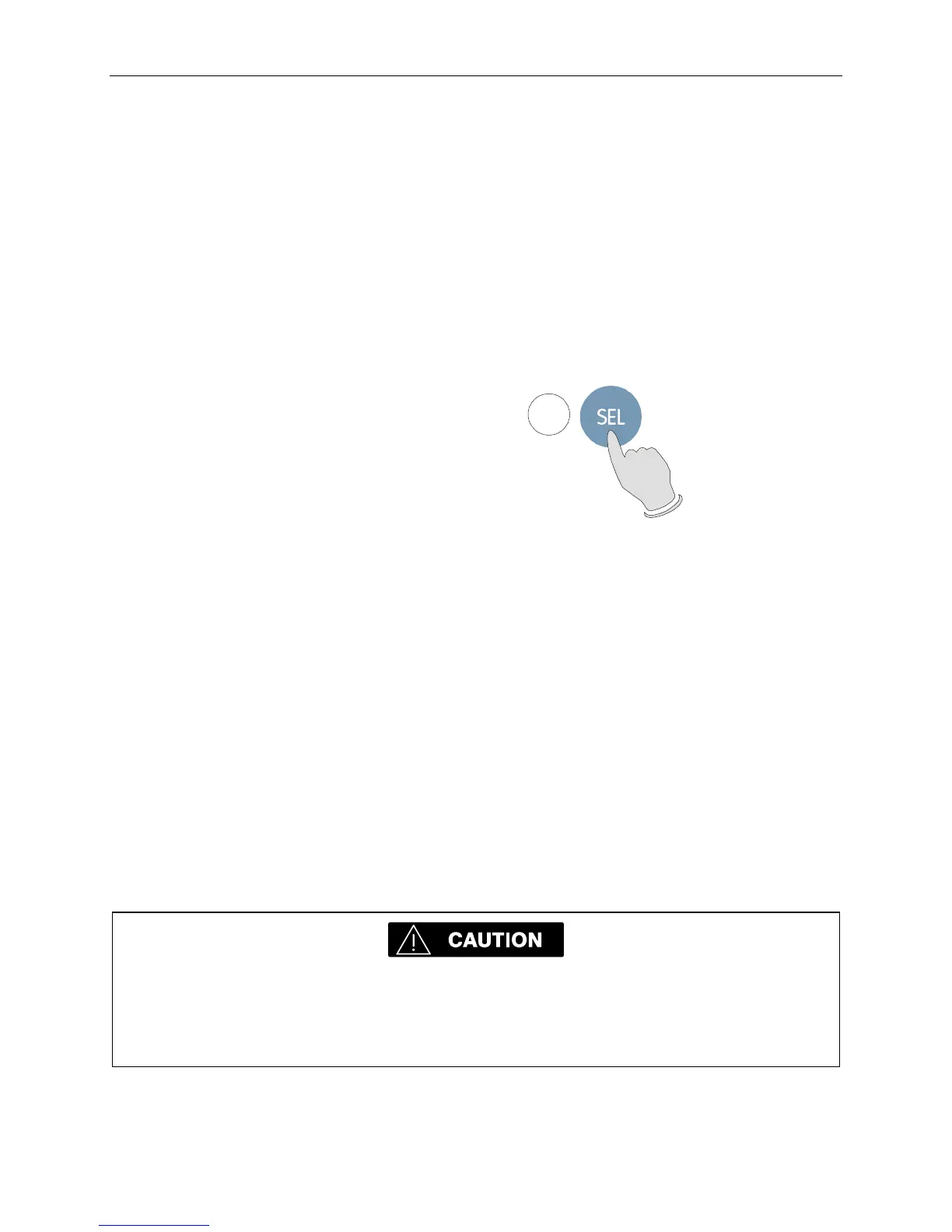
by pressing key (9) "SEL"
9
...is operated:
by answering the different questions using functional keys
F1...F5 in accordance with the actual configuration of the
crane.
...is cancelled:
any time by pressing again key (9) "SEL". The system,
however, is only ready for operation, if the procedure has
been completed and the inputs have been confirmed.
If the system is turned off, for example during short breaks (less than 2 hours), all adjustments
remain stored. When turning on again the system these adjustments can be acknowledged by
merely pressing one key (provided that the crane configuration has not been modified!).
During the programming procedure the Load Moment Prewarning Light (3) and the Load
Moment Limit Light (2) will light up and the aggravating crane movements will be interrupted.
Note: If a configuration is selected which is not available, the display will indicate error code
E04. In this case, the procedure has to be repeated with valid values!
The correct setting is of utmost importance for the proper functioning of the system
and the crane. Therefore, only operators who are thoroughly familiar with the crane
and the operation of the system should execute the setting of the system according
the operating configuration of the crane.


 To Next Page